
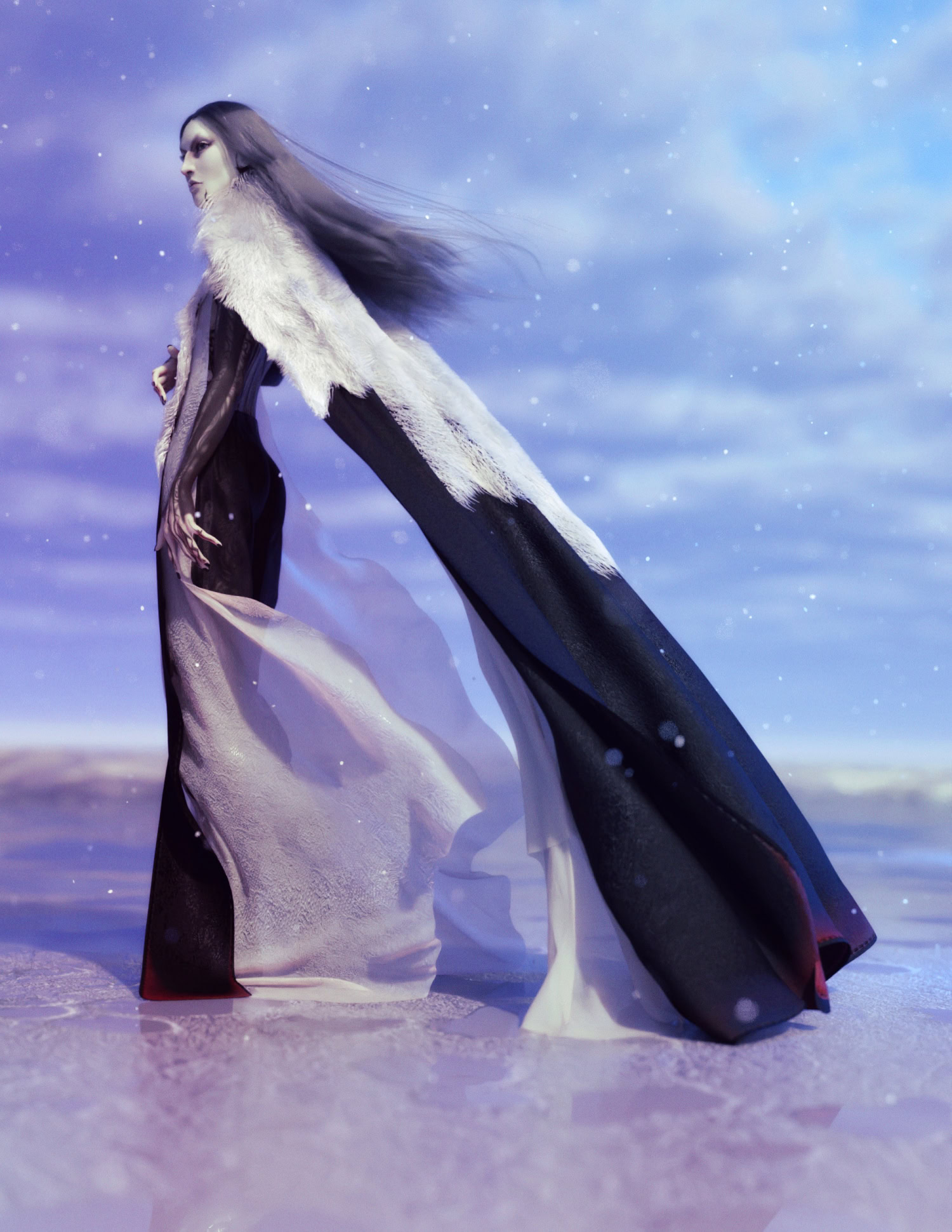
˗ˏˋ Combine The Two´ˎ˗
See, that wasn’t much at all, right?
I use both of these in tandem for 90% of my sims to get the results you see in nearly all of my renders.
1. Start on Frame 0 for pose (and in this with the Princess Dress you absolutely want to make sure the ‘back ties’ are off).
2. Set the timeline to however many frames I think will be
3. Pick my movement keyframes (this time I slid the figure to the side and rotated on the y axis at different frames) and character dial spot
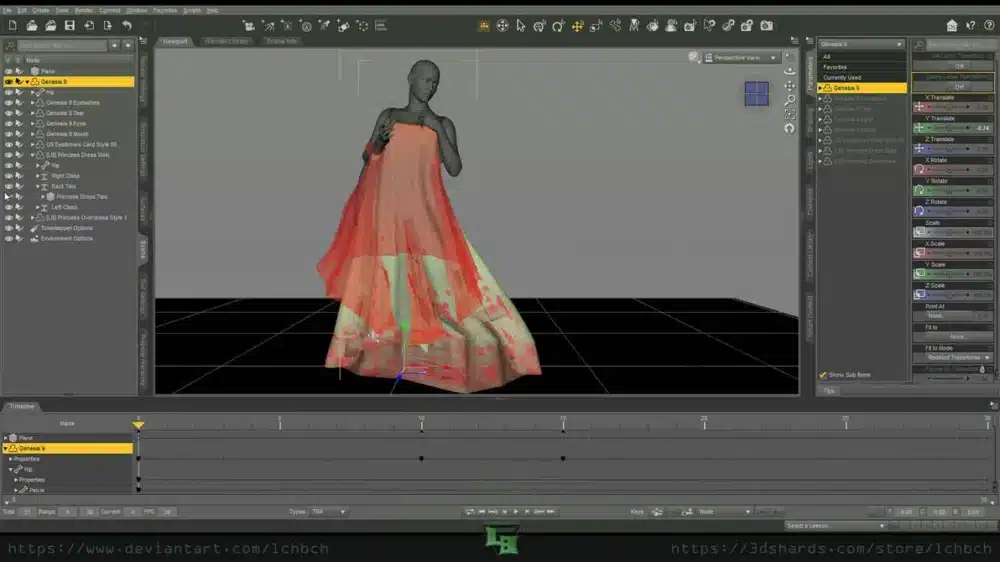
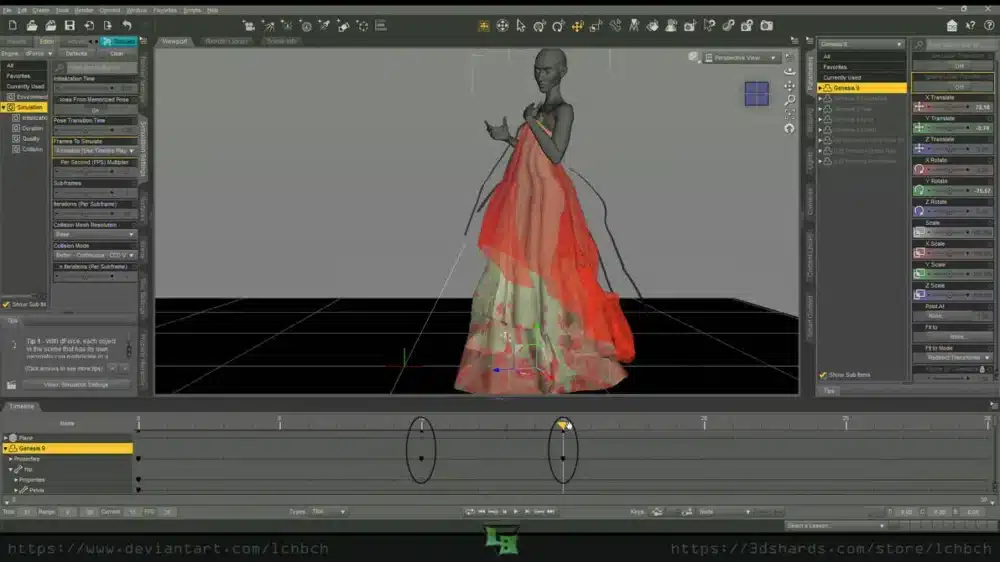
Then let the sim do its thing
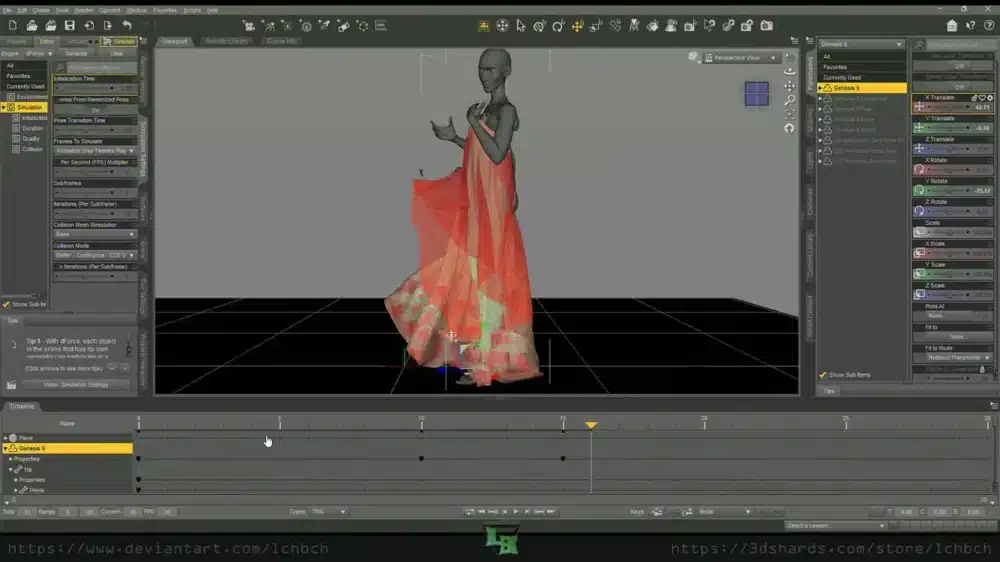
And slide the trackbar through the frames until I find the one I want then finish setting up my scene around it.
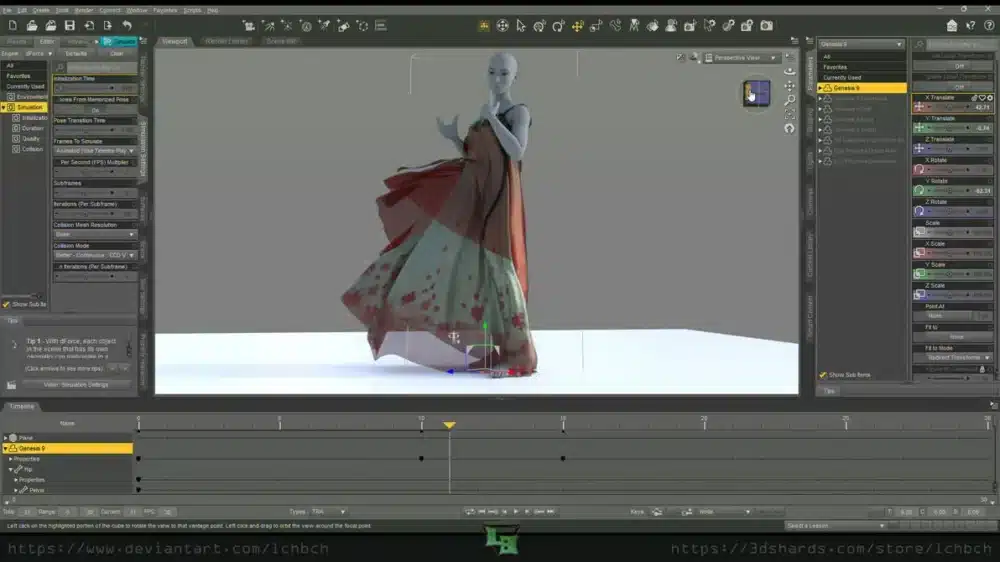
That’s it!
That’s all there is. Now you know my ~secret~ to the sims.
The only final note to mention is that it doesn’t always work particularly well with hair. Some do well with it, some do not.
Hopefully it helps a little on your future dForce shenanigans.
-
-
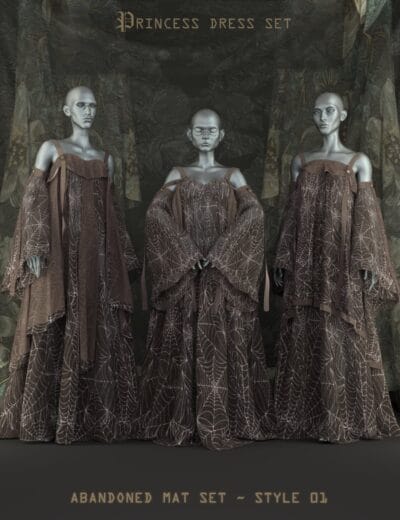
-
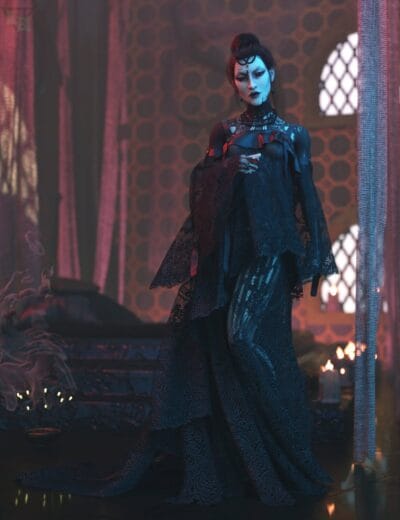
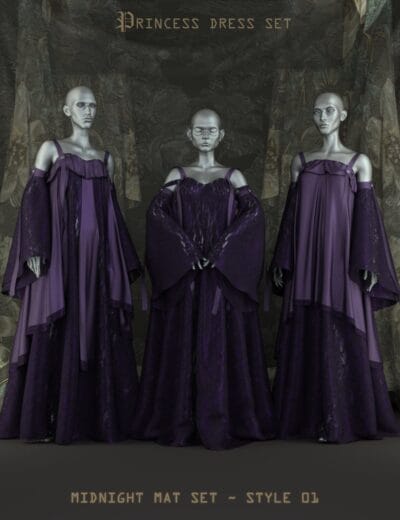
-
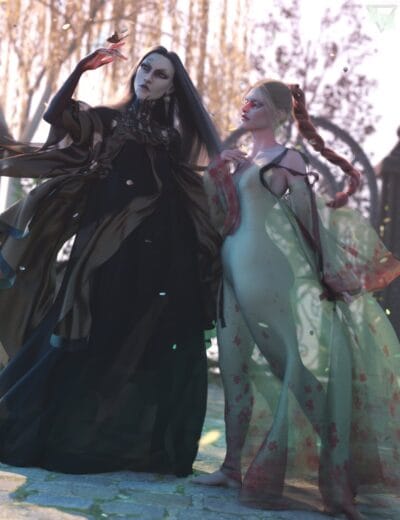
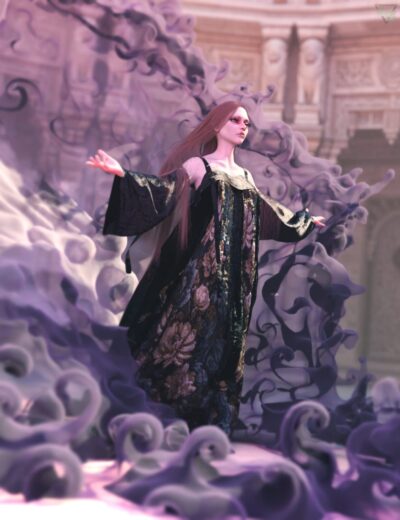
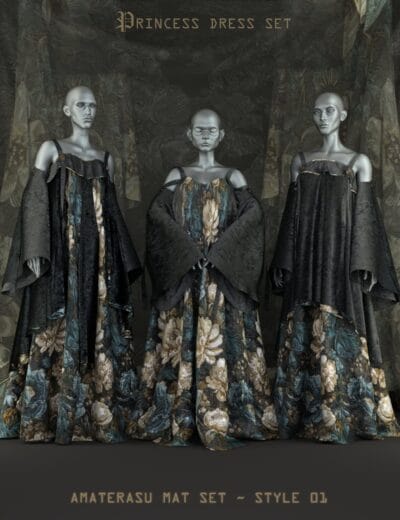
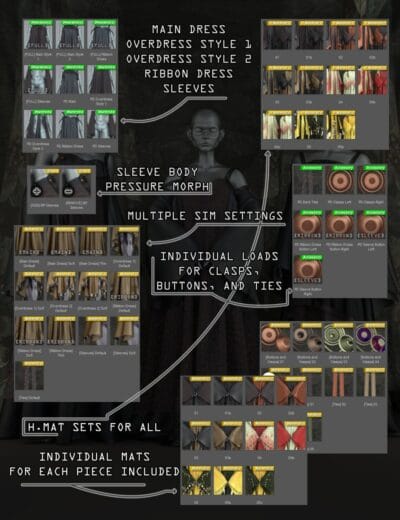 dForce Princess Dress Set for G916.99 $
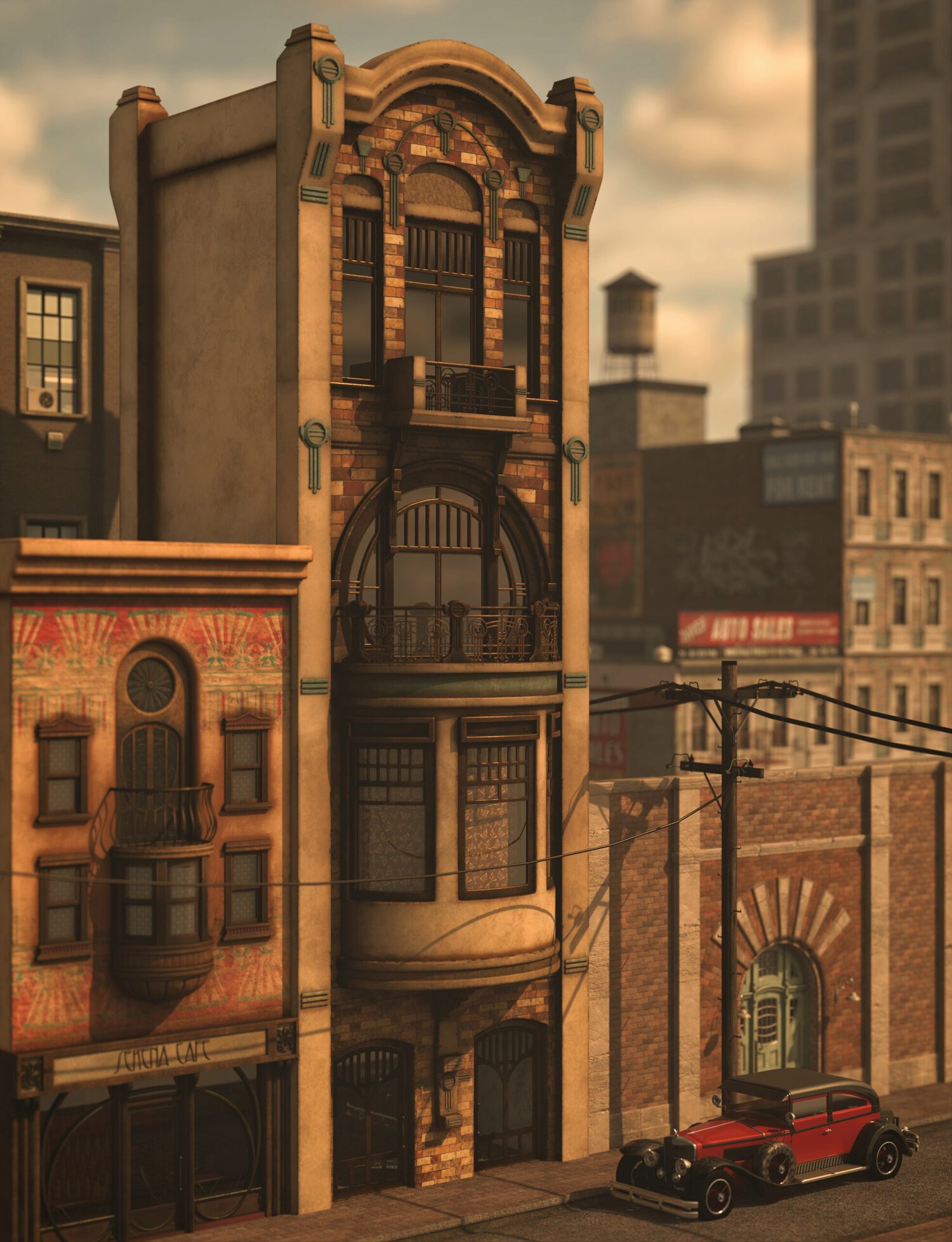 Art Deco style Balcony 3
  CC0 Set
  Heavy Duty Stretched Lobe for Genesis 8/8.1
  Robot Piscis Add-on Freebie
  Metro Straps: Limbs
  dForce Mixable Kokeny Dress for Genesis 9 – Versatile & Stylish Outfit
  Rococ Hair for Genesis 8
  Metro Straps Bundle
  20 Romantic Couple Dance Poses for Genesis 8 & 9 Characters
  Neo Corner Environment
 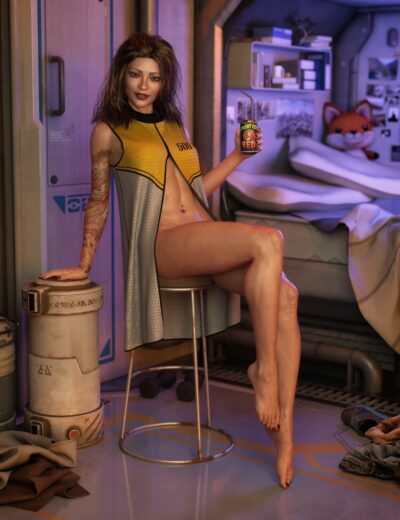 Alby Vest for Genesis 8 & 9 – Modern to Fantasy Styles
 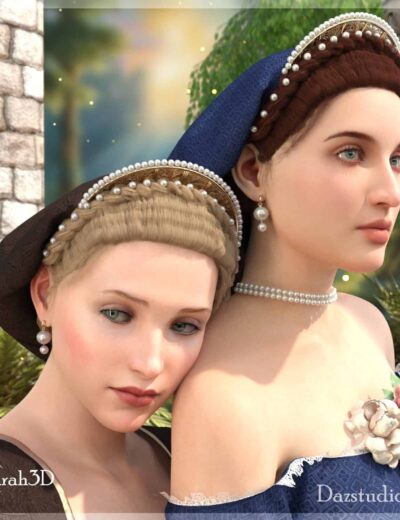 Vannozza Pearl & Crown Snood Hairstyle for G8F/G9
  Advent Calendar - Sleigh Redux
  Gift Guardian
 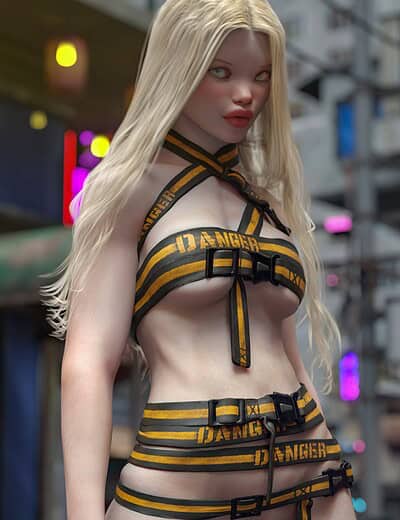 Metro Straps: Torso
 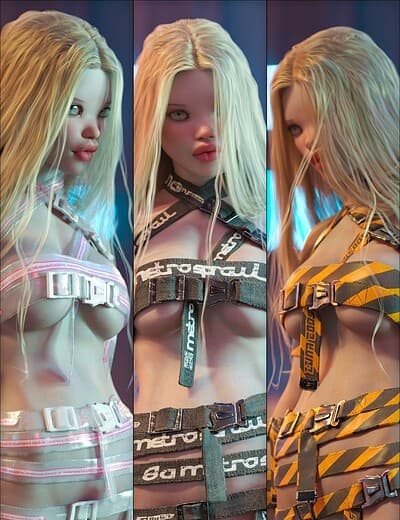 Techwear Styles for Metro Straps
 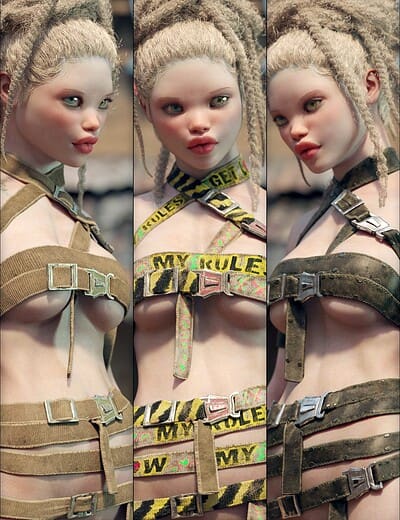 Wasteland Styles for Metro Straps