Opening DAZ Studio for the first time is exciting — and immediately overwhelming. The asset ecosystem is enormous, every product page promises something essential, and there’s almost no guidance on what order any of it should go in. If you’re a beginner, you don’t need everything. You need the right things, in the right order, from sources you can actually trust. This guide tells you exactly which categories of DAZ Studio assets matter most when you’re starting out — and how to find them without wasting time or money on things that won’t help you yet.
Whether your goal is character portraits, fantasy scenes, or stylized 3D illustrations, the foundation is always the same: a capable base figure, a solid set of poses, reliable lighting, and at least one environment worth working in. The sections below walk through each of these in the order they’ll actually be useful to you.
1. A Solid Base Figure Setup
Everything in DAZ Studio builds on top of a base figure. The current standard is Genesis 9 — DAZ’s most advanced figure platform, with better mesh topology, more expressive morphs, and broader compatibility than any previous generation. Before you purchase a single premium asset, confirm that your Genesis 9 Starter Essentials are properly installed through the DAZ Install Manager. Without this, most modern clothing, hair, and pose assets simply won’t behave as expected.
This isn’t glamorous advice, but it’s the most common reason beginners hit walls in their first week. A correctly installed base figure is the difference between assets that load cleanly and assets that throw compatibility errors or render with missing textures. Get this right first, and everything downstream becomes significantly easier.
Once your base is stable, the next question is which character assets to build around it — and that decision is almost always easier when you already know what creative direction you’re headed in.
2. A Character Asset That Fits Your Aesthetic Direction
The temptation when browsing character packs is to buy several at once. This is a trap. A beginner with ten characters and no mastery of lighting, posing, or post-processing will produce ten mediocre renders. A beginner with one well-chosen character and real focus will produce something worth sharing.
The key question isn’t “which character looks the best?” — it’s “which aesthetic direction am I actually building toward?” That’s a meaningfully different question, and the answer shapes every subsequent asset decision. A creator going toward gothic portraiture needs a completely different starting kit than one heading toward steampunk science fiction or Mesoamerican-inspired fantasy. If you already have a stylistic instinct but aren’t sure which assets map onto it, the 3D Shards Collections page organizes assets by visual theme — Cyberpunk, Steampunk, Fantasy, Goth, Vampire, Magic, and more — so you can browse by creative direction rather than scrolling through undifferentiated product listings.
A good beginner character pack should include high-resolution skin textures, a range of facial expression morphs, and at least basic material variants for skin tone and eye colour. What separates useful character assets from decorative ones at the beginner stage is technical reliability: textures that load correctly in Iray, morphs that don’t break the mesh, and clothing compatibility that’s clearly documented. These details rarely make the product page headlines, but they determine whether you spend your session creating or troubleshooting.
3. Pose Packs — The Fastest Way to Improve a Render
The default Genesis 9 stance is a rigid T-pose. It conveys nothing, it looks mechanical, and it will make even a beautifully textured character look like a test asset. Poses are one of the highest-leverage investments a beginner can make, because a single well-chosen pose reshapes the entire narrative of an image.
What to prioritise in a starter pose pack:
- Natural weight distribution — poses where the figure looks like it’s actually standing, not floating
- A range of moods and contexts: neutral, expressive, action, seated
- Mirror variants, so you can flip a pose for compositional flexibility
- Hand poses included or sold alongside — hands are the hardest part of the figure to pose manually
Quantity is not the goal here. Twenty genuinely varied poses are more useful than two hundred near-identical variants of the same stance. When evaluating a pose pack, look critically at the promo renders: if every image shows the same character in flattering light, the seller may be compensating for weak poses with production quality. Download a freebie version first whenever one is available.
Vampire Theme
-
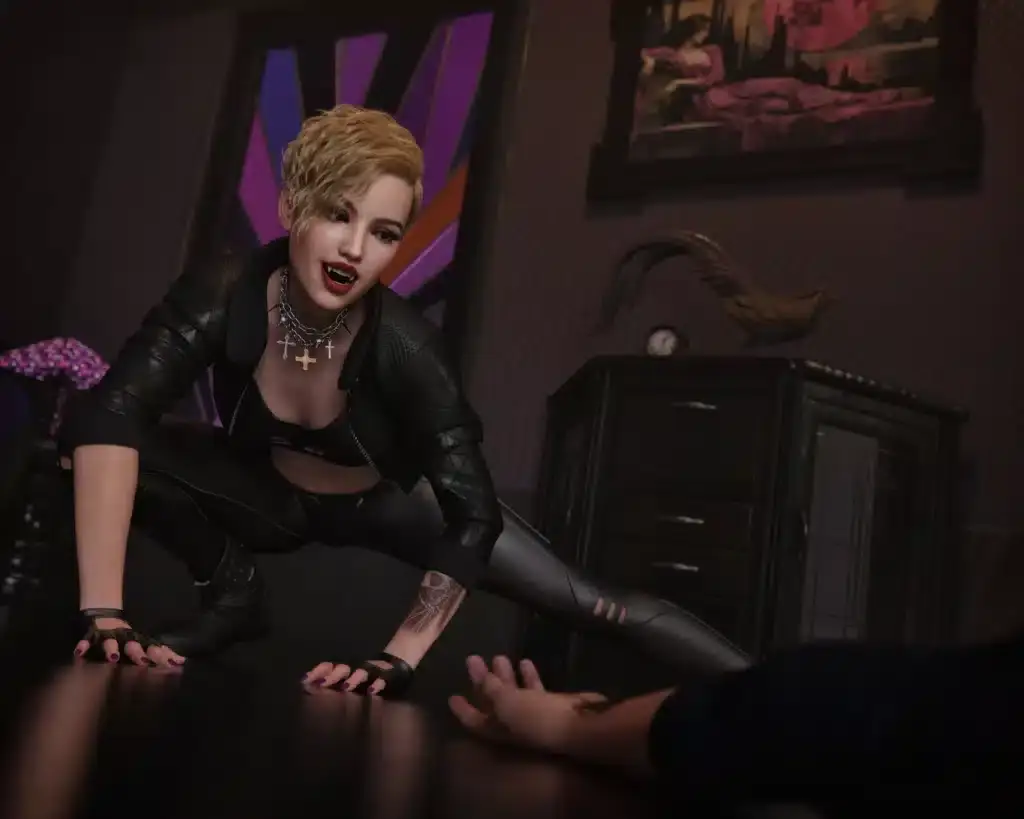
Vampire Hunter Costume & Art Deco Office Props Bundle Pack
29.99 $ -
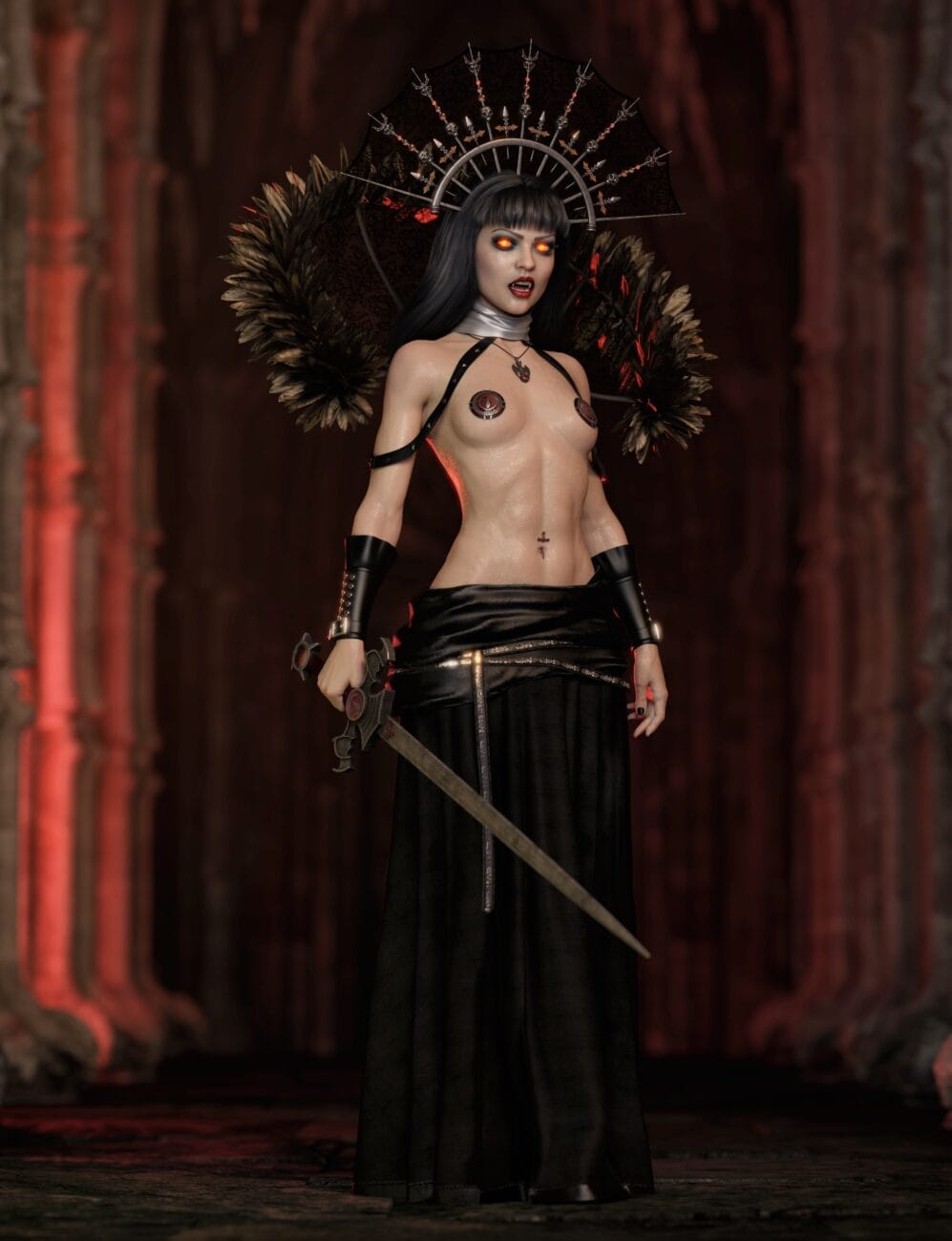
Gothic & Vampire Accessories Pack for G8 and G9
24.99 $ -
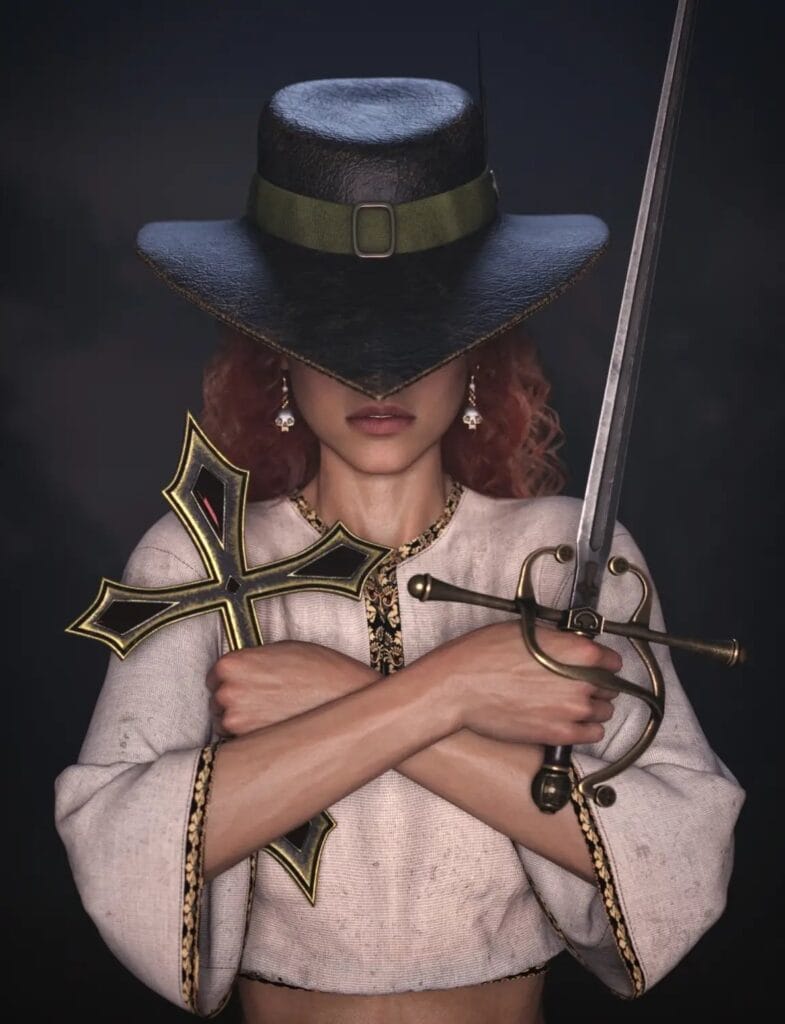
Vampire Hunter S Outfit for Genesis 8 & 9
9.99 $ -
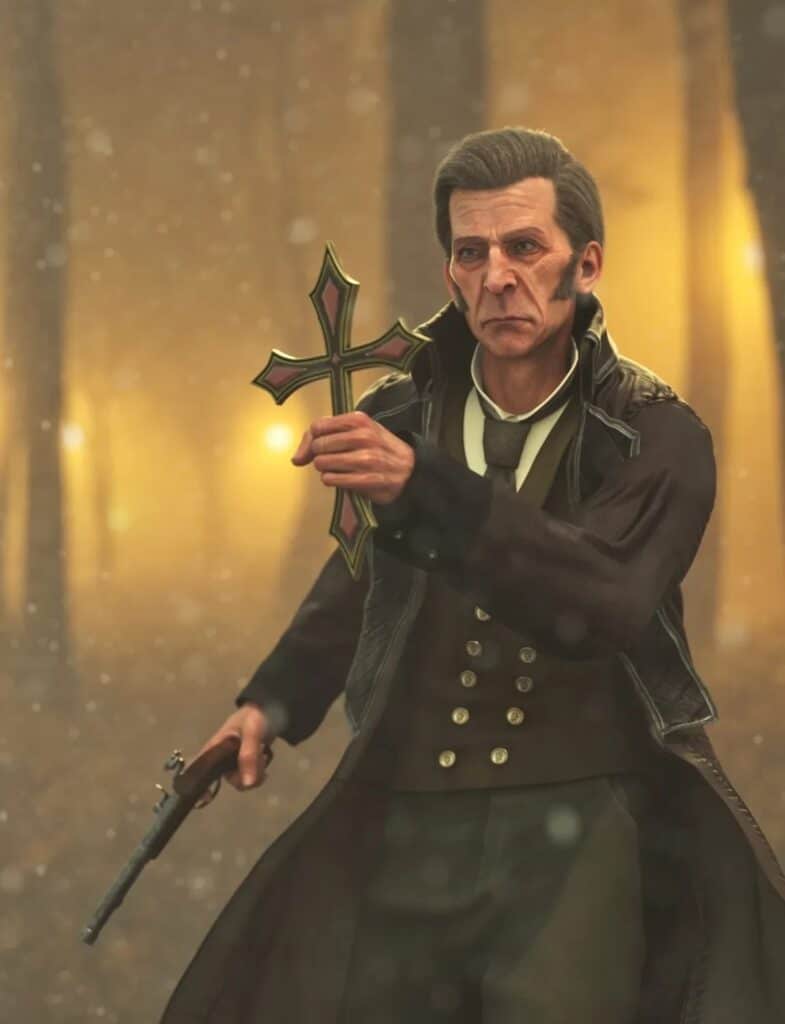
Vampire Hunter Kit for Daz Studio – Props for Genesis 8 & 9
6.99 $ -
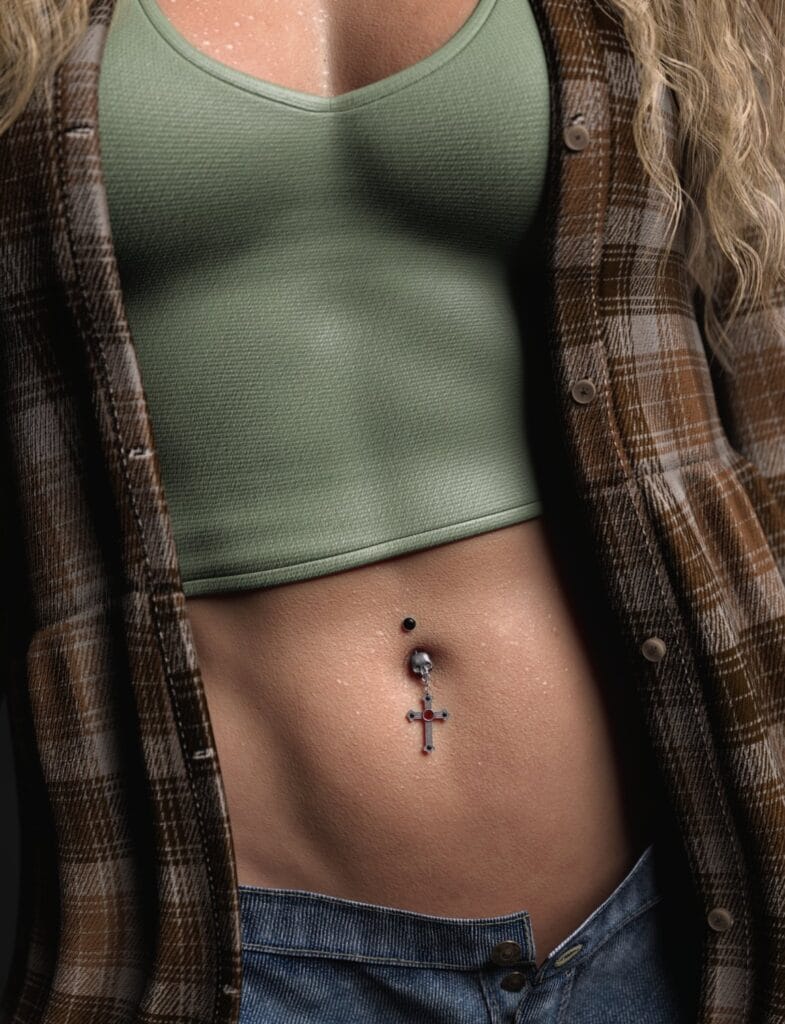
Goth Jewelry for Genesis 8 & 9 — Gothic Accessories + Bonus Halloween Nipple Patches
9.99 $
4. HDRI Lighting — The Variable That Changes Everything
More beginners underinvest in lighting than in any other category, and it shows. Lighting is the single variable that separates a flat, muddy render from one that looks intentional and professional. The good news is that HDRI lighting in DAZ Studio is genuinely beginner-friendly: you load an environment map, and it wraps your scene in physically accurate, omni-directional light without requiring you to place a single manual light source.
A practical starter HDRI library should give you access to:
- A soft neutral daylight option, ideal for skin and portraiture
- A warm golden-hour or late-afternoon look for mood
- One diffuse overcast sky for consistent, shadow-free lighting
- A clean studio setup with a neutral background
Once you have a reliable HDRI workflow, re-lighting a scene takes seconds rather than hours — and your renders will improve immediately, without changing anything else. If you’re unsure which lighting approaches work best with the kind of scenes you’re building, the 3D Shards community forums are a direct line to creators who’ve worked through exactly these questions and can give you honest, experience-backed guidance instead of generic tutorials.
5. A Starter Environment or Backdrop Scene
A figure on a blank background has its uses — portrait compositing, concept work, graphic design — but if you want to tell a story, you need a context. For beginners, a single well-chosen environment is more useful than a large collection of mediocre ones.
The key criteria for a beginner-appropriate environment:
- Manageable polygon count. Complex scenes increase render times dramatically. As a newcomer, you’ll be re-rendering frequently while you learn — an environment that takes forty minutes per render will slow your progress significantly.
- Included lighting presets. Environments that ship with pre-built light setups let you render immediately without digging into camera and light settings from scratch.
- Thematic consistency. Your environment and your character should share an aesthetic logic. A gothic character in a sunlit meadow creates cognitive friction unless that contrast is intentional. Choosing your environment from the same thematic territory as your character produces more coherent images from the start.
A simple interior space — a room, a study, a minimal outdoor clearing — gives you enough context to make a render feel grounded without overwhelming your hardware or your learning curve. Scale up to larger, more complex environments once you have confidence with your render settings and lighting workflow.
6. Core Wardrobe: Clothing and Hair
Clothing and hair are where DAZ Studio asset compatibility gets genuinely complex. The most important thing to understand as a beginner is the difference between native clothing — built specifically for your figure generation — and converted clothing that relies on DAZ’s autofit system to translate older assets to Genesis 9. Native clothing fits better, simulates more accurately, and causes far fewer problems. Start there.
A practical beginner wardrobe doesn’t need to be large:
- One versatile outfit suited to your chosen aesthetic direction
- One hair asset with at least two or three style or colour variants
- A small set of props or accessories relevant to your theme, if your chosen collection calls for them
For hair, static assets are the right starting point. DAZ’s dForce hair simulation produces more natural results, but it adds simulation time and introduces another variable to manage before you’re ready for it. Get your render pipeline stable first; dynamic hair is a refinement, not a foundation.
7. Skin Shaders and Surface Materials
This category is consistently underestimated by beginners and consistently praised by intermediate users who finally discover it. Skin shaders — sometimes called surface presets or material presets — don’t replace your character’s textures; they change how DAZ’s Iray renderer interprets those textures.
Specifically, they control subsurface scattering (the way light passes through skin), specularity (how the skin reflects light), roughness mapping, and micro-detail behaviour. A character rendered with default Iray skin settings and a character rendered with a well-tuned shader preset can look like completely different assets — even with identical textures.
For beginners, the highest-impact skin-related upgrade you can make is a quality Iray shader set designed for your specific figure generation. It costs less than most character packs and improves every character you already own.
Recommended products
-
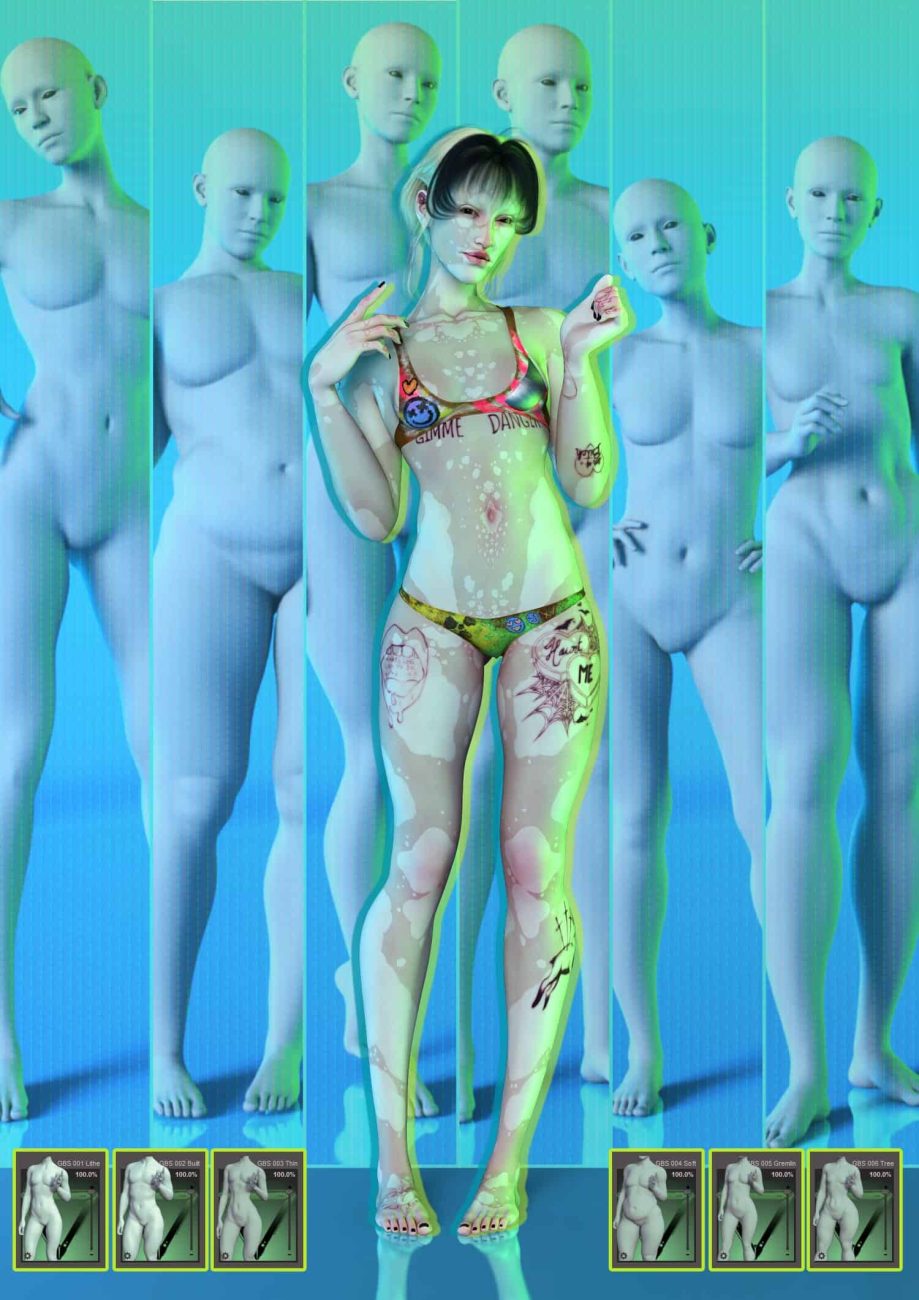
G9 Gliched Body Shapes
12.99 $ -
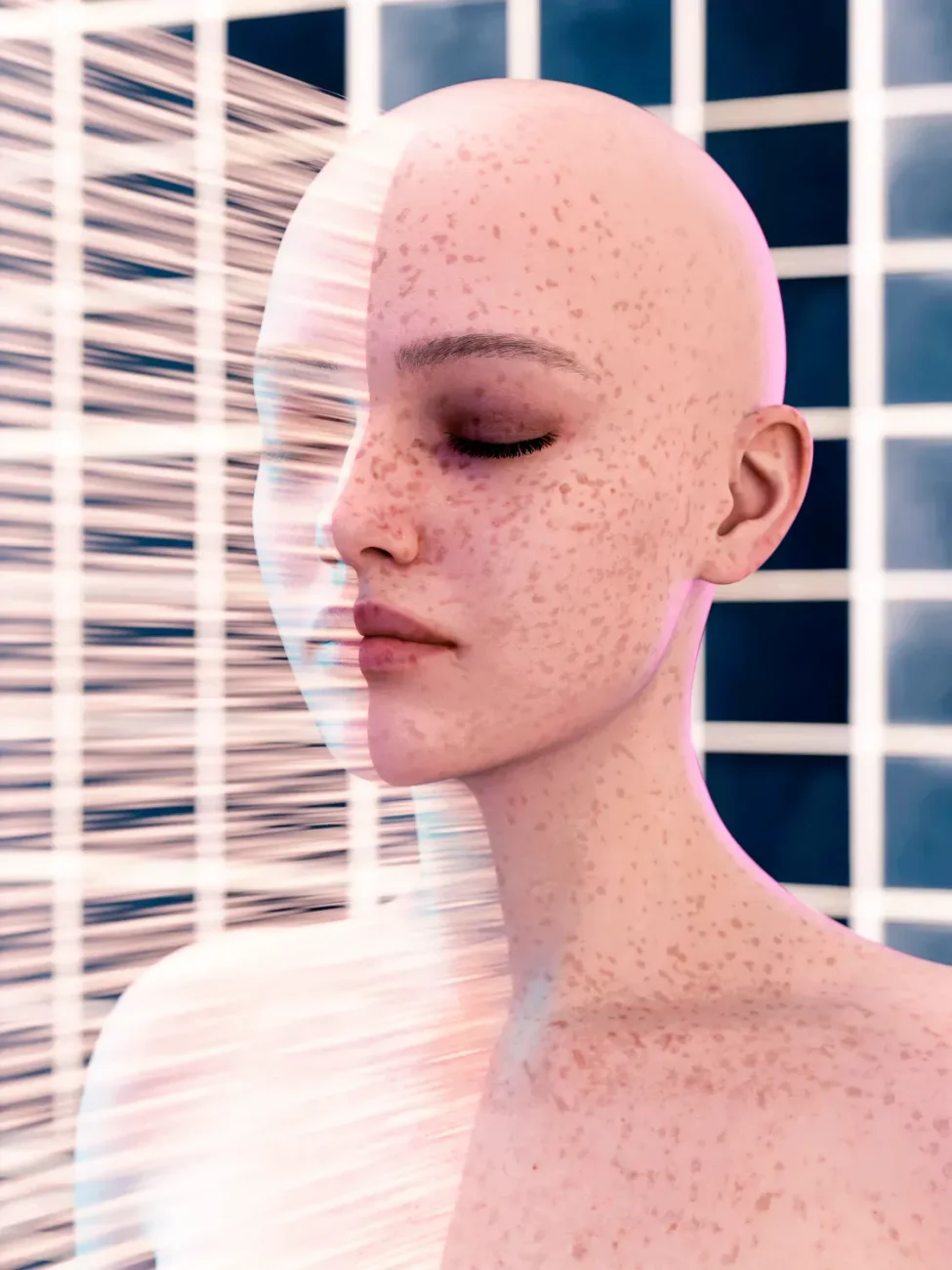
Freckles for Genesis 9
15.99 $ -
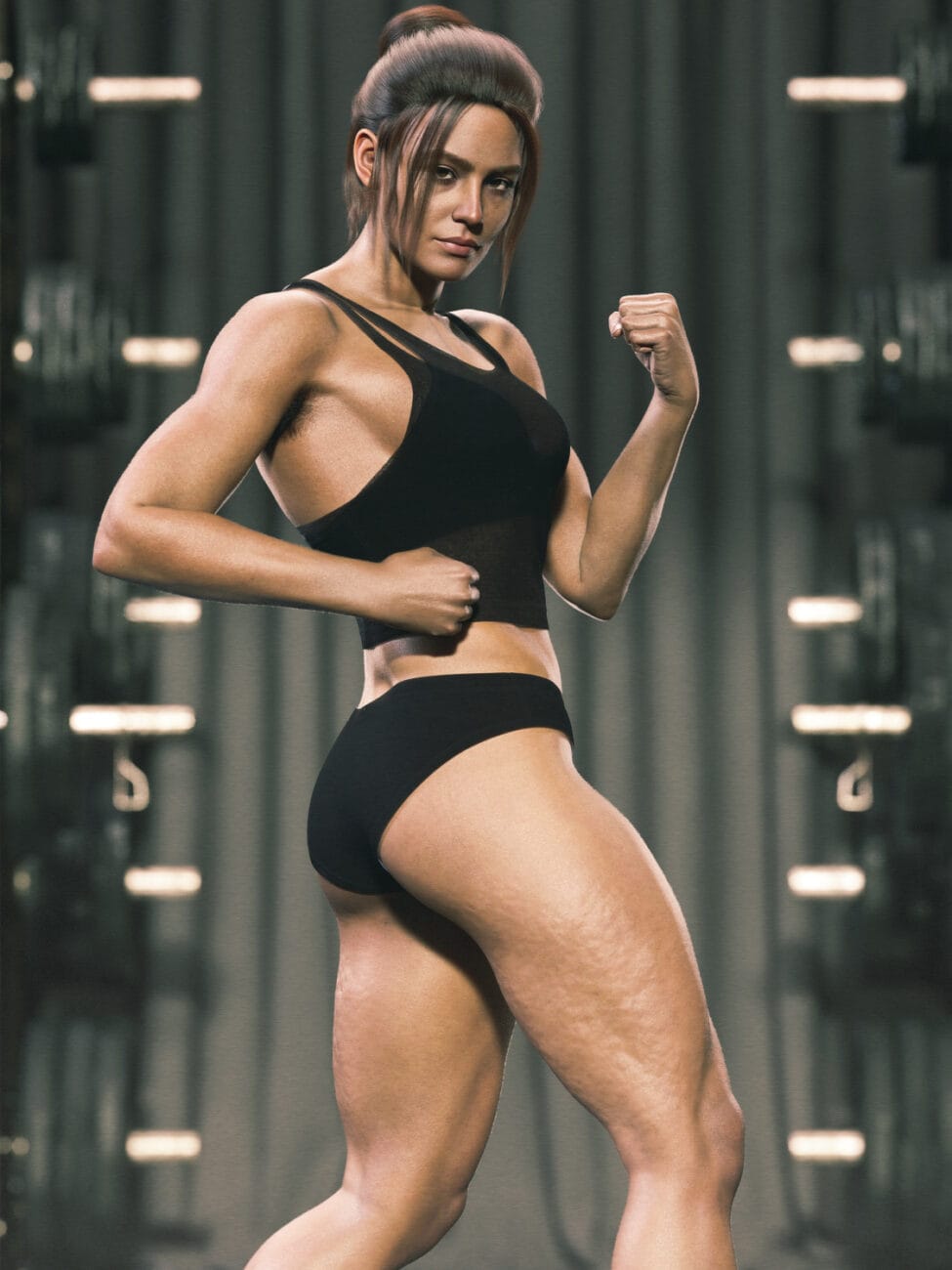
Cellulite for Genesis 9
9.99 $ -
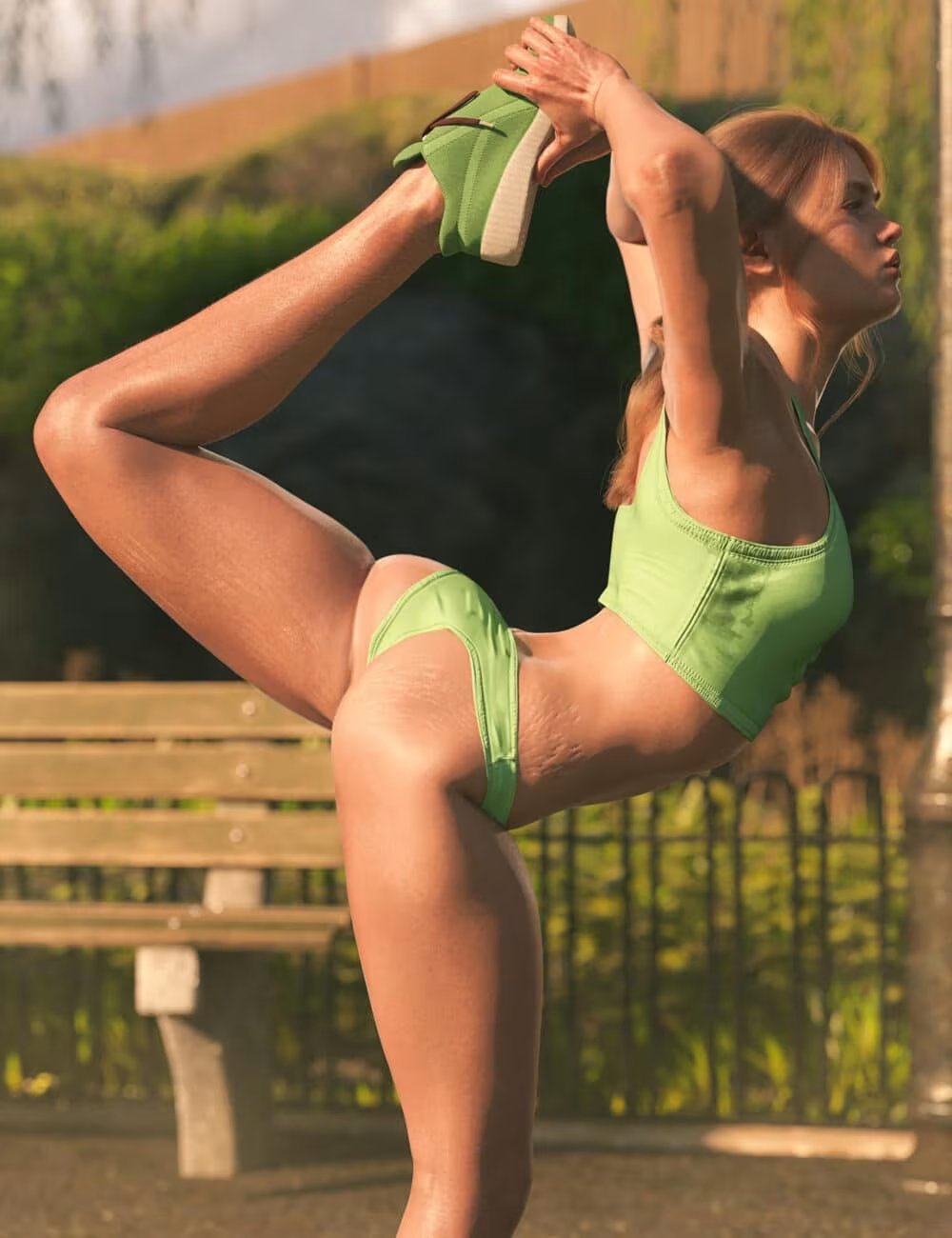
Stretch Marks for Genesis 9
12.99 $ -
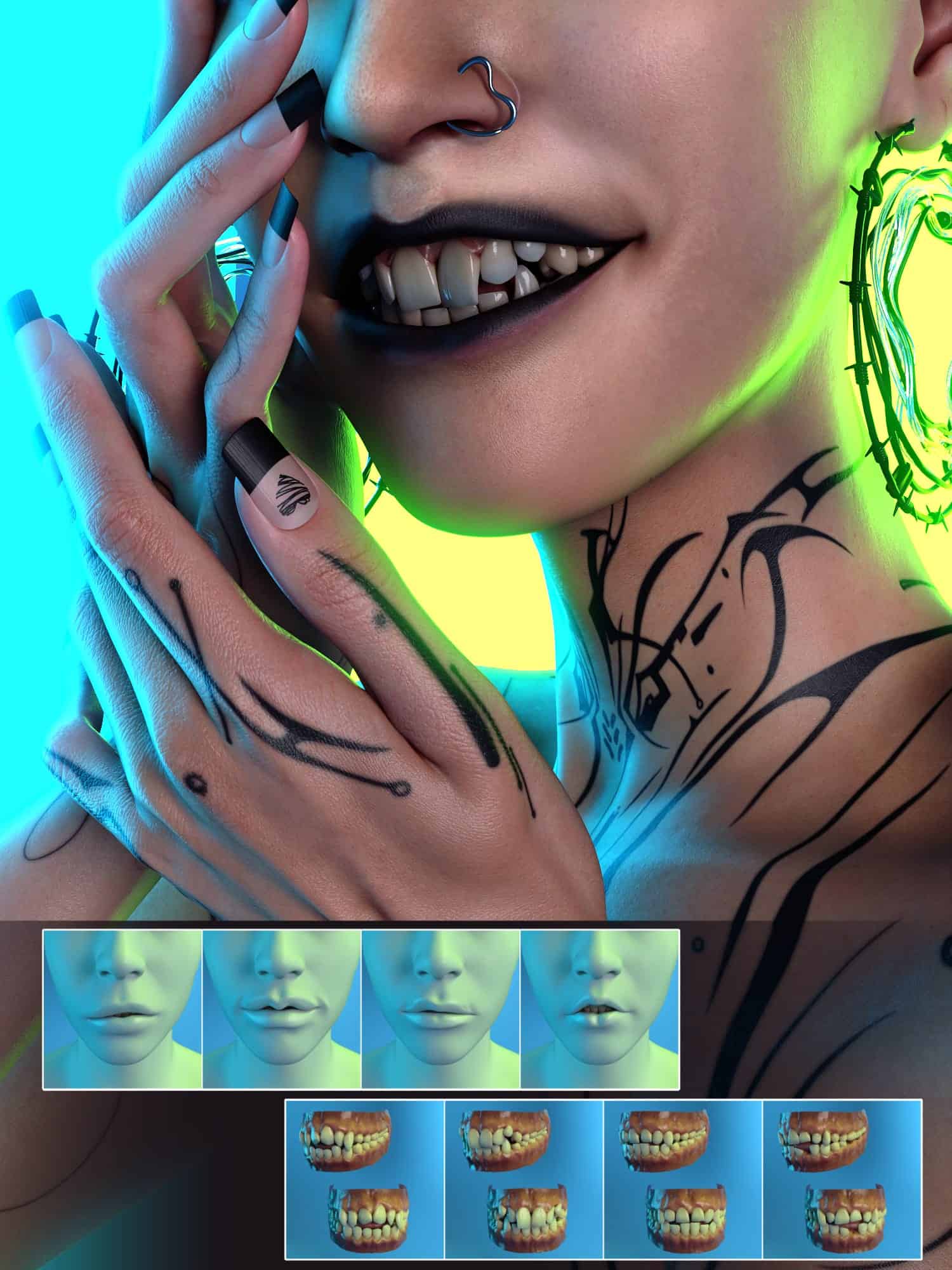
G9 Gliched Lip and Teeth Shapes
9.99 $
8. Camera Presets and Render Settings
The final category that beginners consistently overlook is camera and render configuration. DAZ Studio’s Iray renderer has dozens of adjustable parameters — sampling depth, tone mapping, depth of field, environment intensity, white point — and the factory defaults are deliberately conservative rather than cinematic. The result is renders that are technically correct but visually flat.
A basic camera preset pack gives you access to:
- Portrait focal lengths (an 85mm equivalent is the classic starting point for character work)
- Depth of field presets that produce natural background blur
- Tone mapping curves that mimic photographic film characteristics
Many experienced creators share their render settings as community resources. The DAZ ecosystem has a long tradition of workflow sharing, and high-quality settings are often available before you spend anything on commercial preset packs.
The Right Order: A Beginner Asset Priority List
To pull it all together, here’s the sequence that makes sense for a new DAZ Studio user building their first working library:
- Genesis 9 Starter Essentials — the non-negotiable foundation
- Identify your aesthetic direction, then choose one character that fits it
- A starter pose pack with genuine variety
- A basic HDRI lighting set
- One environment or backdrop scene consistent with your chosen theme
- Core wardrobe: one outfit and one hair asset, native to Genesis 9
- An Iray skin shader set for your character
- Camera and render presets once you’re comfortable with the interface
This list is short by design. Asset acquisition in DAZ Studio can become its own hobby — a form of digital collecting that consumes time and money without producing renders. The creators who improve fastest are the ones who work repeatedly with a small, well-understood library rather than endlessly expanding it before they’ve mastered what they already have.
If you’re ready to start browsing with this structure in mind, the 3D Shards store is built around exactly the kind of deliberate, quality-focused curation that makes a beginner’s asset decisions easier rather than harder.
Where to Go From Here
Once you’ve built the foundation described above and produced your first dozen renders, the natural progression leads toward more specialized territory: dForce cloth and hair simulation, advanced morphing and sculpting, scene-specific prop libraries, and serious post-processing in tools like Photoshop or Affinity Photo. Each of those areas has its own learning curve, its own recommended assets, and its own set of beginner traps.
The 3D Shards blog covers all of it — not as abstract theory, but as practical guidance for creators who are actively building their skills and their libraries. Digging into the deeper workflow and technique articles is the fastest way to close the gap between where you are now and the renders you’re imagining. The fundamentals in this guide will carry you through your first serious work — what comes after depends entirely on how far you want to take it.