


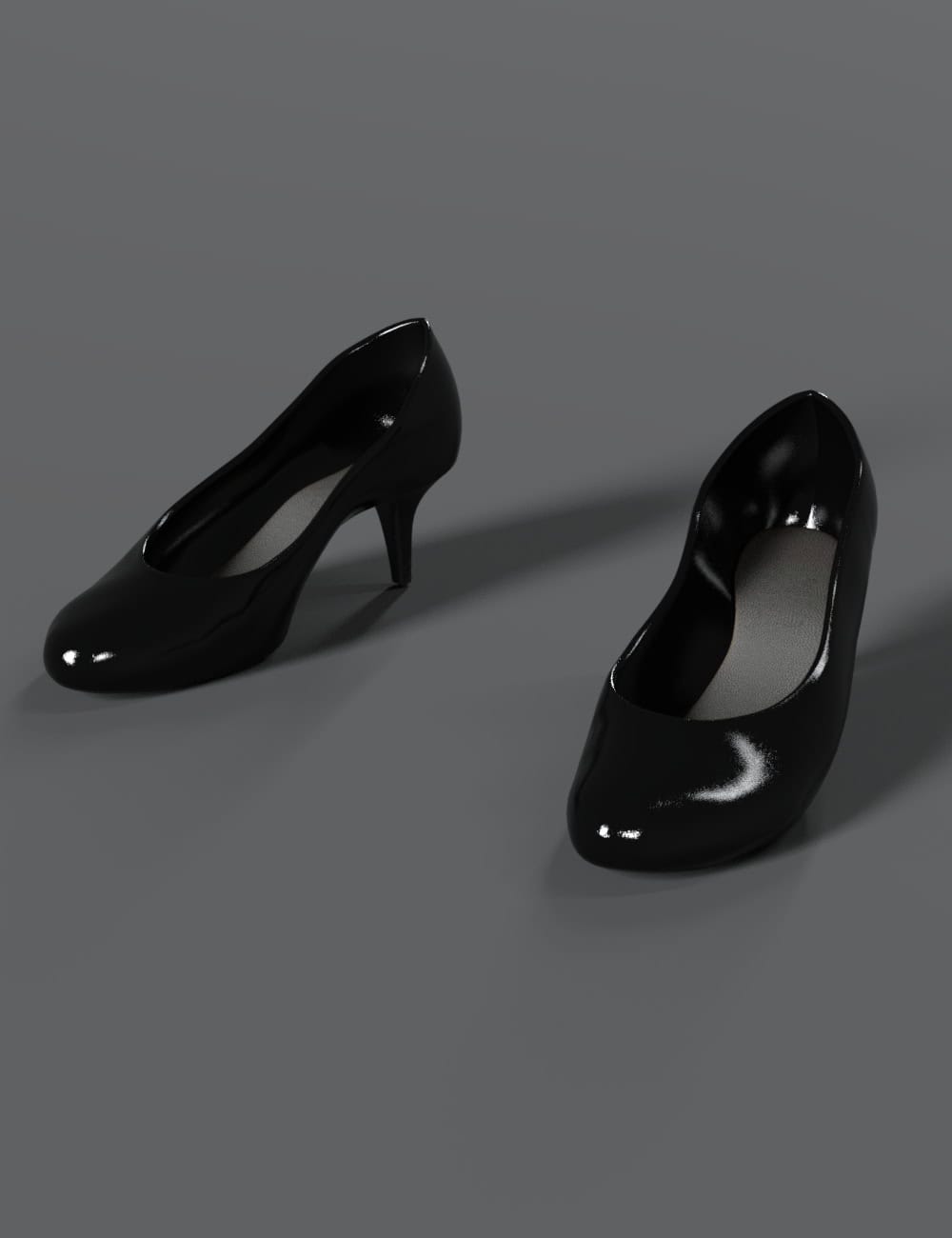
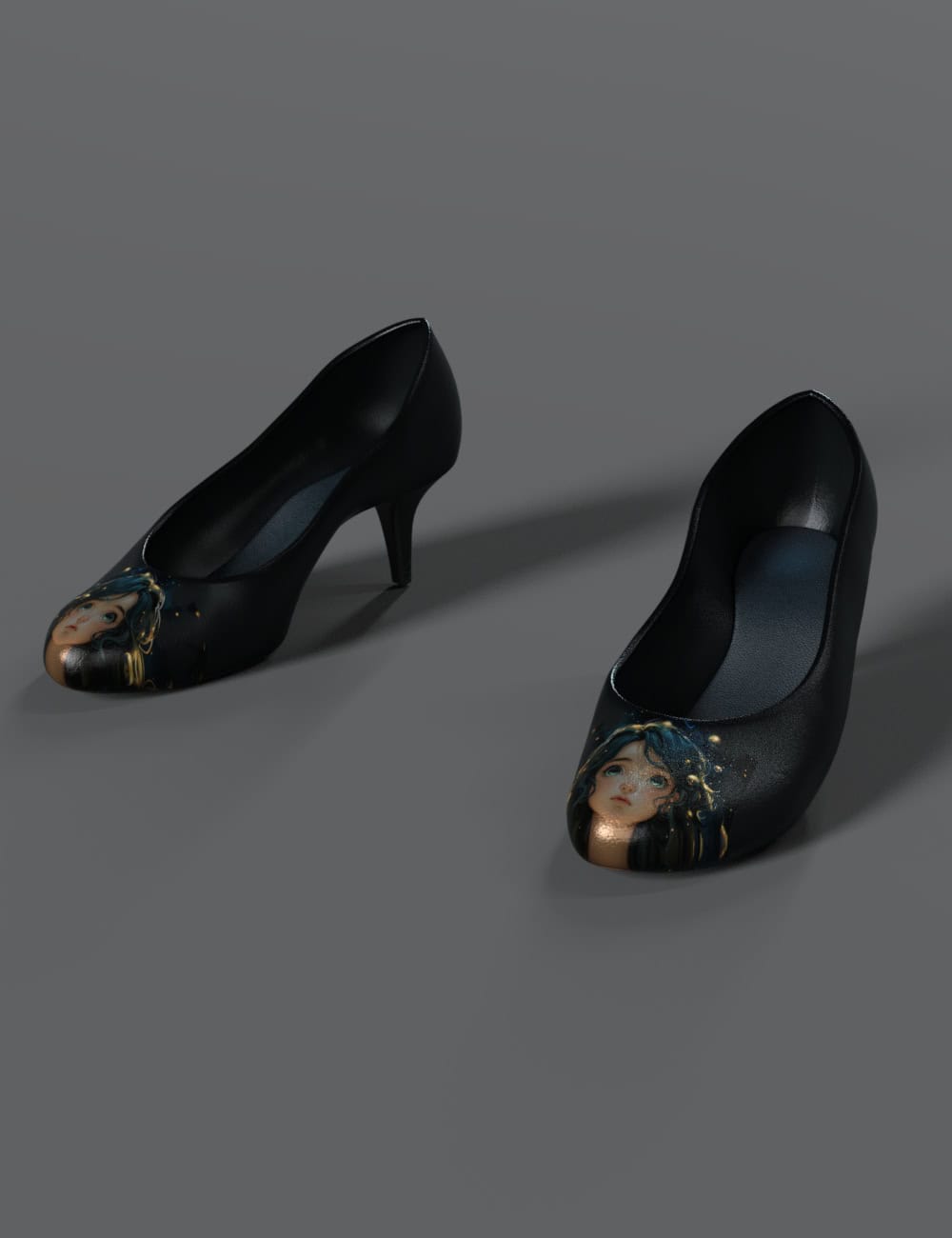
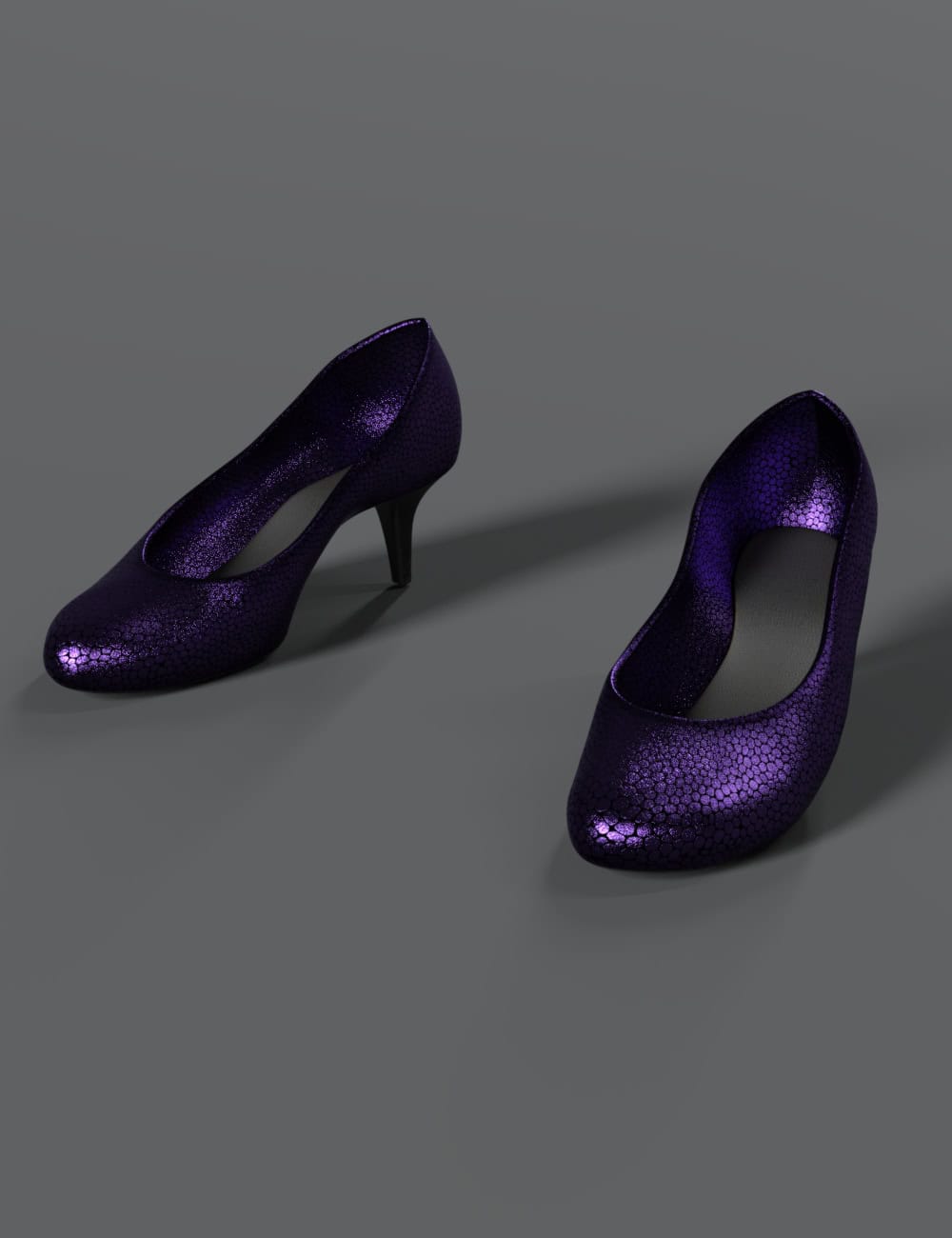
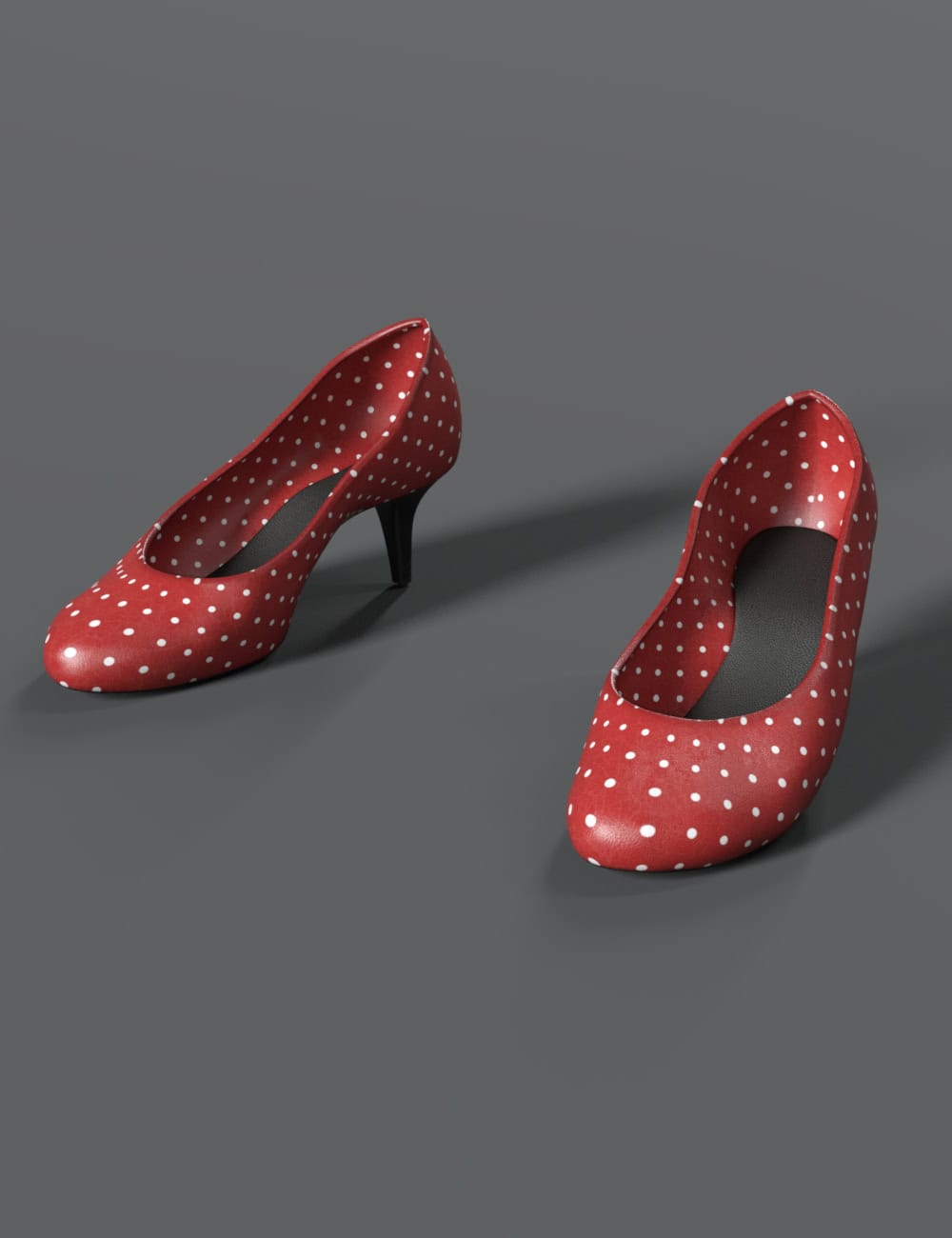
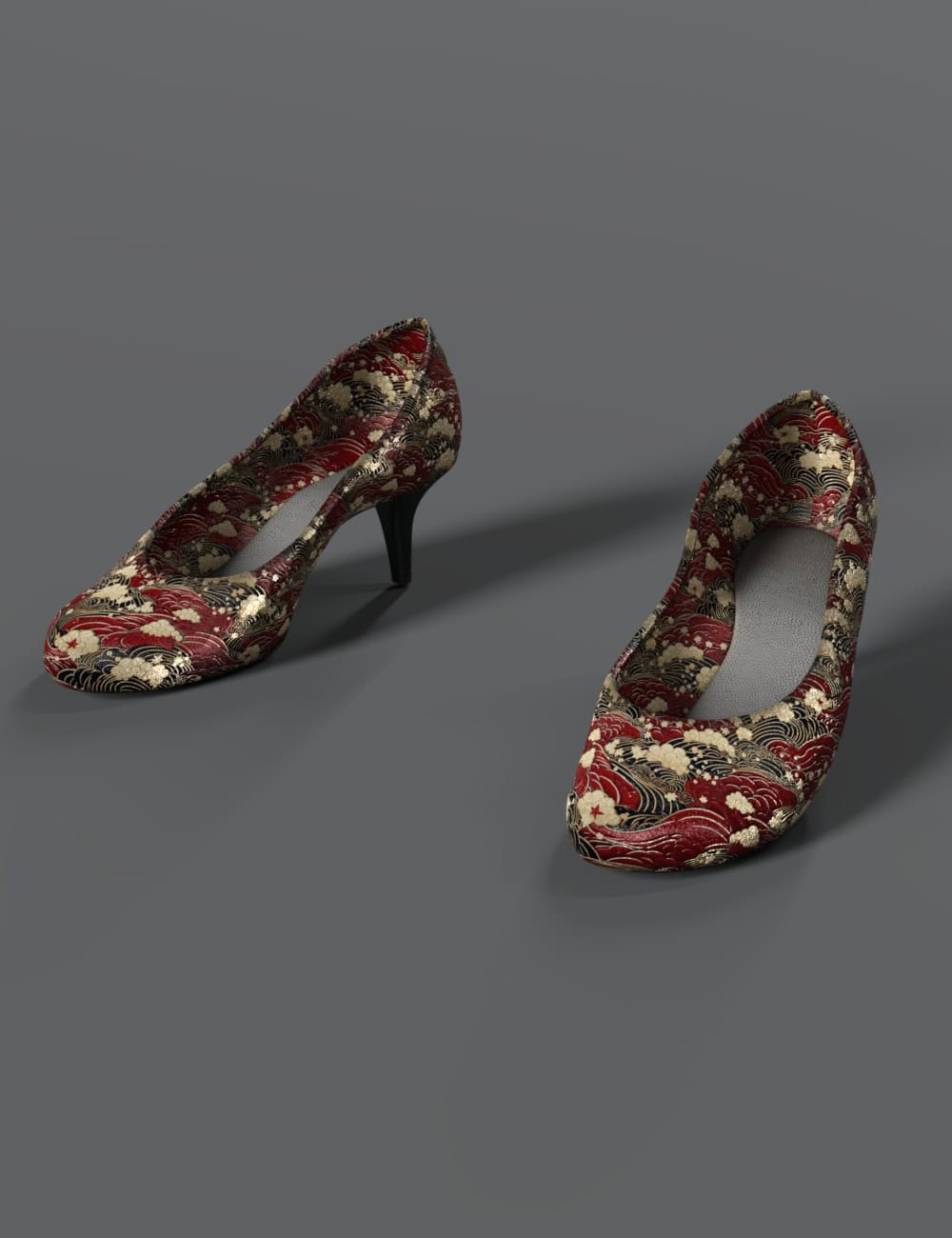
Trendy Pumps for Genesis 8, 8.1 & 9 Female Characters
4.99 $
- DIM Support
- Great Support
- Fair Prices
- Secure Payments
- Instant Download
Description
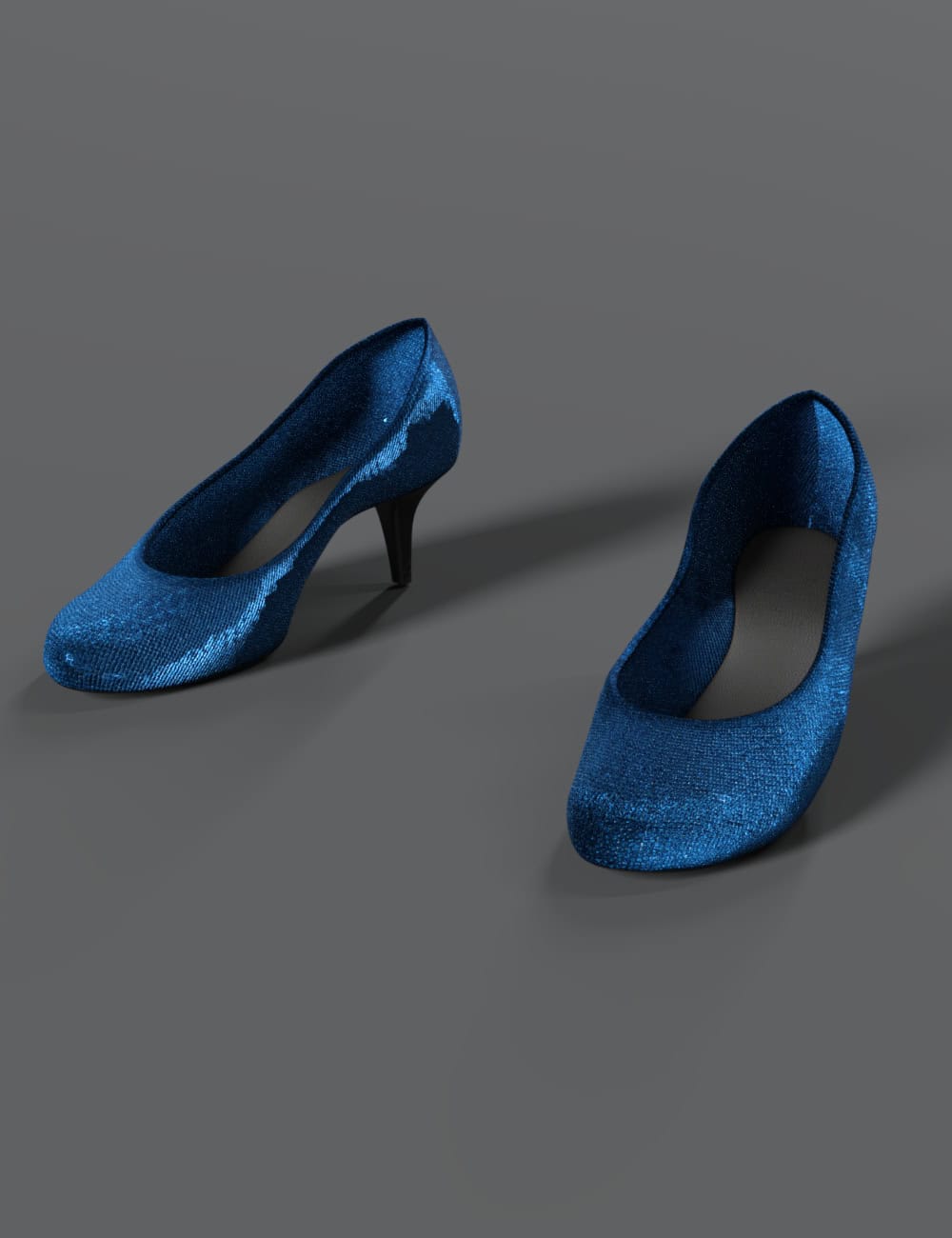
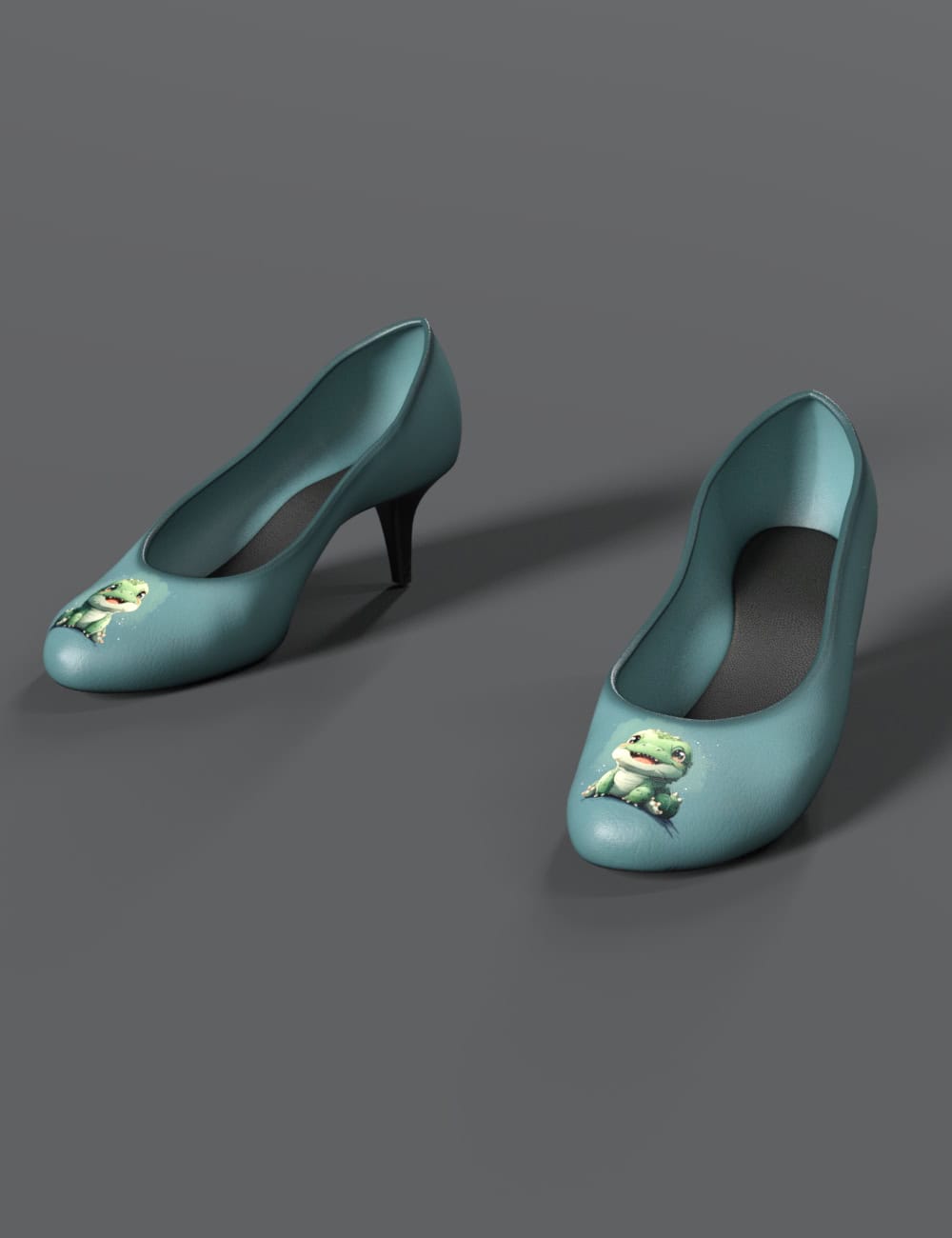
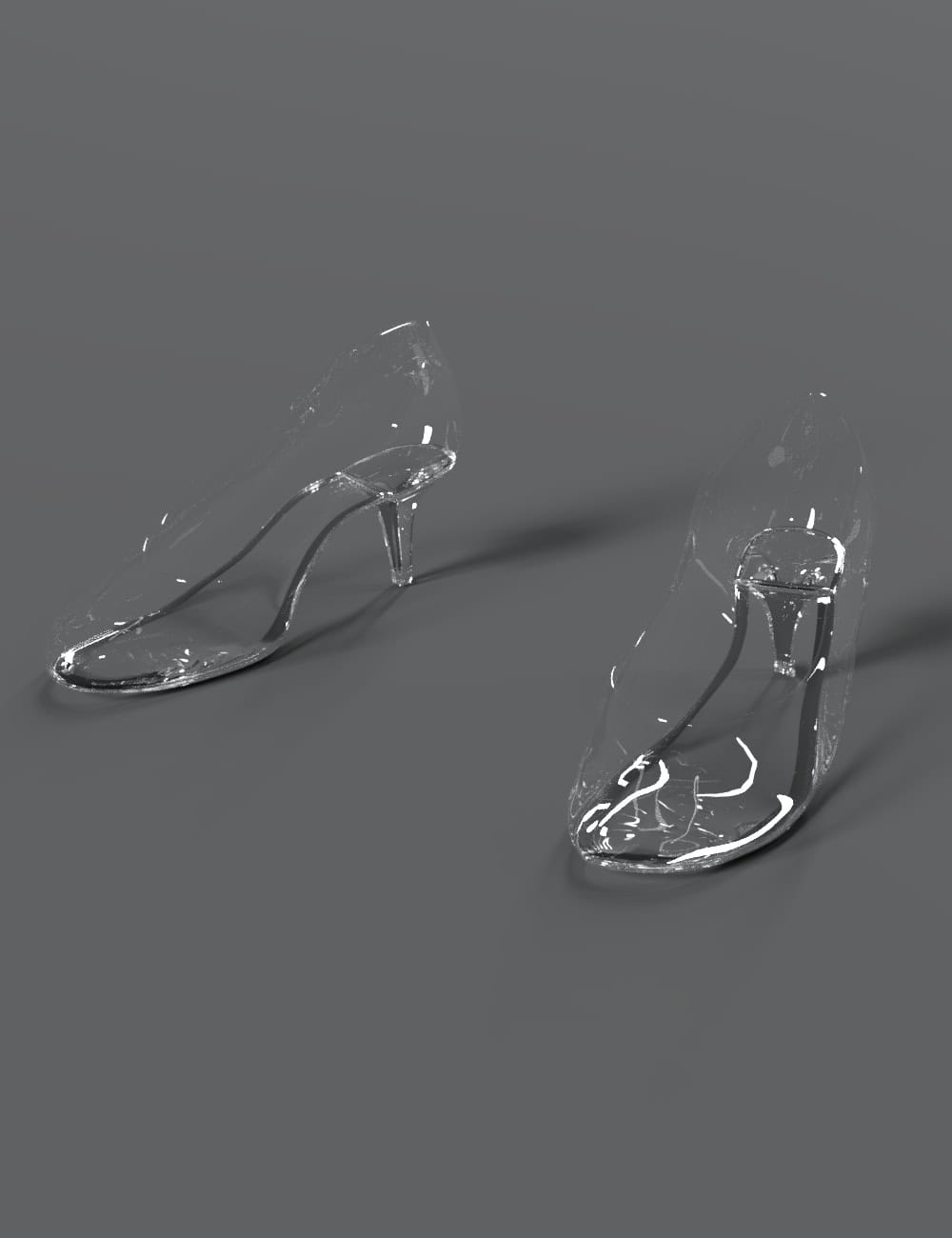
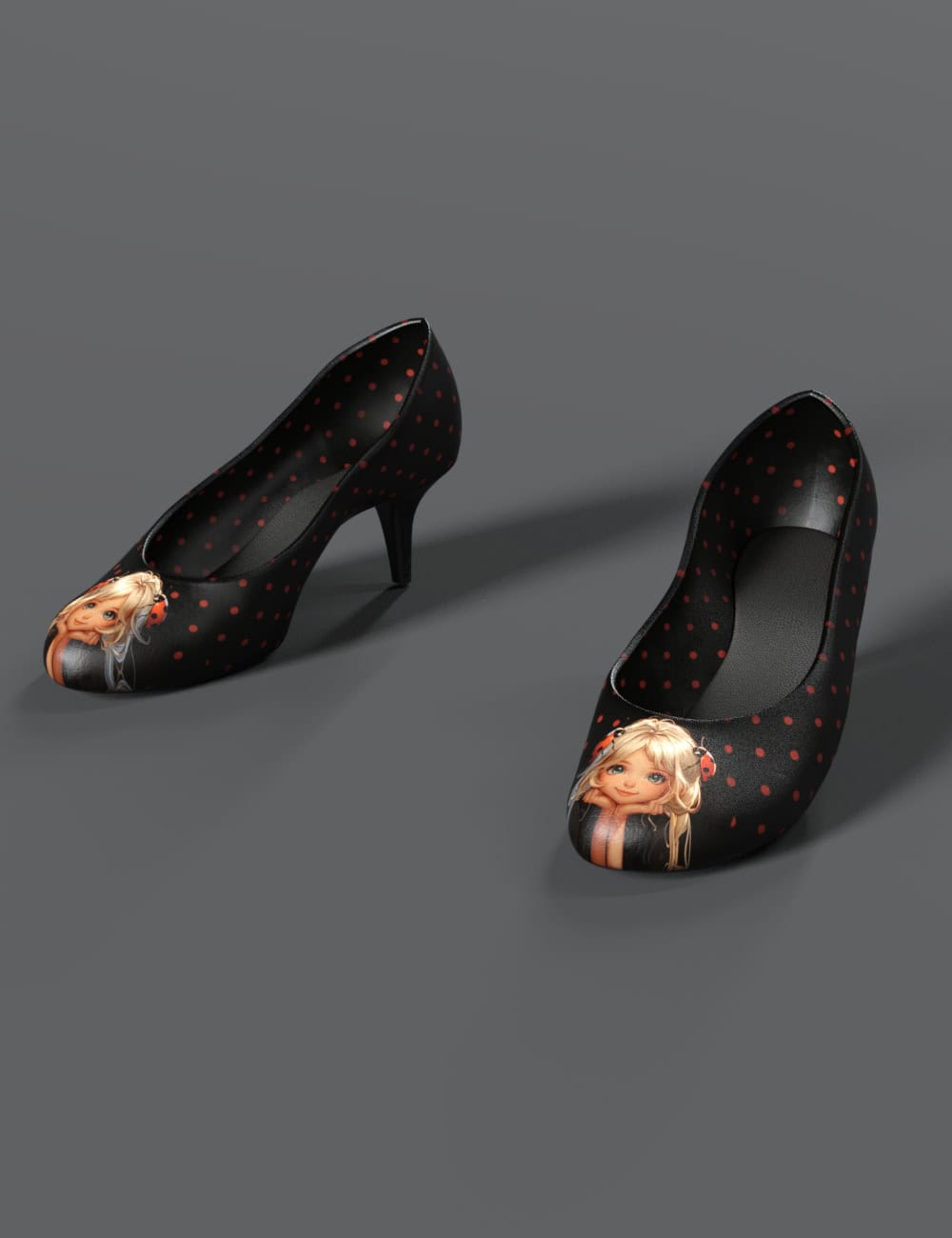
Trendy pump for your Genesis 8 and 9 with several textures.
Additional information
| AI Used | |
|---|---|
| Character Requirement: | |
| DIM Support | |
| License |
Only logged in customers who have purchased this product may leave a review.
Specification
Pumps 01 for Genesis 8/8.1 Female and Genesis 9
The package contains a pair of conforming pumps for Genesis 8 Female and Genesis 9, and the template for making textures.
For Genesis 8 Female, the pose presets are included in case the pose of the feet has to be corrected.
For Genesis 9, the wearable preset is included to load the pair and set the proper pose.
This package requires the followings to work:
DAZ Studio 4.20 or above.
DAZ 3D Genesis 8/8.1 Female
DAZ 3D Genesis 9
You may also like…

Related products





💡 Daz Studio Tip
Use 'Collision' on clothing to make it react to the character's skin automatically.
 Floral Earrings Pack for Genesis 8 & 9 Female in 3D
Reviews
There are no reviews yet.