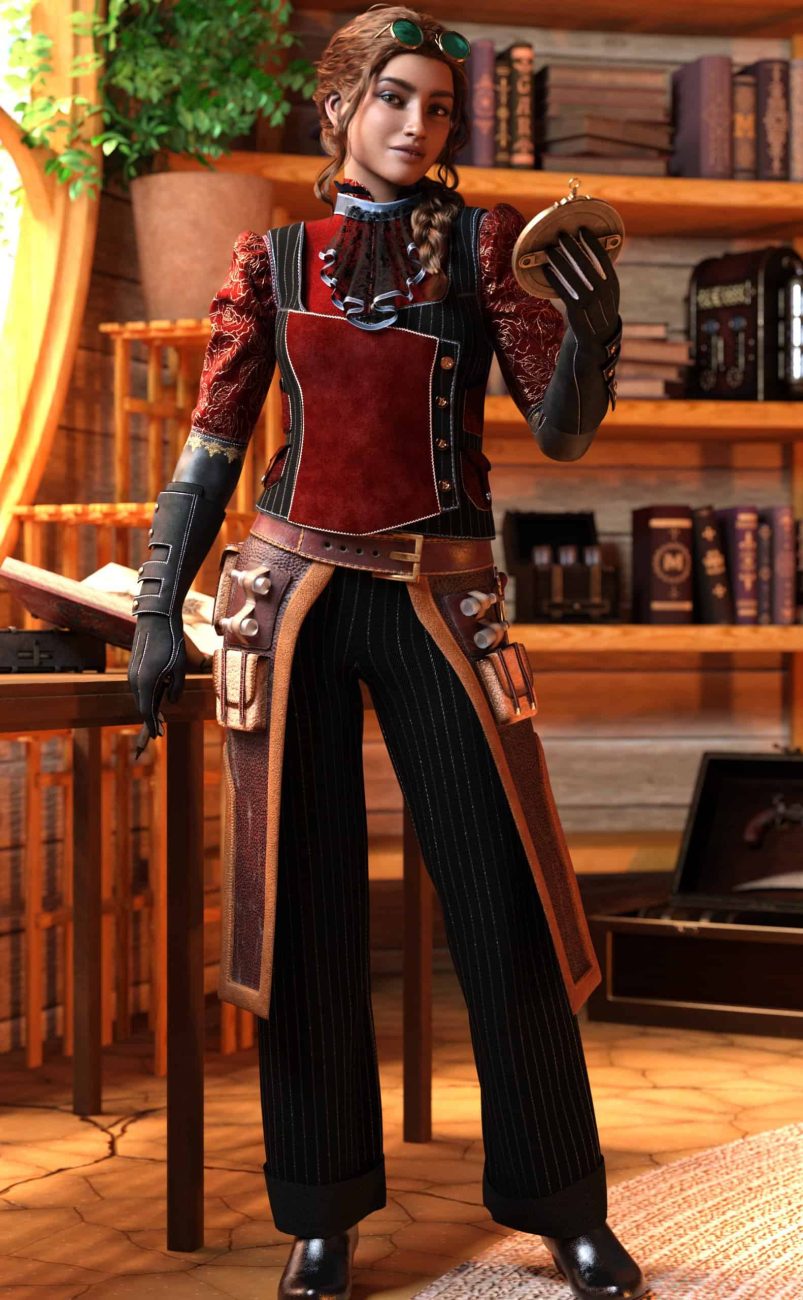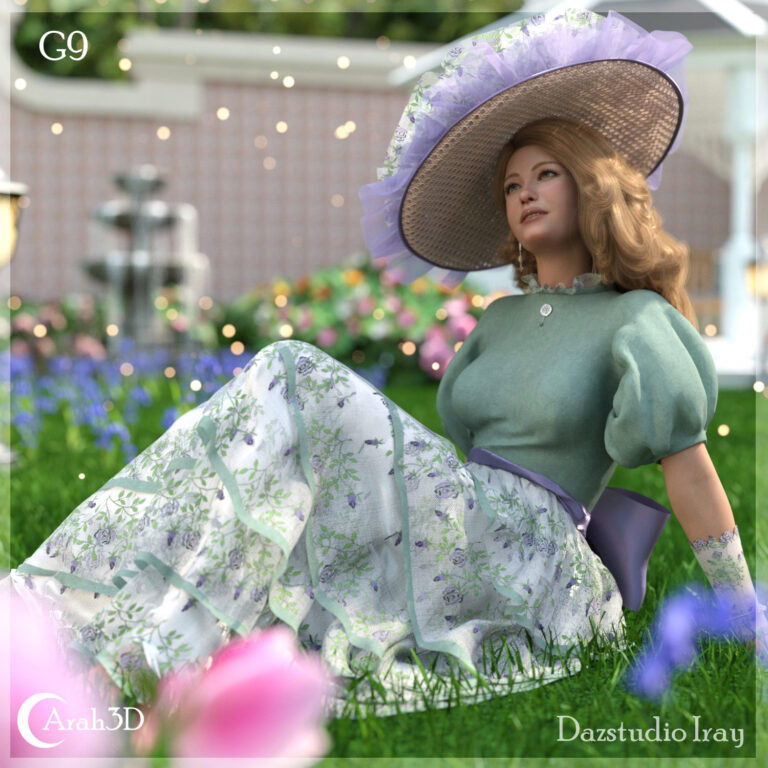
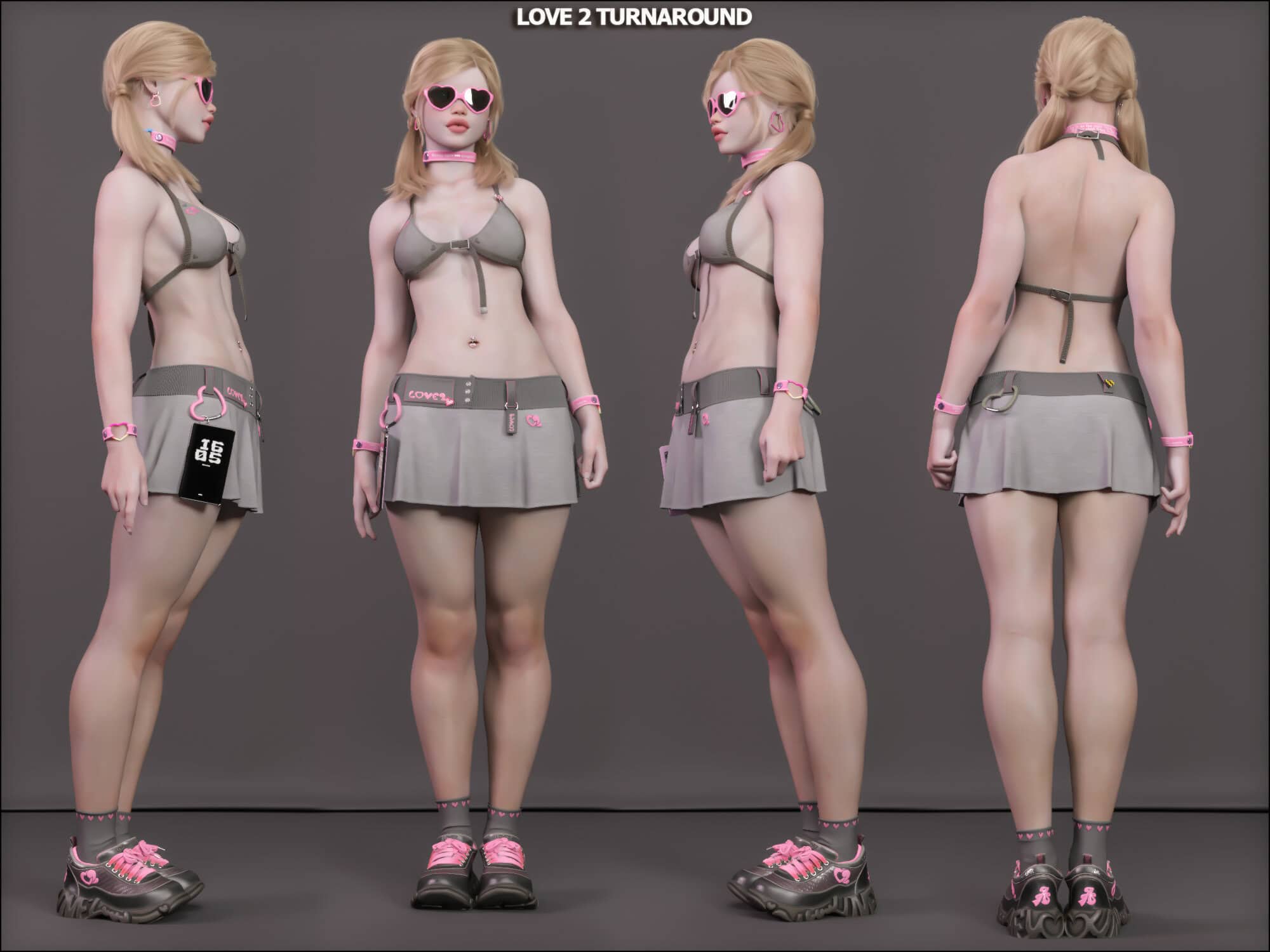
The real Genesis 8 vs Genesis 9 question is not “which figure is newer?” It is: which one helps you finish better DAZ Studio renders with less friction? Genesis 9 has the stronger modern technical foundation, but Genesis 8 still has one of the largest and most useful asset ecosystems in DAZ Studio.
For most DAZ artists, the best answer is not to abandon one generation for the other. The best answer is to use the right figure for the right job: Genesis 8 for speed, kitbashing and library depth; Genesis 9 for portraits, new characters, improved deformation and future-focused projects.
This guide compares Genesis 8 and Genesis 9 from a practical artist’s point of view: render quality, clothing, asset availability, expressions, compatibility, beginner workflow, existing libraries and long-term buying decisions.
Quick Answer: Genesis 8 or Genesis 9?
| Your situation | Best choice | Why |
|---|---|---|
| You are completely new to DAZ Studio | Start with Genesis 9, but learn Genesis 8 too | G9 is the future-focused base, but G8 still has a huge affordable asset library. |
| You already own many Genesis 8 assets | Keep using Genesis 8 | Your existing clothing, morphs, poses and characters still have real workflow value. |
| You make close-up portraits | Genesis 9 | G9 is stronger for facial expression, subtle deformation and modern character work. |
| You build full scenes quickly | Genesis 8 | G8 has more clothing, pose, character and kitbashing options. |
| You need niche outfits or older products | Genesis 8 | The mature G8 ecosystem is still deeper in many genres. |
| You want a future-proof library | Genesis 9 | Newer DAZ development and new character releases are increasingly G9-focused. |
| You make comics or multi-character scenes | Use both | G8 gives speed and variety; G9 can be reserved for main characters and close-ups. |
Simple rule: Genesis 8 wins on ecosystem and production speed. Genesis 9 wins on modern figure design, close-up character work and long-term direction.
What Is Genesis 8?
Genesis 8 is one of the most widely used DAZ Studio figure generations. It includes separate base figures for Genesis 8 Female and Genesis 8 Male, and it has a very large marketplace of compatible clothing, morphs, characters, poses, hair, expressions and accessories.
That ecosystem is the reason Genesis 8 is still important. DAZ Studio renders are not created from the base figure alone. A finished render depends on the surrounding library:
- clothing and shoes;
- hair products;
- poses and expressions;
- body and face morphs;
- skin materials;
- props and environments;
- genre-specific accessories;
- dForce outfits and older vendor products.
Genesis 8 has been supported for years by official and third-party vendors, so the asset library is deep. If you need fantasy armor, sci-fi uniforms, cyberpunk clothing, casual outfits, horror characters, historical costumes or niche accessories, Genesis 8 often gives you more choices.
This is why Genesis 8 is not “dead” just because Genesis 9 exists. It is mature, stable and still extremely useful.
What Is Genesis 9?
Genesis 9 is the newer DAZ Studio figure generation. Its biggest structural change is the unified base figure. Instead of separate male and female base figures, Genesis 9 uses one base that can be shaped into masculine, feminine, stylized, realistic, and non-standard character designs.
This gives Genesis 9 several practical advantages:
- better flexibility for custom character design;
- stronger support for androgynous, stylized and mixed body types;
- improved facial expression potential;
- better deformation in some difficult poses;
- a more modern technical foundation;
- more relevance for future DAZ Studio releases.
Genesis 9 is strongest when the figure itself is the focus of the image. Portraits, expressive characters, close-up skin detail, subtle face shapes and newer morph workflows are where G9 starts to show its value.
But newer does not automatically mean better for every scene. In a wide shot with clothing, props, lighting and environment detail, the difference between G8 and G9 may be less important than outfit quality, posing, composition and render settings.
Genesis 8 vs Genesis 9: Practical Comparison
| Factor | Genesis 8 | Genesis 9 | Winner |
|---|---|---|---|
| Asset library size | Very large and mature | Growing, but smaller | Genesis 8 |
| Clothing availability | Excellent, especially for older and niche products | Good and improving | Genesis 8 |
| Beginner future path | Useful, affordable, many tutorials | Cleaner long-term starting point | Genesis 9 |
| Close-up portraits | Good | Usually stronger | Genesis 9 |
| Facial expressions | Good, large expression library | More modern expression potential | Genesis 9 |
| Kitbashing | Excellent because of product depth | Good, but smaller ecosystem | Genesis 8 |
| Custom character flexibility | Strong, but split between male and female bases | Unified base gives more flexibility | Genesis 9 |
| Existing user workflow | Very practical if you own G8 products | Best added gradually | Use both |
| Long-term DAZ development | Still useful but mature | More future-focused | Genesis 9 |
The short version is simple: Genesis 8 is the stronger production ecosystem. Genesis 9 is the stronger modern figure base.
When Genesis 8 Is Still the Better Choice
Genesis 8 is still the better choice when speed, compatibility and asset variety matter more than using the newest base figure.
1. You already own many Genesis 8 assets
If you have spent years collecting Genesis 8 clothing, morphs, poses, characters and skins, that library still has value. Replacing everything with Genesis 9 products can be expensive and unnecessary.
The smartest move is usually not to abandon Genesis 8. Keep using the assets that still work, and add Genesis 9 only where it improves the final render or workflow.
2. You create scenes quickly
Genesis 8 is excellent for fast scene building. Because there are so many compatible products, you can build characters, mix outfits, apply poses and test looks quickly.
This matters for comics, promo renders, fantasy scenes, multi-character images, store previews and any workflow where speed is part of the job.
3. You rely on clothing variety
Clothing is one of the biggest practical reasons to keep Genesis 8. The G8 clothing library is much deeper in many categories:
- fantasy outfits;
- sci-fi armor;
- cyberpunk clothing;
- historical costumes;
- casual wardrobe items;
- uniforms;
- older vendor products;
- niche accessories.
If your render style depends heavily on kitbashing outfits, Genesis 8 remains very valuable.
4. Your characters are not close to the camera
If your figure is seen from medium or long distance, Genesis 9’s technical advantages may not be obvious. Lighting, pose, outfit design, camera angle and composition may affect the final image more than the base generation.
For many everyday renders, Genesis 8 still looks excellent.
When Genesis 9 Is the Better Choice
Genesis 9 is the better choice when the figure itself is the focus of the render, or when you are building a new DAZ Studio workflow from today forward.
1. You make close-up portraits
Genesis 9 is usually stronger for close-up portraits. Facial expression, skin detail, subtle deformation and modern character morphing matter more when the camera is close to the face.
If your renders are mostly headshots, beauty renders, character portraits or emotional scenes, Genesis 9 is worth learning.
2. You are starting fresh
If you are new to DAZ Studio and do not already own a large Genesis 8 library, Genesis 9 is a strong starting point. You will be building around the newer figure generation, and more future products will be made with G9 in mind.
That does not mean you should ignore Genesis 8. It means your main library can be G9-focused while you still use G8 when the older ecosystem gives you better options.
3. You need flexible character design
Genesis 9’s unified base is useful for characters that do not fit neatly into the old male/female split. This can help with stylized characters, fantasy species, androgynous designs, sci-fi characters and custom morph blends.
If your work depends on building unique characters rather than using ready-made figures, Genesis 9 gives you a better modern foundation.
4. You want to follow future DAZ development
Genesis 8 will remain useful for a long time, but Genesis 9 is the direction of newer DAZ Studio character development. If you want your workflow to stay close to future releases, G9 should be part of your library.
Is Genesis 9 Better Than Genesis 8?
Genesis 9 is technically newer and better in several specific areas, especially close-up portrait work, facial flexibility, unified character design and future compatibility. But that does not make it better for every render.
A strong Genesis 8 scene with good lighting, clothing, posing, materials and composition will usually look better than a weak Genesis 9 scene. The base figure matters, but it is only one part of the final image.
The mistake is treating Genesis 8 vs Genesis 9 as a winner-takes-all battle. For real DAZ Studio work, the better question is:
Which figure generation gives me the best result for this specific render?
Sometimes the answer is Genesis 8. Sometimes it is Genesis 9. Very often, it is both.
Genesis 8 vs Genesis 9 Clothing Compatibility
Clothing is one of the most important differences between Genesis 8 and Genesis 9. Genesis 8 has the larger clothing ecosystem. Genesis 9 has newer support and improving product availability, but the total library is still smaller.
Some Genesis 8 clothing can be converted or fitted to Genesis 9, but results vary. Simple fitted clothing may transfer reasonably well. Complex outfits, layered garments, shoes, gloves, armor, long dresses and dForce clothing may need manual adjustment.
If you use converted clothing on Genesis 9, pay attention to:
- shoulder and chest distortion;
- waistband placement;
- sleeve and glove deformation;
- shoe fit;
- dForce weight maps;
- collision offset;
- texture and material transfer.
For clothing-heavy renders, Genesis 8 is still easier. For newer portrait-focused or custom character renders, Genesis 9 may be worth the conversion effort.
If your main issue is converted clothing simulation, read the dForce in DAZ Studio beginner guide and the Genesis 9 technical settings guide.
Should Beginners Use Genesis 8 or Genesis 9?
Beginners should usually start learning Genesis 9, but they should not ignore Genesis 8.
Genesis 9 is the cleaner future-focused starting point. If you are building a new DAZ Studio library today, it makes sense to understand G9 early.
But Genesis 8 has a massive asset library, many tutorials, lots of affordable older products and a huge amount of community knowledge. For a beginner, that can make G8 easier and cheaper for certain types of scenes.
A smart beginner setup
- Learn Genesis 9 as your main modern figure.
- Use Genesis 8 when you need more clothing or cheaper older assets.
- Buy dual-compatible products when possible.
- Do not buy random assets until you know what kind of renders you want to make.
- Keep your library organised by figure generation.
This gives you flexibility without locking yourself into one generation too early.
Should Existing Genesis 8 Users Switch to Genesis 9?
If you already own a strong Genesis 8 library, do not replace it overnight. Keep using Genesis 8 where it still helps you work faster.
Add Genesis 9 gradually for the situations where it clearly improves the result:
- new portrait characters;
- close-up renders;
- custom morph-heavy designs;
- future-focused projects;
- new products where the G9 version is clearly better;
- characters where expression and face detail matter most.
Keep Genesis 8 for:
- older clothing;
- kitbashing;
- large scenes;
- fast production;
- assets you already know and trust;
- projects where the figure generation is not the main visual focus.
If you are planning a gradual transition, read the Genesis 8 to Genesis 9 migration guide.
Which Figure Gives Better Render Quality?
Genesis 9 can give better render quality when the figure’s technical improvements are actually visible. This usually means portraits, close camera angles, expressive faces, detailed skin and body-focused renders.
Genesis 8 can still produce excellent render quality. In many scenes, the difference between G8 and G9 is less important than:
- lighting quality;
- Iray render settings;
- skin materials;
- pose quality;
- camera angle;
- composition;
- clothing fit;
- texture resolution;
- post-processing.
If your render looks flat, noisy or unrealistic, changing from Genesis 8 to Genesis 9 will not automatically fix it. You may need better lighting, better materials or better render settings first.
For render-setting problems, use the DAZ Studio Iray settings guide.
Buying Decision: Should You Buy Genesis 8 or Genesis 9 Products?
The best buying decision depends on your existing library and render style.
Buy Genesis 8 products when:
- you already use G8 heavily;
- the product fills a specific gap in your library;
- you need older clothing, genre outfits or kitbash pieces;
- the product has no good G9 equivalent;
- you make comics, multi-character scenes or fast production renders.
Buy Genesis 9 products when:
- you are building a new library;
- you focus on portraits or character design;
- the product uses G9’s newer figure strengths;
- you want future compatibility;
- you prefer a unified figure workflow.
Buy dual-compatible products when:
- you use both generations;
- the product is clothing-heavy;
- you want one purchase to support multiple workflows;
- you are slowly moving from G8 to G9;
- you do not want your library split too aggressively.
Many 3D Shards products support Genesis 8, Genesis 9, or both, depending on the asset type. Always check the supported figure generation before buying.
Recommended Workflow: Use Both Genesis 8 and Genesis 9
For most DAZ Studio artists, the strongest workflow is hybrid.
| Use Genesis 8 for | Use Genesis 9 for |
|---|---|
| Fast scene building | Close-up portraits |
| Kitbashing outfits | New character design |
| Older clothing libraries | Future-focused products |
| Multi-character scenes | Expression-heavy renders |
| Affordable older assets | Modern unified figure workflows |
| Genres with deeper G8 product support | Custom morph-heavy characters |
This approach gives you the best of both worlds. You keep the value of the Genesis 8 ecosystem while still taking advantage of Genesis 9 where it matters most.
Common Mistakes When Choosing Between Genesis 8 and Genesis 9
Mistake 1: Replacing your whole library too fast
If your Genesis 8 library already helps you create good renders, replacing everything immediately is usually wasteful. Move gradually.
Mistake 2: Assuming Genesis 9 fixes every render problem
Genesis 9 will not fix bad lighting, weak posing, noisy Iray settings or poor composition. Figure generation matters, but it is not the only quality factor.
Mistake 3: Buying assets without checking compatibility
Always check whether a product supports Genesis 8, Genesis 8.1, Genesis 9, or multiple generations. This is especially important for clothing, shoes, expressions and morphs.
Mistake 4: Treating Genesis 8 as obsolete
Genesis 8 is mature, not useless. It still has one of the strongest DAZ Studio asset ecosystems.
Mistake 5: Ignoring Genesis 9 because your G8 library is large
A large Genesis 8 library is a good reason to keep using G8, but not a reason to avoid Genesis 9 forever. Add G9 where it gives you a real advantage.
Genesis 8 vs Genesis 9 FAQ
Is Genesis 9 better than Genesis 8?
Genesis 9 is technically better in several areas, especially unified character design, facial expression potential and close-up portrait work. Genesis 8 is still better for asset library depth, clothing variety and fast kitbashing.
Is Genesis 8 outdated?
No. Genesis 8 is mature, stable and still very useful. It has a large library of clothing, characters, morphs, poses, hair and accessories.
Should beginners start with Genesis 8 or Genesis 9?
Beginners should usually start learning Genesis 9 because it is the newer future-focused figure. However, Genesis 8 is still worth using because it has more affordable older assets and a very large tutorial and product ecosystem.
Should I replace my Genesis 8 library with Genesis 9 products?
Usually no. If your Genesis 8 library works for your renders, keep using it. Add Genesis 9 gradually for portraits, new characters and future-focused projects.
Can Genesis 8 clothing work on Genesis 9?
Sometimes. Some G8 clothing can be fitted or converted to Genesis 9, but results vary. Complex outfits, shoes, gloves and dForce clothing may need manual correction.
Which generation is better for portraits?
Genesis 9 is usually better for close-up portraits because of its modern figure base, expression potential and character flexibility.
Which generation is better for clothing and kitbashing?
Genesis 8 is usually better for clothing variety and kitbashing because its asset ecosystem is larger and more mature.
Can I use Genesis 8 and Genesis 9 in the same scene?
Yes. You can use Genesis 8 and Genesis 9 characters in the same DAZ Studio scene. Just pay attention to clothing compatibility, material consistency, scale, posing style and render performance.
Which is better for DAZ Studio in 2026?
In 2026, Genesis 9 is the better future-focused figure, while Genesis 8 remains extremely practical because of its mature asset library. Most artists should use both.
The Hidden Cost of Switching Your DAZ Library
The technical advantages of Genesis 9 are real, but the cost of switching is not limited to buying a new base figure. A mature Genesis 8 library may include characters, clothing, hair, poses, expressions, morphs and utilities collected over years. Replacing all of that at once is expensive and can slow down production while you rebuild familiar workflows.
Before moving a project to Genesis 9, compare the value of the improvement with the conversion work it creates. For a close-up hero portrait, the newer rig and unified figure may justify the effort. For background characters, kitbashed scenes or fast commercial renders, using proven Genesis 8 assets can still be the more efficient choice.
Upgrade Pressure vs. Real Workflow Benefits
New releases naturally create pressure to treat the previous generation as obsolete. In practice, a figure upgrade only matters when it solves a problem you actually have. Better facial posing, more flexible character design and current vendor support are strong reasons to use Genesis 9. A version number by itself is not.
- Upgrade when the newer rig or expressions visibly improve the final render.
- Keep Genesis 8 when existing assets already deliver the required result.
- Test conversions on one real project before rebuilding an entire library.
- Use both generations when production speed matters more than platform loyalty.
The Market Is Split—and That Can Work in Your Favor
The DAZ marketplace remains divided between a deep Genesis 8 catalog and a growing Genesis 9 catalog. That fragmentation can feel inconvenient, but it also gives artists more choice. Genesis 8 products often offer mature variety and proven compatibility, while Genesis 9 receives more new releases and future-focused development.
A practical buying strategy is to judge assets by the scene they enable, not only by figure generation. Dual-compatible products are especially valuable, and specialized tools or converters can extend the useful life of an existing library. The goal is not to own everything twice; it is to keep the strongest parts of both ecosystems available.
Final Recommendation
Genesis 8 vs Genesis 9 is not a fight where one generation completely replaces the other.
Choose Genesis 8 when you need speed, clothing variety, kitbashing, older assets, multi-character scenes or a workflow built around an existing library.
Choose Genesis 9 when you need close-up portraits, modern character design, improved figure flexibility, new releases and a future-focused workflow.
For most DAZ Studio artists, the smartest choice is simple:
Use Genesis 8 where the ecosystem helps you work faster. Use Genesis 9 where the newer figure actually improves the render.
The best DAZ figure is not always the newest one. It is the one that helps you finish the image you actually want to make.
Related DAZ Studio Guides
- How to Switch From Genesis 8 to Genesis 9 Without Losing Your Entire Library
- Genesis 9 Technical Settings: dForce, SubD, Iray Skin Shaders and G9 Expressions
- DAZ Studio Iray Settings Guide: Render Settings That Actually Matter
- dForce in DAZ Studio: A Beginner’s Guide to Cloth Simulation That Actually Works
Recommended products
-
Love 2 Bundle
35.99 $ -
dForce Pierre Shirt for Genesis 8 & 9: Customizable 3D Fashion
6.99 $ -
Steampunk Time Traveler Female Outfit for Genesis 8 & 9
Price range: 16.49 $ through 22.49 $ -

Ball Player Outfit for Genesis 8 Male, Genesis 9
12.99 $ -
Alby Vest for Genesis 8 & 9 – Modern to Fantasy Styles
4.99 $