
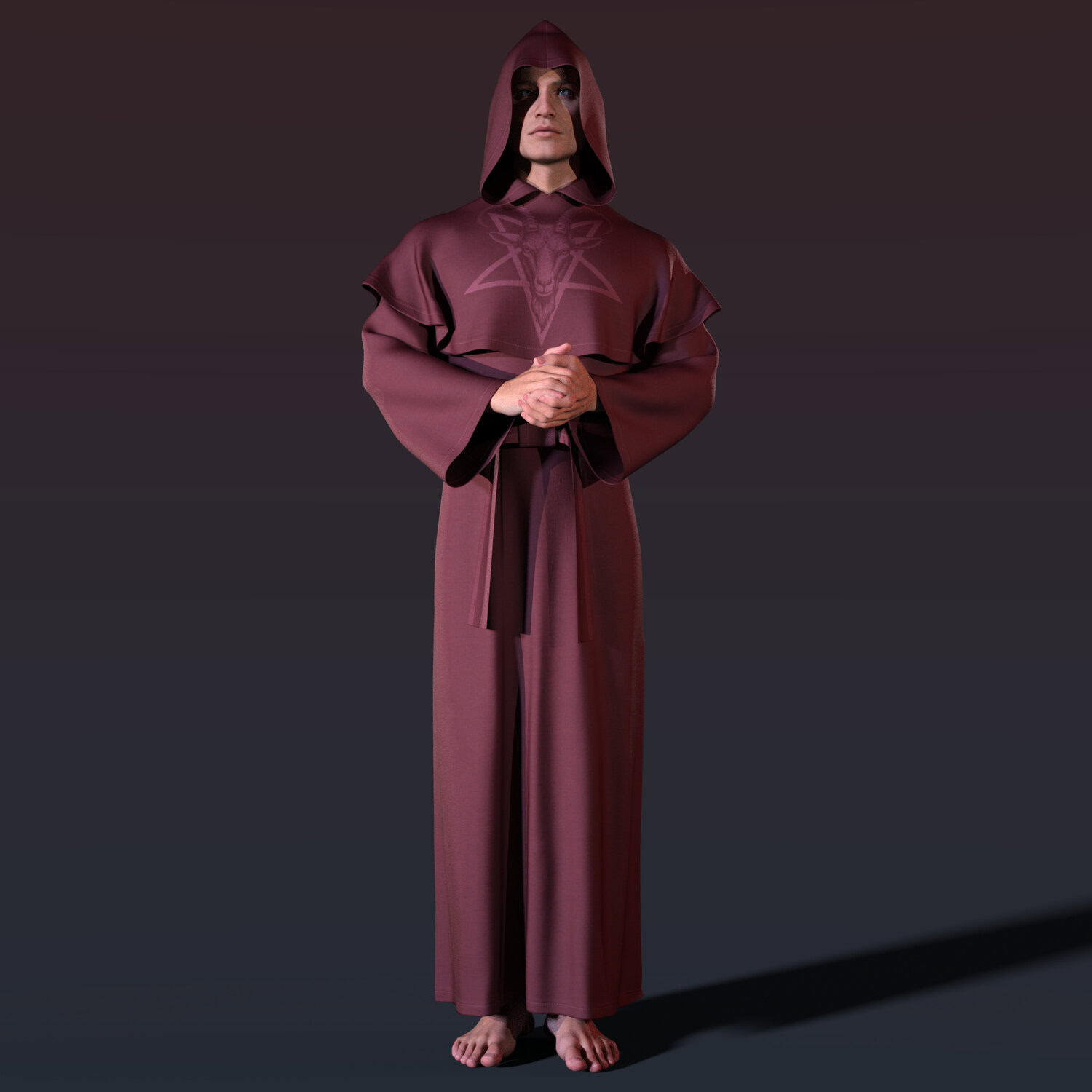
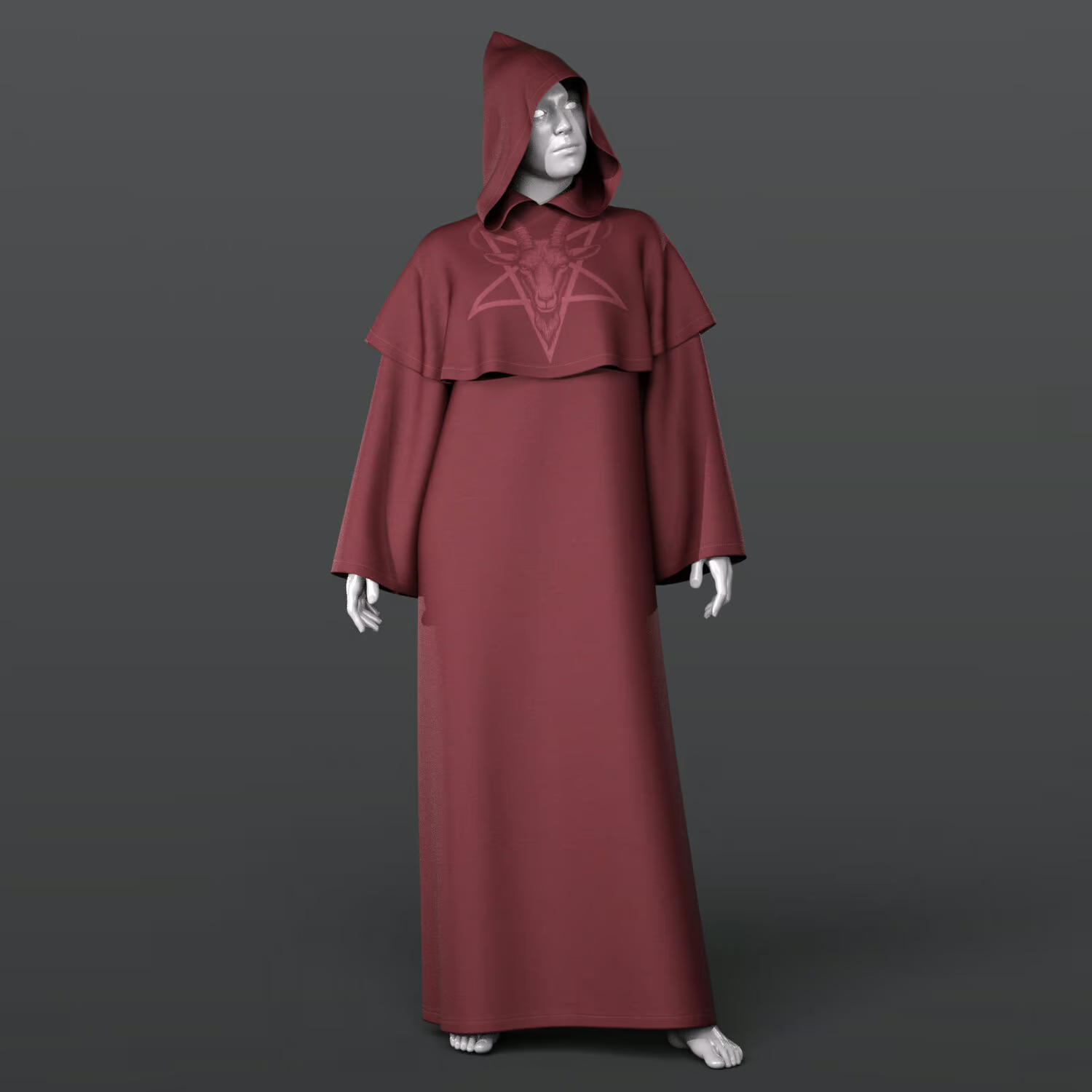
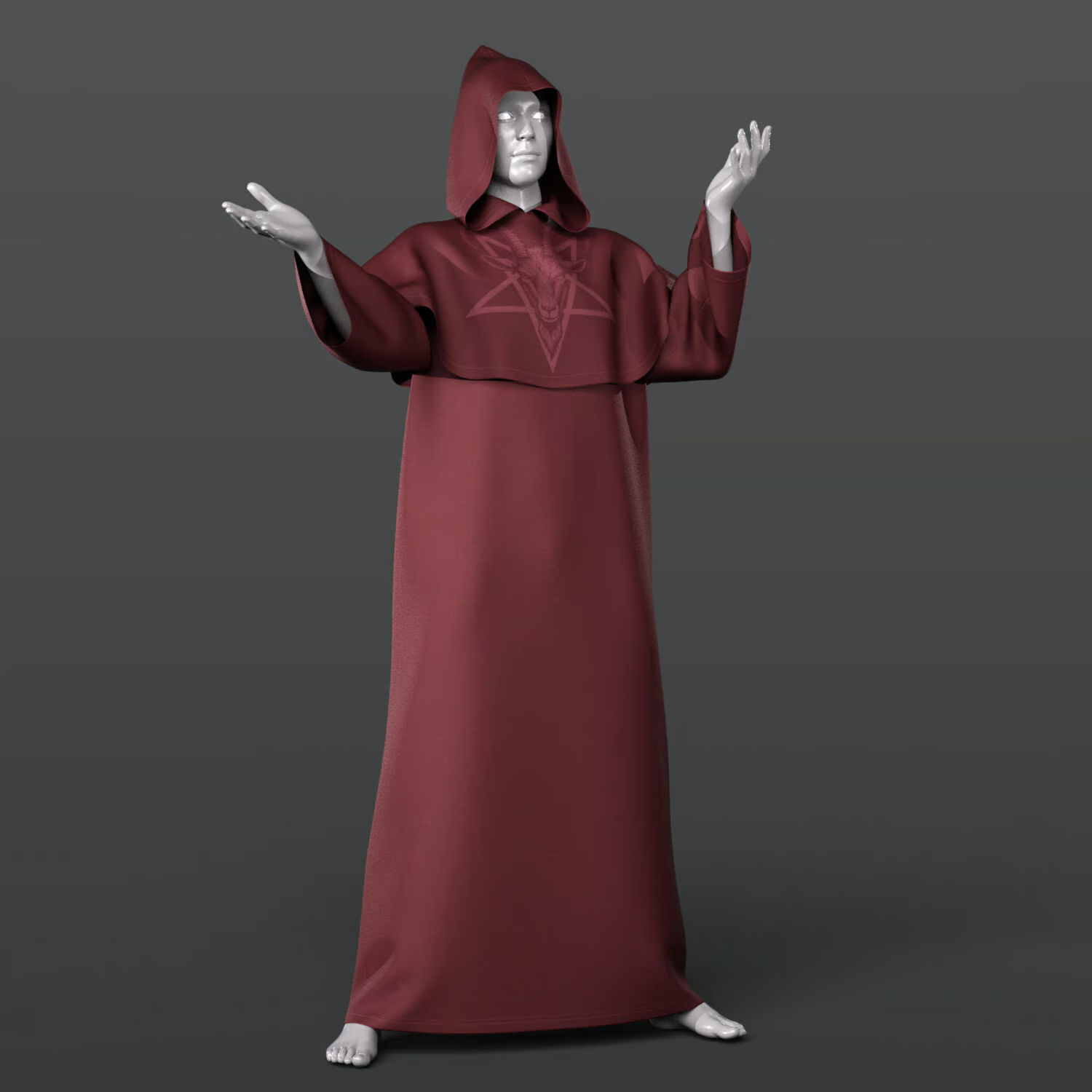
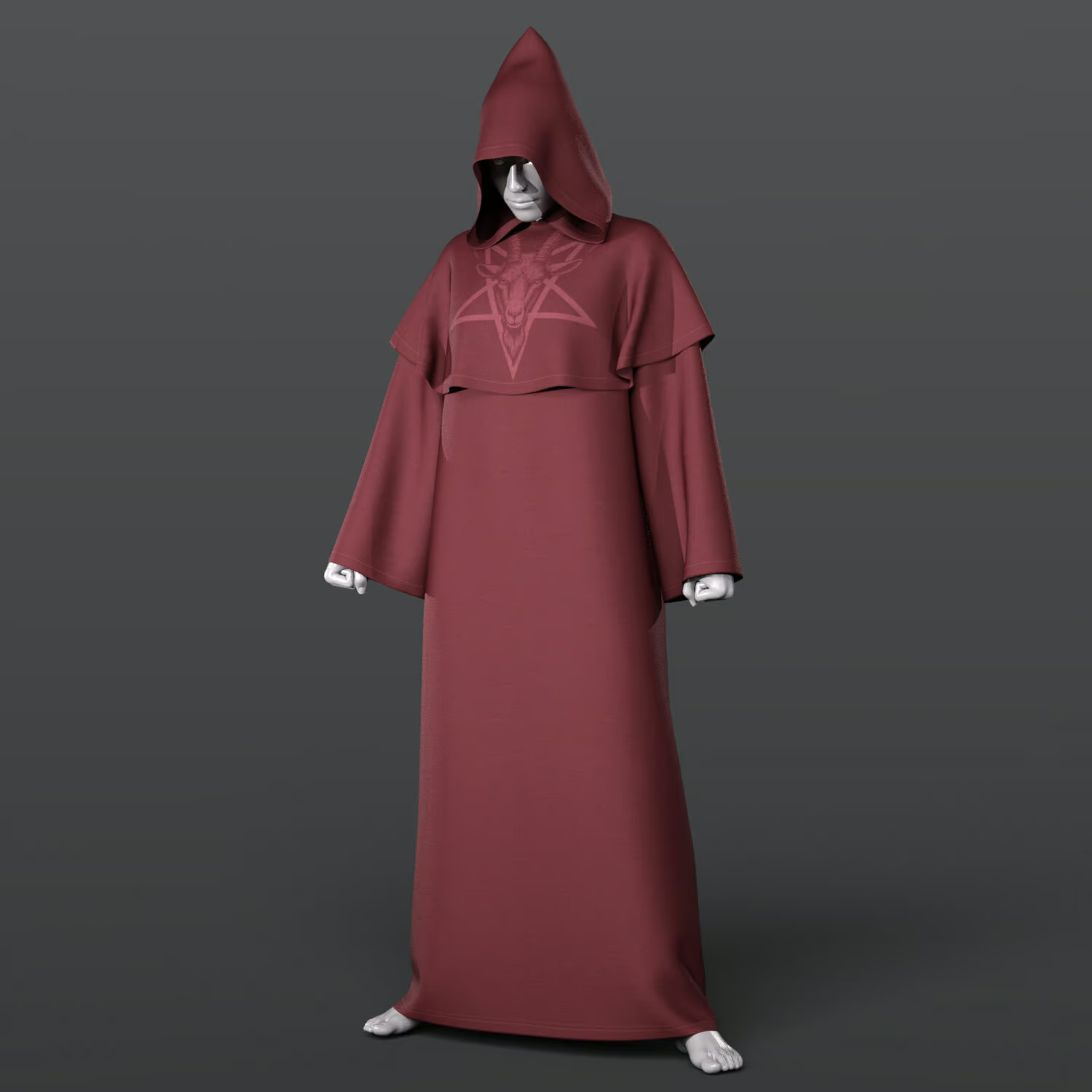
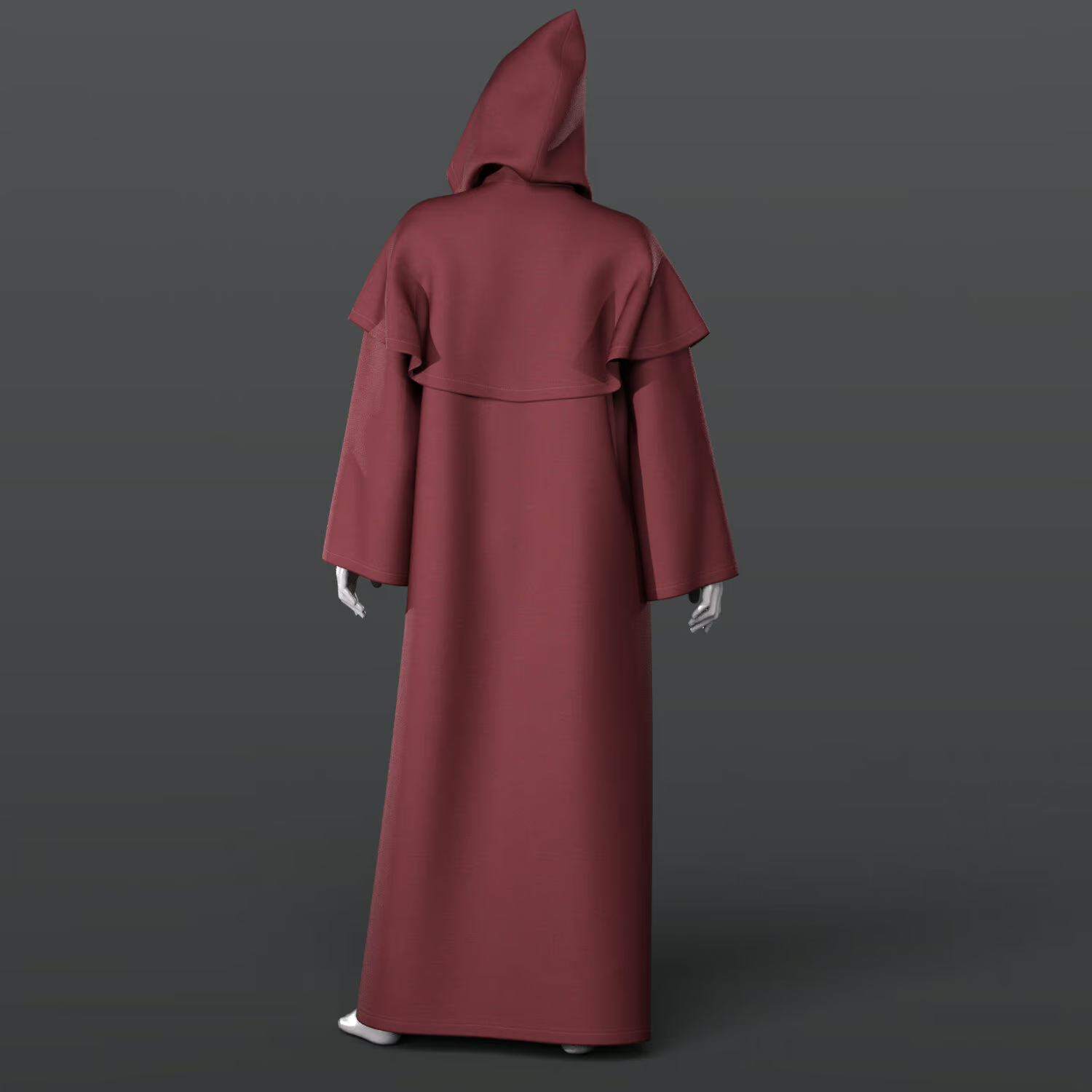
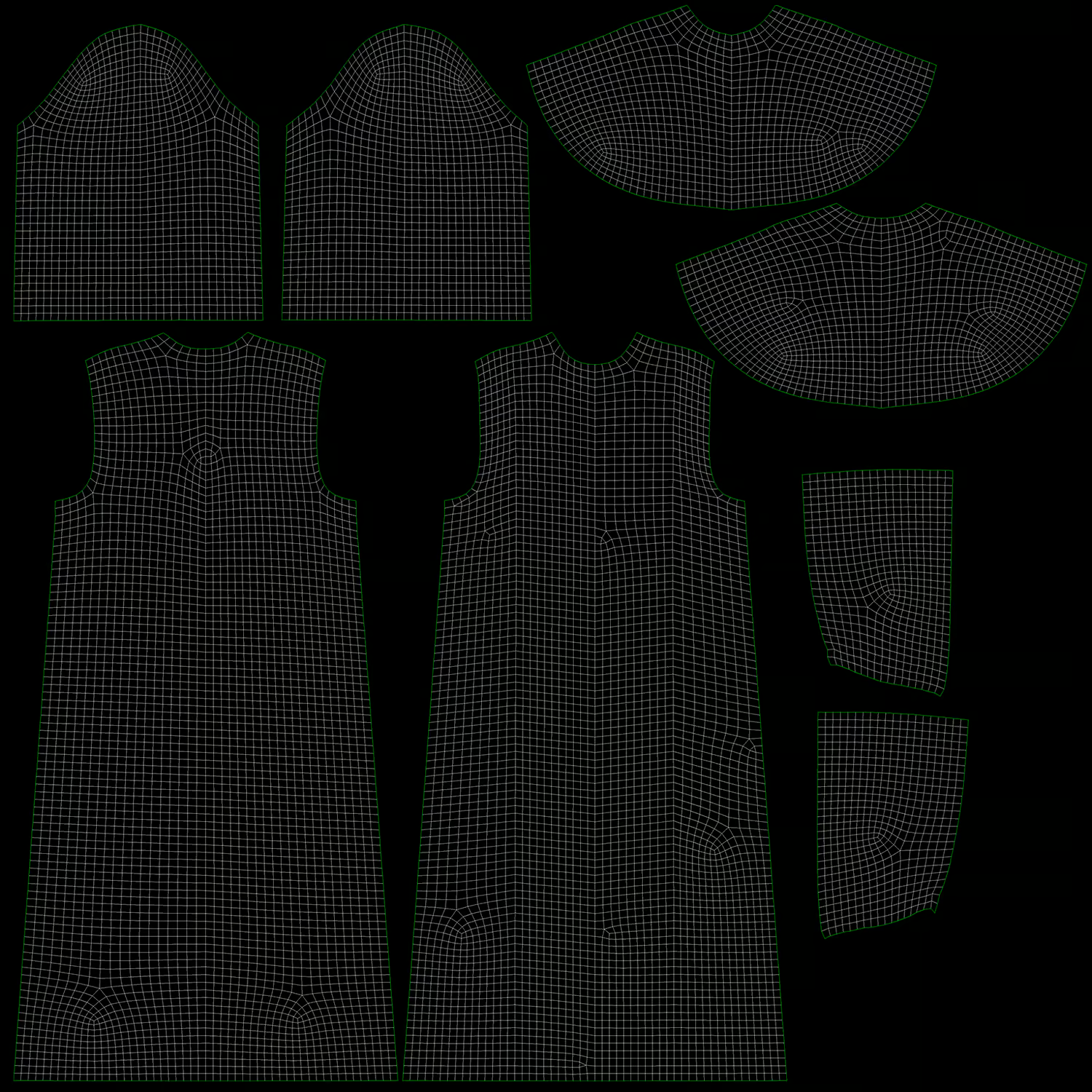
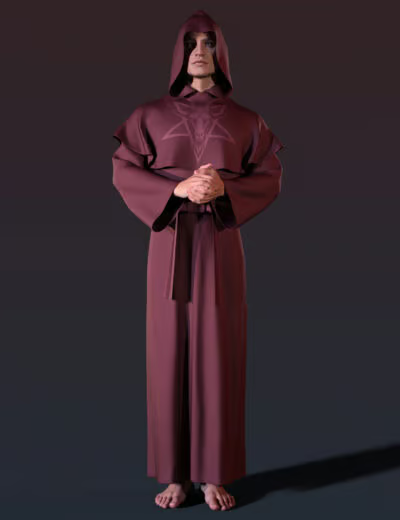
Cassock G9
9.00 $
- DIM Support
- Quality Checked
- Clear Licensing
- Secure Payments
- Instant Download
Description
THE PRODUCT CONTAINS:
– Cassock for Genesis 9
ARCHIVE CONTAINS FORMATS:
– Belt.duf (model)
– Cassock.duf (model)
– Hood.duf (model)
– WP_Cassock.duf (set)
– Belt_MAT.duf (material 3 color 2 options)
– PNG (textures)
TEXTURES (4096 x 4096 .png):
– Set textures PBR (_AO, _BaseColor, _Height, _Metallic, _Normal, _Roughness)
COLOR VARIATIONS:
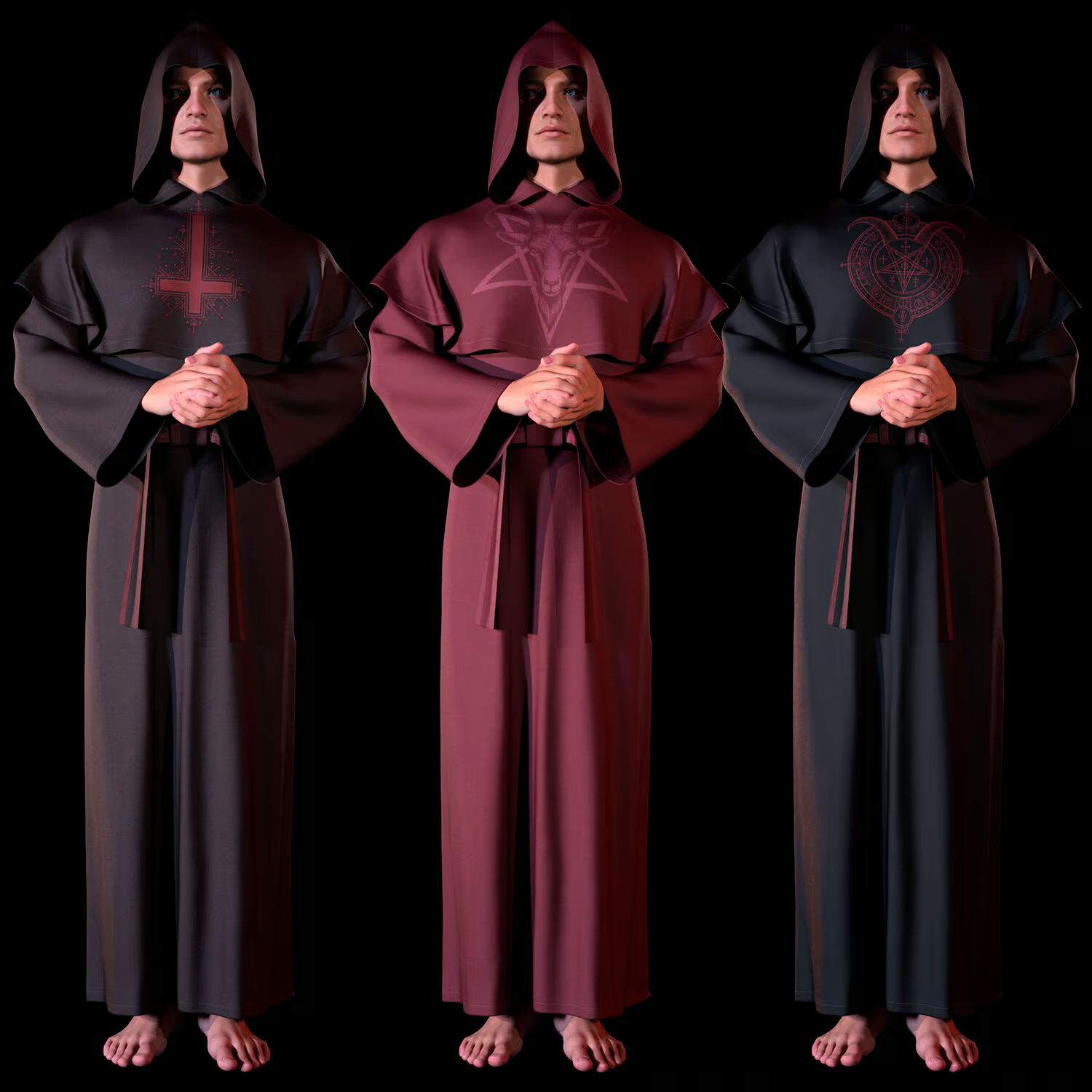
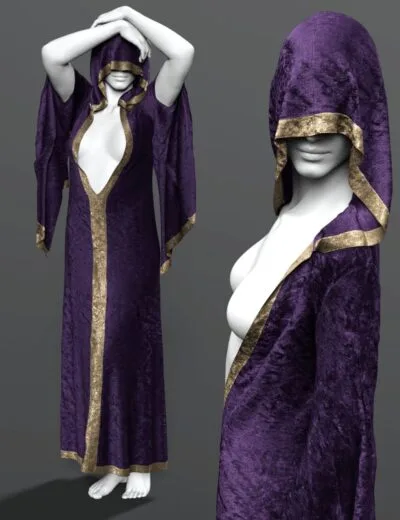
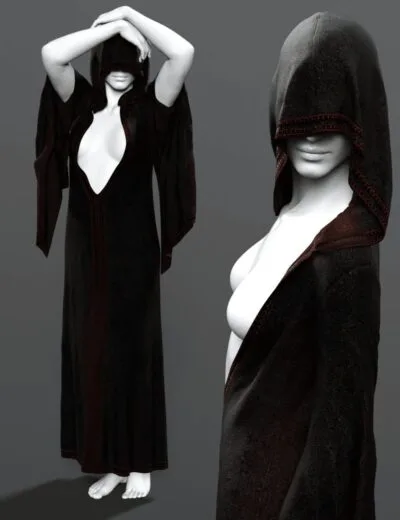
The archive contains 3 color 2 options of the textures. All of them are presented in the preview.
– Black
– Brown
– Red
If necessary, you can easily change the color of the model by changing it in the textures _BaseColor or apply a shade to the _BaseColor texture in the DAZ program settings.
INSTRUCTION MANUAL:
Download the Genesis 9 avatar and upload model to the scene.
Apply the desired color of the material.
Creative success to you!
NOTE :
– The character model is NOT included in the package.
– dForce is configured for the model, this will allow you to apply the model in any pose.
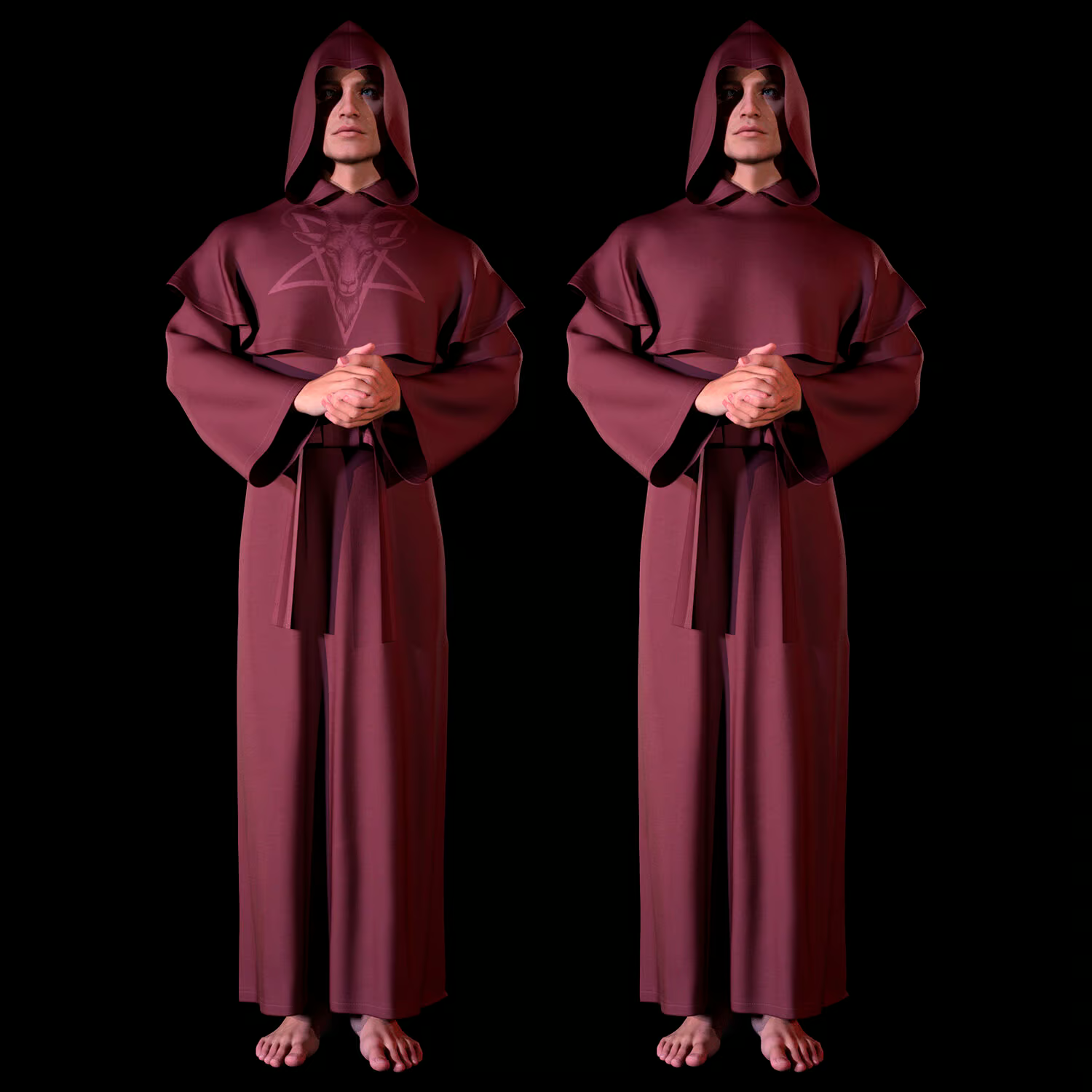
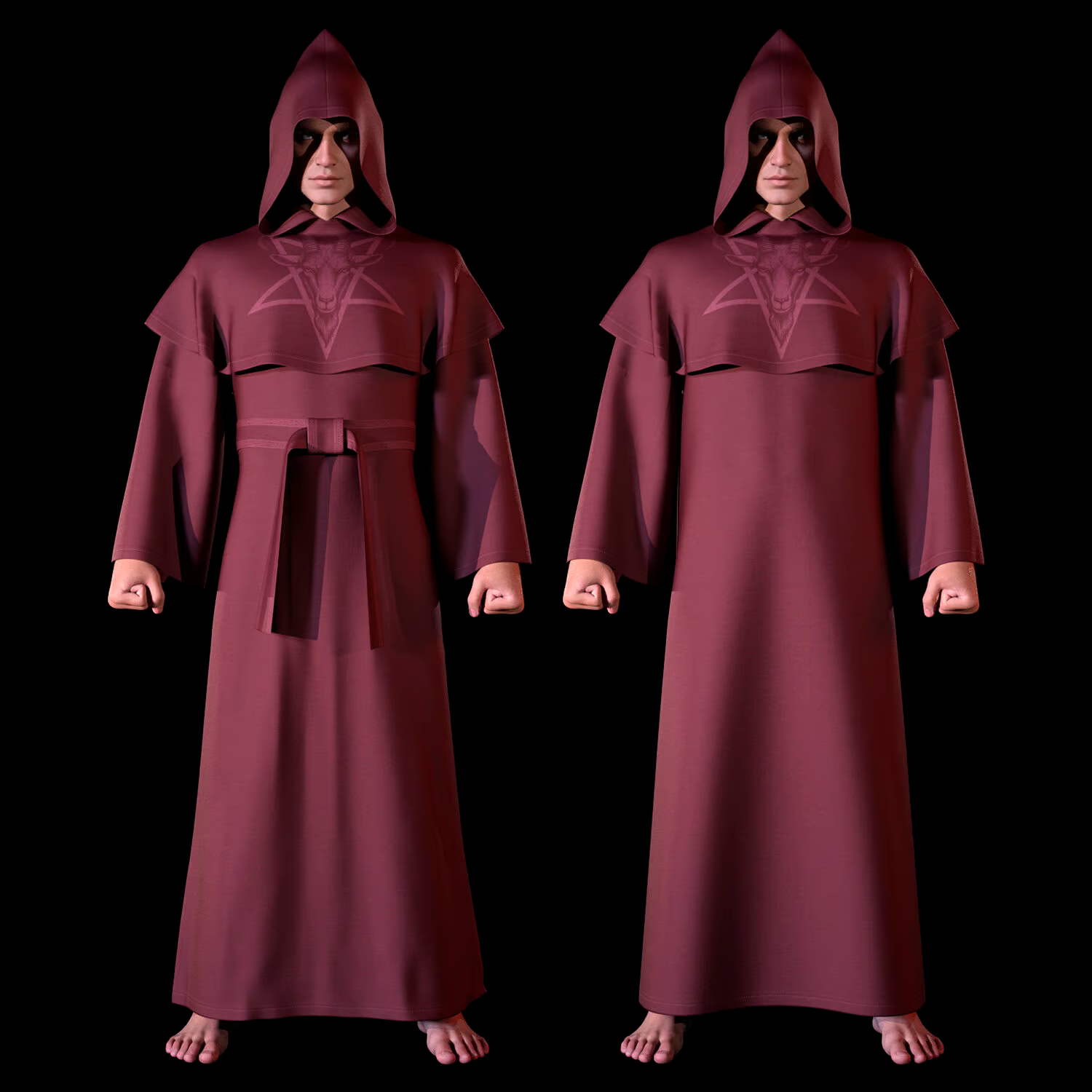
– A morph has been set up for the model that allows the use of a belt
THANK YOU FOR YOUR PURCHASE!
Expansion:
Only logged in customers who have purchased this product may leave a review.
You may also like…

Related products
-
-
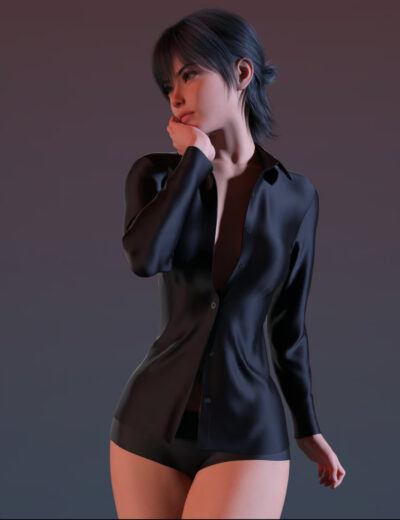
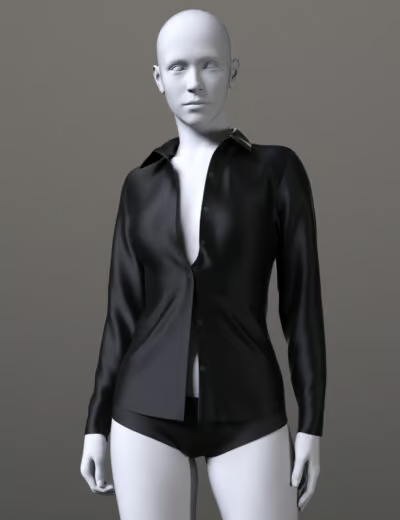
Unbuttoned Blouse Genesis 8 Female and Genesis 9
Price range: 6.00 $ through 9.00 $Select options This product has multiple variants. The options may be chosen on the product page -
-
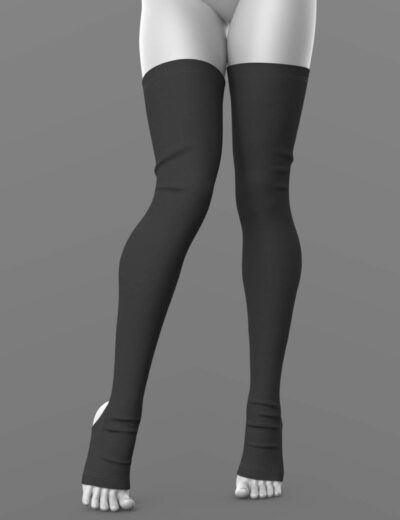
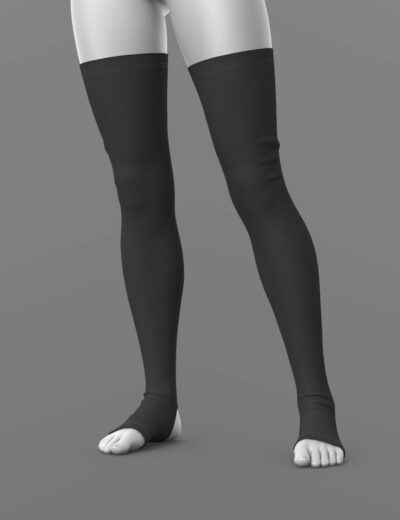
Stocking 02 – Leggings for Genesis 8 Female and Genesis 9
Price range: 6.00 $ through 9.00 $Select options This product has multiple variants. The options may be chosen on the product page

Reviews
There are no reviews yet.