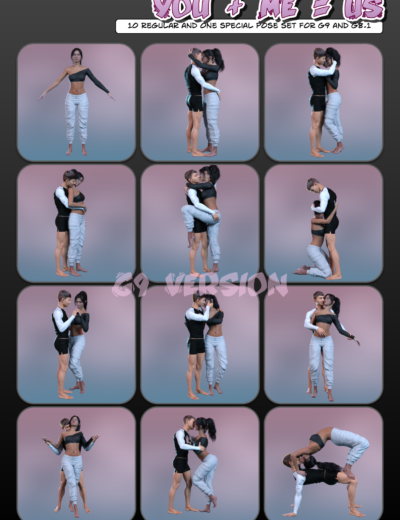
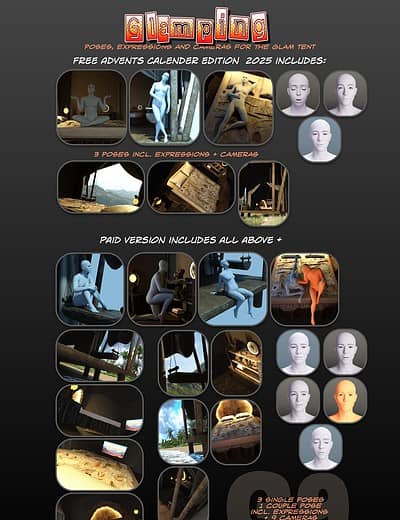
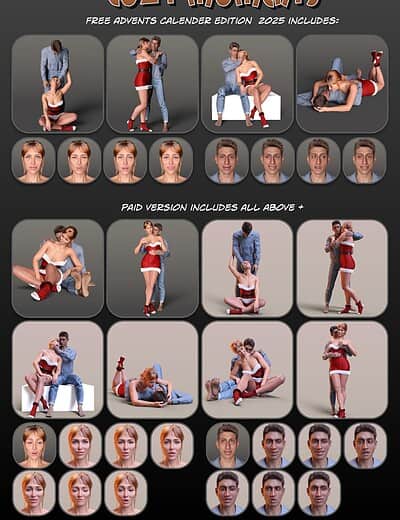
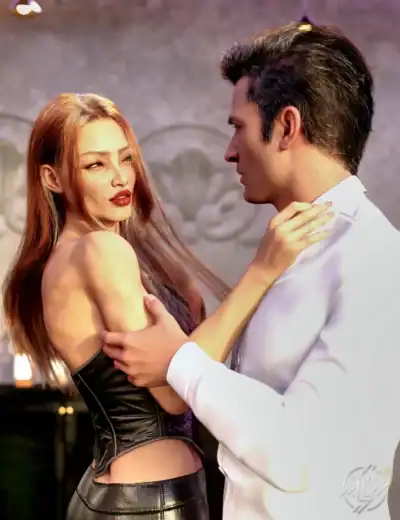
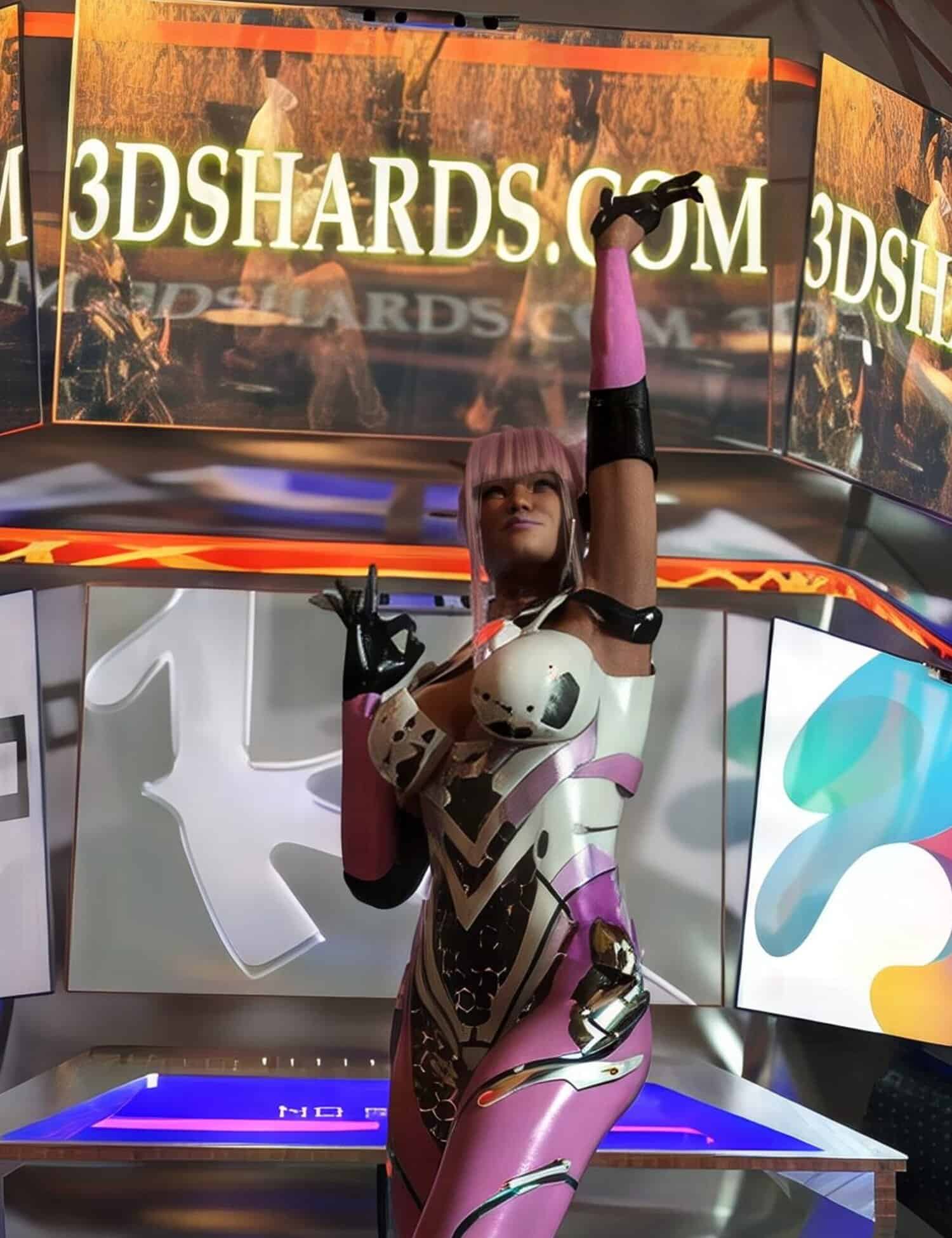
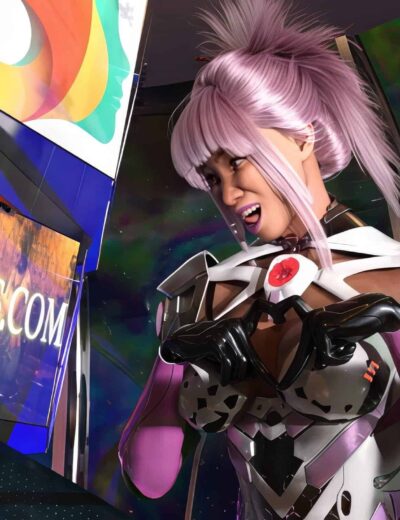
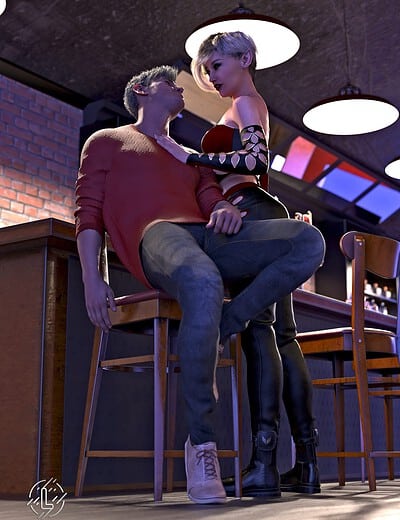
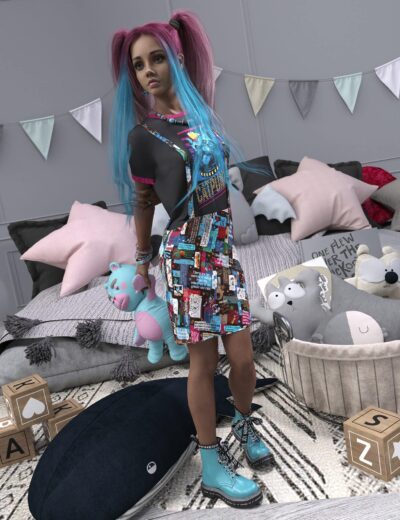
Give your character more emotion with these expressions. Let them play with the camera and seduce the audience. Or give a couple a passionate moment. The choice is yours.
Even though 10 expressions are tailored to female characters and 10 to male characters, you can use them interchangeably. There are no limits. Do whatever you like.
DAZ Studio Universal Product Installer (version 1.6.58)
The Frictionless DAZ Content Solution by Matronius!!!!
Stop wrestling with zip files, complex folder structures, and manual installations. Stop worrying about the lack of Smart Content for your newly installed products. The DAZ Studio Universal Product Installer is the essential utility that eliminates the single biggest barrier to buying non-DAZ Shop content: the frustrating install process and the generation of Smart Content.
This is the only tool you need to turn your 3D Shards purchases into instant, ready-to-use assets.
Key Features:
One-Click Installation: Automatically install any DAZ Studio content (figures, clothing, bundles, props) from any marketplace, including 3D Shards, with a single button press.
Zero File Conflict: Intelligently places files exactly where DAZ Studio needs them, ending the need for manual file merging and folder navigation.
Seamless Management: Easily view, install, and uninstall all your third-party assets in one dedicated, clean interface.
Smart Content generation: Seamlessly generates Smart Content for dozens (or hundreds!!!) of Daz products from any store
Power-up your previously installed products: Easily converts all your pre-installed products from any shop into shining products with Smart Content!!!
Embedded browser functionalities: Use our powerful tool as a file browser for Daz Studio!!! Search your products and assets and load them in Daz Studio with a simple double click!!!
Spend your time rendering, not installing. Get the Universal Product Installer today and unlock the full potential of your 3D Shards library!!!!
Saves a new copy of the current scene with an incremented number. Continue working in the new scene (e.g. MyScene23 → MyScene24). This action can also be assigned a hotkey (Ctrl + I by default after running Create Custom Action.dse).
By default bones can only be deleted one at a time in Daz studio. This script will delete all selected bones. This action can also be assigned a hotkey (Alt + B by default after running Create Custom Action.dse).
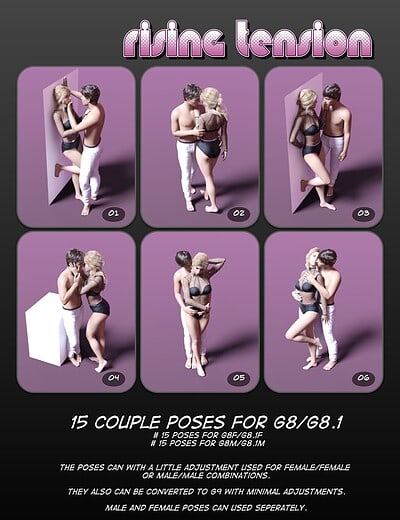
15 Couple poses for G8 or G8.1 #15 for G8F/G8.1F #15 for G8M/G8.1F All poses can be used separate. With a bit adjustment they can also used for Female/Female or Male/Male couples. They can also be converted to G9 with little tweaks. No expressions included. Some poses can cause some issues at the leg muscles…
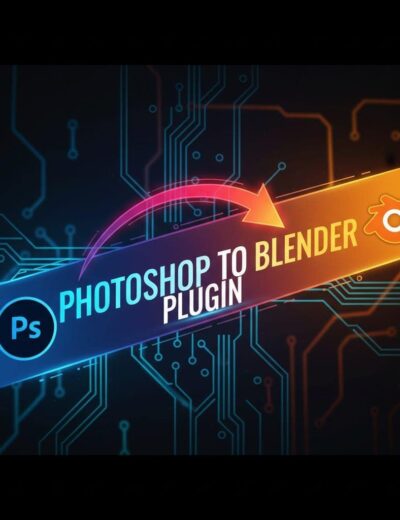
Following the massive success of ourBlender to Daz Studio plugin, the team atMatroniusis thrilled to launch our next game-changer: thePhotoshop to Blender Plugin! Stop wasting time with frustrating file conversions and finally bridge the gap between your favorite 2D and 3D creative powerhouses.
The product includes 20 unique expressions for Genesis 9, 8 and 8.1 Female, especially designed as a fine addition to the “MD Sweet Lollipops Props and Poses” and “MD Sweet Ice Creams Props and Poses” products.
The product includes 2 different ice creams (Cone, Stick), with numerous
material presets and morphs for each one, and 20 unique sexy, pinup
poses for Genesis 9, 8 and 8.1 Female, based on the ice creams.
The product includes 4 different lollipops (Giant, Heart, Sphere and
Swirl), with 7 material presets for each one and 20 unique, pinup
poses for Genesis 9, 8 and 8.1 Female, based on the lollipops.
Scroll Speed is a quick-access utility that puts zoom control at your fingertips. Trigger its pop-up interface to instantly adjust your scroll wheel zoom speed in the viewport—no digging through tool settings, no interrupting your flow. (createCustomAction.dse will assign “Alt + J” as shortcut to this gui)
Transform Orientations lets you instantly switch the active tool’s axis mode—World, Local, Object, Screen, or World (w/Local Rotations)—all with a hotkey (Alt + C by default after running createCustomAction.dse). No need to open Tool Settings or dig through menus—just snap between orientations on the fly.
CHOOSE WHICH PRODUCT YOU WANT PUT TO THE CART: G8F G9 OR BOTH. Slight of hand and perfect precision is all well and good, but if you’re going to keep the audience’s attention, you gotta have those showmanship skills. These poses will give you a place to get started from in giving your figures that…
Select options
This product has multiple variants. The options may be chosen on the product page
We use cookies to improve your experience on our site. By using our site, you consent to cookies.
This website uses cookies
Websites store cookies to enhance functionality and personalise your experience. You can manage your preferences, but blocking some cookies may impact site performance and services.
Essential cookies enable basic functions and are necessary for the proper function of the website.
Name
Description
Duration
Cookie Preferences
This cookie is used to store the user's cookie consent preferences.
30 days
These cookies are used for managing login functionality on this website.