Blender to Daz Studio Plugin
49.99 $I wish you a creative mood!!!
Matronius
For every 3 product you can choose a 4th from our Gift Products . Please be aware, at checkout additional fees will be added. Dismiss
Showing all 11 resultsSorted by latest

I wish you a creative mood!!!
Matronius

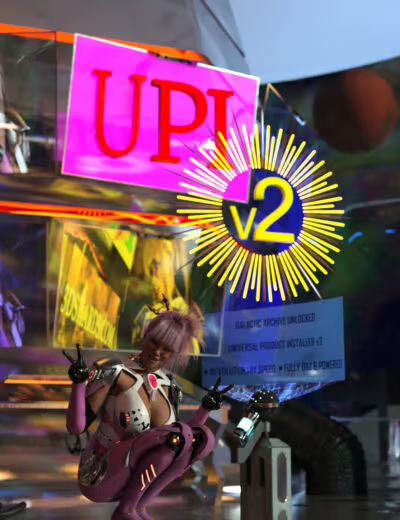
Stop wrestling with zip files, complex folder structures, and manual installations. Stop worrying about the lack of Smart Content for your newly installed products. The DAZ Studio Universal Product Installer is the essential utility that eliminates the single biggest barrier to buying non-DAZ Shop content: the frustrating install process and the generation of Smart Content.
This is the only tool you need to turn your 3D Shards purchases into instant, ready-to-use assets.
Spend your time rendering, not installing. Get the Universal Product Installer today and unlock the full potential of your 3D Shards library!!!!
Best wishes,
Matronius


Saves a new copy of the current scene with an incremented number. Continue working in the new scene (e.g. MyScene23 → MyScene24). This action can also be assigned a hotkey (Ctrl + I by default after running Create Custom Action.dse).

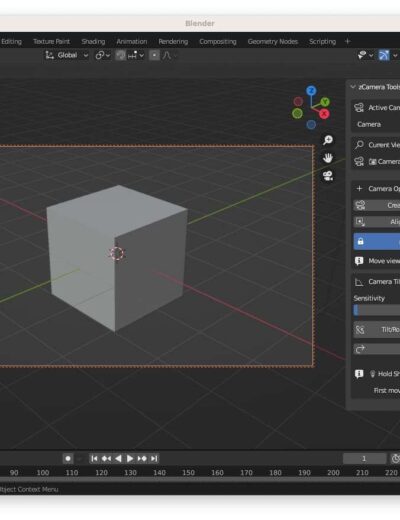
zCamera Tools
Just a Blender addon for intuitive camera creation, viewport-to-camera conversion, and cinematic camera control.
Enjoy, if ya like it kindly support the cause. I need a dolla for relocating pet from aboard.
Thanks.
zamods

By default bones can only be deleted one at a time in Daz studio. This script will delete all selected bones. This action can also be assigned a hotkey (Alt + B by default after running Create Custom Action.dse).

Following the massive success of our Blender to Daz Studio plugin, the team at Matronius is thrilled to launch our next game-changer: the Photoshop to Blender Plugin! Stop wasting time with frustrating file conversions and finally bridge the gap between your favorite 2D and 3D creative powerhouses.


Scroll Speed is a quick-access utility that puts zoom control at your fingertips. Trigger its pop-up interface to instantly adjust your scroll wheel zoom speed in the viewport—no digging through tool settings, no interrupting your flow. (createCustomAction.dse will assign “Alt + J” as shortcut to this gui)

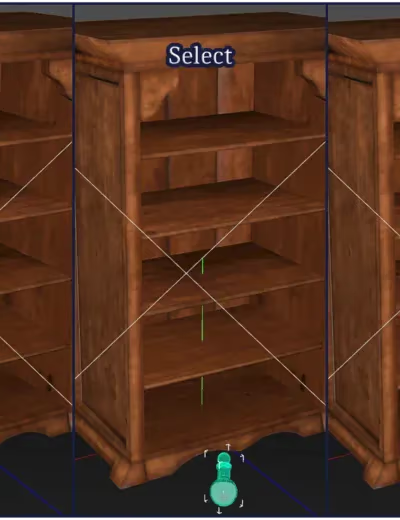
Transform Orientations lets you instantly switch the active tool’s axis mode—World, Local, Object, Screen, or World (w/Local Rotations)—all with a hotkey (Alt + C by default after running createCustomAction.dse). No need to open Tool Settings or dig through menus—just snap between orientations on the fly.


Expand your Genesis 9 wardrobe with the “Legacy Clone Generator for Genesis 9”! This tool allows you to easily generate Genesis 9 compatible clones of legacy (generation 3/4) figures, giving you access to a massive library of clothing and accessories.
Free Download! Get the “Legacy Clone Generator for Genesis 9” today and start exploring new possibilities for your Genesis 9 characters!
Note: To generate clones of Generation 3 figures for Genesis 9, you must have the corresponding Generation 3 clones for Genesis installed.

No products in the cart.
We use cookies to improve your experience on our site. By using our site, you consent to cookies.
Websites store cookies to enhance functionality and personalise your experience. You can manage your preferences, but blocking some cookies may impact site performance and services.
Essential cookies enable basic functions and are necessary for the proper function of the website.
These cookies are used for managing login functionality on this website.
You can find more information in our Cookie Policy and Privacy Policy.