If you’re a digital artist using DAZ Studio, you know that great content starts with powerful tools. Whether you’re a hobbyist or a professional creator, having the right plugins and utilities can make a huge difference in efficiency, creativity, and final render quality.
In this article, we’ll cover five essential DAZ Studio tools that every artist should consider adding to their workflow — from universal installers to smart incremental saving systems and advanced mesh creators.
1. Universal Product Installer – Fast & Easy Asset Management
Daz Studio Universal Product Installer
Product: Universal Product Installer
https://3dshards.com/product/daz-studio-universal-product-installer/
For many DAZ Studio users, managing content libraries can be tedious. The Universal Product Installer solves this by offering a consolidated way to install DAZ assets without manual file placement.
Why It’s a Game Changer
- One‑click installation of .zip/.rar asset files
- No more losing track of weird folder structures
- Works with all DAZ Studio products
If you want a cleaner, faster way to manage your content — this installer should be in your toolkit.
2. Increment Save – Never Lose Work Again
Product: Increment Save
https://3dshards.com/product/increment-save/
Increment Save
Imagine spending hours sculpting the perfect scene and then… your file crashes. Increment Save is a smart plugin that automatically saves your work in incremental versions.
Key Benefits
- Automatic incremental backups
- Easy rollback to previous versions
- Peace of mind for complex DAZ scenes
This is especially useful for long projects where version control can be a lifesaver.
3. CES 3DS Tube Maker – Create Tubular Geometry in Seconds
Product: CES 3DS Tube Maker for DAZ Studio
https://3dshards.com/product/ces-3ds-tube-maker-for-daz-studio/
CES 3D’s Tube Maker for Daz Studio
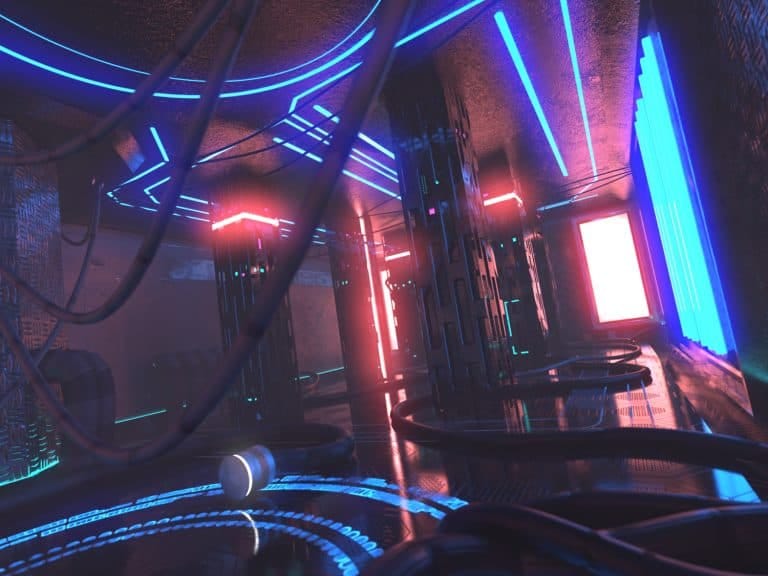
Want to add wires, tubes, cables, or tentacles to your scene without manual modeling? CES 3DS Tube Maker lets you generate tubular geometry directly inside DAZ Studio.
What It Offers
- Quick tube creation from curves
- Adjustable thickness, twist, and profile
- Great for sci‑fi props and detailed organic builds
This tool speeds up one of the most tedious modeling tasks and gives you precision control.
4. CES 3DS Legacy Clone Generator – Genesis 9 Friendly
Product: CES 3DS Legacy Clone Generator for Genesis 9
https://3dshards.com/product/ces-3ds-legacy-clone-generator-for-genesis-9/
CES 3D’s Legacy Clone Generator for Genesis 9
With every new generation of DAZ figures, converting older content can be challenging. The Legacy Clone Generator lets Genesis 9 users generate clones from legacy figures with ease.
Why It Matters
- Preserves older assets while updating to Genesis 9
- Smooth morph and rig transfer
- Saves time compared to manual retargeting
This is the perfect utility if you have a large legacy library and want to integrate it into your Genesis 9 workflow.
5. Action Menu – Streamline Your DAZ Studio Interface
Product: Action Menu
https://3dshards.com/product/action-menu/
https://3dshards.com/product/action-menu/”>https://3dshards.com/product/action-menu/
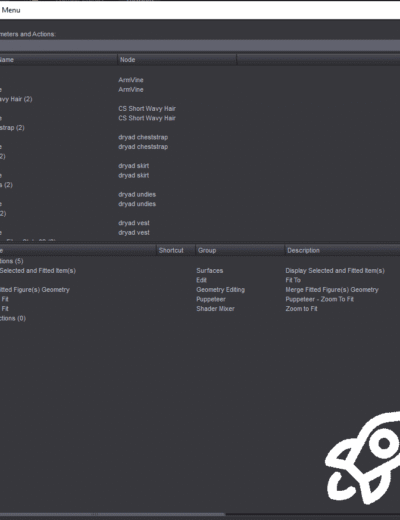
Tired of searching through menus? The Action Menu enhances your DAZ Studio UI by adding customizable quick‑access actions, helping you work faster and smarter.
Action Menu
Better Than Default
- Custom favorites panel
- Shortcuts to commonly used commands
- Improves efficiency for advanced and beginner users alike
This tool is especially helpful in speeding up repetitive tasks and organizing your workflow.
How These Tools Improve Your DAZ Workflow
Using these five products together can drastically improve productivity and creative freedom:
✅ Faster asset management
✅ Better version control
✅ Procedural modeling capabilities
✅ Compatibility with the latest Genesis figures
✅ A more intuitive working environment
If you’re serious about DAZ Studio in 2026, these are investments that will pay off in time saved and stress reduced.
-
 Action Menu5.99 $
 -

-
-

-
 Increment Save0.00 $