
Finally a pay-once Mesh Grabber successor+
TL;DR. Buy it! It is everything Mesh Grabber was but better with features that rival & surpass the subscription Premier Sculptor tool.
The Deta...More
TL;DR. Buy it! It is everything Mesh Grabber was but better with features that rival & surpass the subscription Premier Sculptor tool.
The Details
I've been sorely missing Mesh Grabber in Daz 6. I used it in almost every render to fix poke-thrus, pose unrigged prop & clothing elements, and to make light customizations to characters & environments. I was hesitant to buy this plug-in, but I can say after having Premier Sculptor for a year, I won't miss it when my subscription runs out now that I have this.
Selecting new vertexes/faces in MeshGrabber was limited, so I love that I can easily brush/quad/lasso select right in this new plugin and quickly swap back & forth between selection & deformation operations. You get translate, rotate, and SCALE transforms plus a variety of sculpting operations like inflate/deflate, smooth, and more.
Performance wise it seems to be as fast or faster than MeshGrabber & P. Sculptor for all operations. I edited a G9 character's face yesterday with no problems. I redid the sea cave floor flattening/crevassing I did for a 3DShards XMas contest render, and it handled the task of editing the large, dense mesh while navigating inside the enclosed space as well as Premier Sculptor.
The morph creation is straightforward. I have not tried JCMs, but that seems like a useful addition.
So all in all I can stop missing MeshGrabber and stop paying Daz to rent Premier Sculptor. And I got this on sale!
The Details
I've been sorely missing Mesh Grabber in Daz 6. I used it in almost every render to fix poke-thrus, pose unrigged prop & clothing elements, and to make light customizations to characters & environments. I was hesitant to buy this plug-in, but I can say after having Premier Sculptor for a year, I won't miss it when my subscription runs out now that I have this.
Selecting new vertexes/faces in MeshGrabber was limited, so I love that I can easily brush/quad/lasso select right in this new plugin and quickly swap back & forth between selection & deformation operations. You get translate, rotate, and SCALE transforms plus a variety of sculpting operations like inflate/deflate, smooth, and more.
Performance wise it seems to be as fast or faster than MeshGrabber & P. Sculptor for all operations. I edited a G9 character's face yesterday with no problems. I redid the sea cave floor flattening/crevassing I did for a 3DShards XMas contest render, and it handled the task of editing the large, dense mesh while navigating inside the enclosed space as well as Premier Sculptor.
The morph creation is straightforward. I have not tried JCMs, but that seems like a useful addition.
So all in all I can stop missing MeshGrabber and stop paying Daz to rent Premier Sculptor. And I got this on sale!
Beautiful prop and poses! Thank you very much!

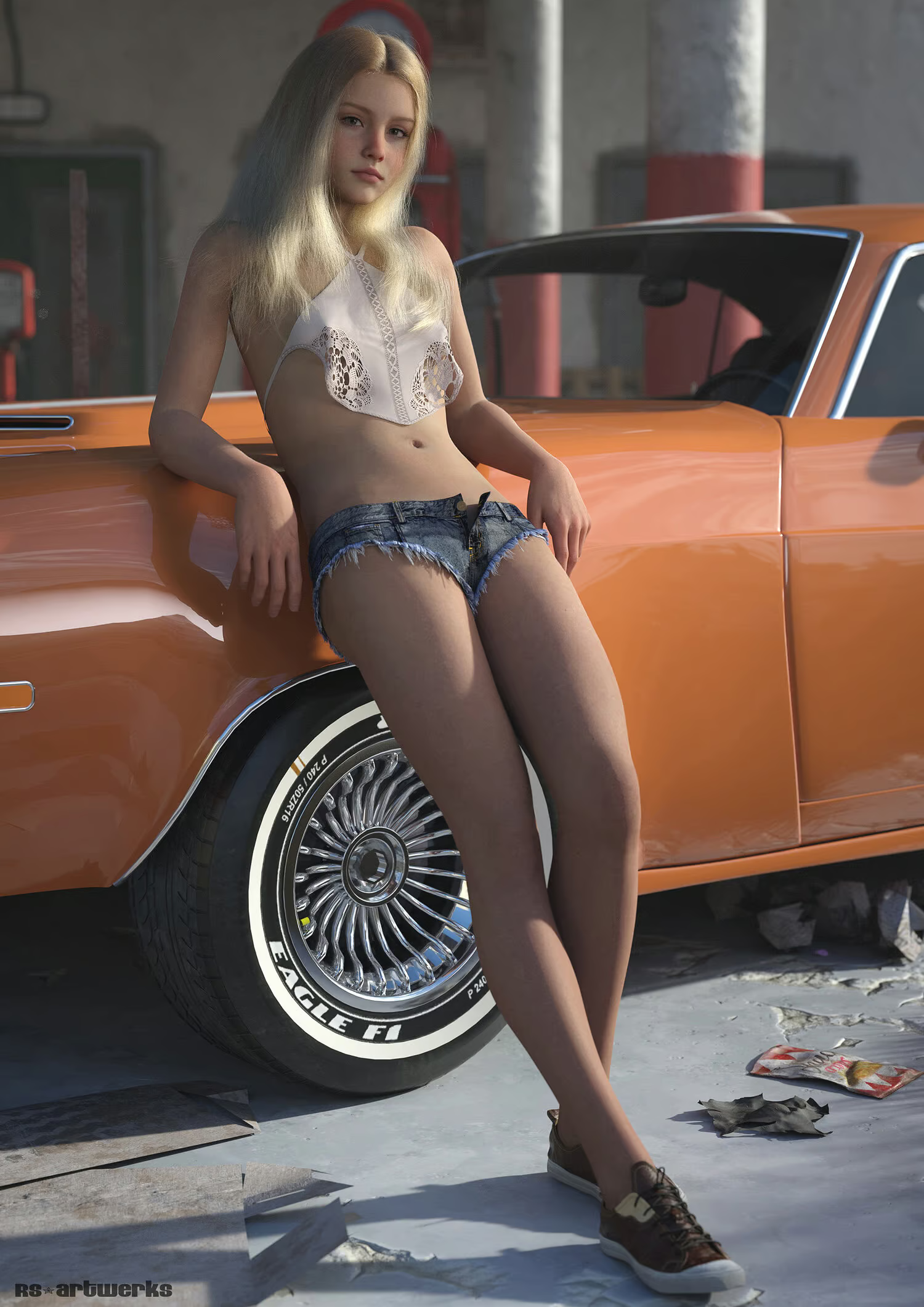
Another outstanding, realistic model!
Simply beautiful in all respects, from sculpt to texture. Fantastic!

Amazing creation!

Amazing! Thank you!
5 star
Nothing much to say here other than that, this product is really good it adds realism to your work, well done Zicon.

LOVE!
Thank you for this amazing prop!!!
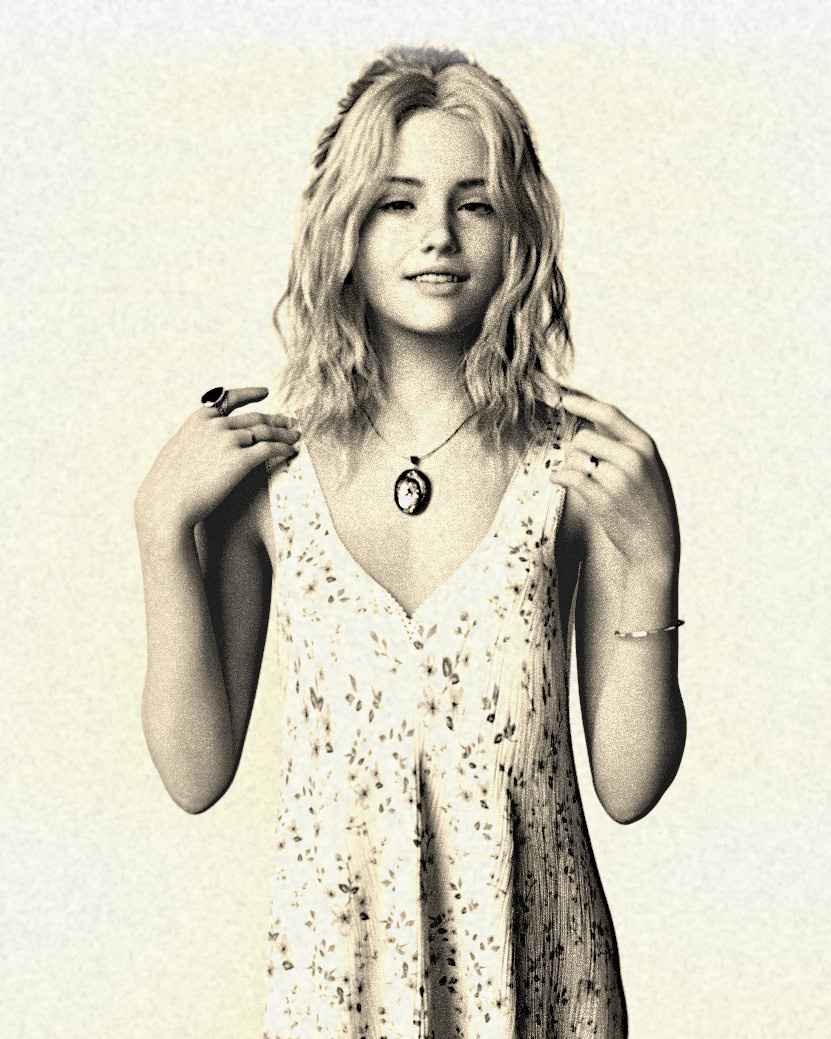
Amazing
A very pretty character, well proportioned, textures are to notch as always!
A great addition to your G9 Anthro pool
I have been a fan of Willbear's products for years now. It isn't just that he offers a good variety of anthro characters others don't, but also HOW he...More
I have been a fan of Willbear's products for years now. It isn't just that he offers a good variety of anthro characters others don't, but also HOW he structures these characters makes them so good.
Each figure is made out of multiple morphs, this means you can use all these morphs separately from one another. Creating a good pool for making unique characters.
What makes Foxen shine, especially, is how Willbear has solved the issue of digitigrade feet. Instead of making the character stand on their toes from the outset, Willbear instead makes their feet long and gives a separate digitigrade pose to make the character than on their toes. This frees the character's feet to be more posable and even turn digitigrade for toewalking poses.
The offered furs are also good, offering a solid selection of markings.
Each figure is made out of multiple morphs, this means you can use all these morphs separately from one another. Creating a good pool for making unique characters.
What makes Foxen shine, especially, is how Willbear has solved the issue of digitigrade feet. Instead of making the character stand on their toes from the outset, Willbear instead makes their feet long and gives a separate digitigrade pose to make the character than on their toes. This frees the character's feet to be more posable and even turn digitigrade for toewalking poses.
The offered furs are also good, offering a solid selection of markings.

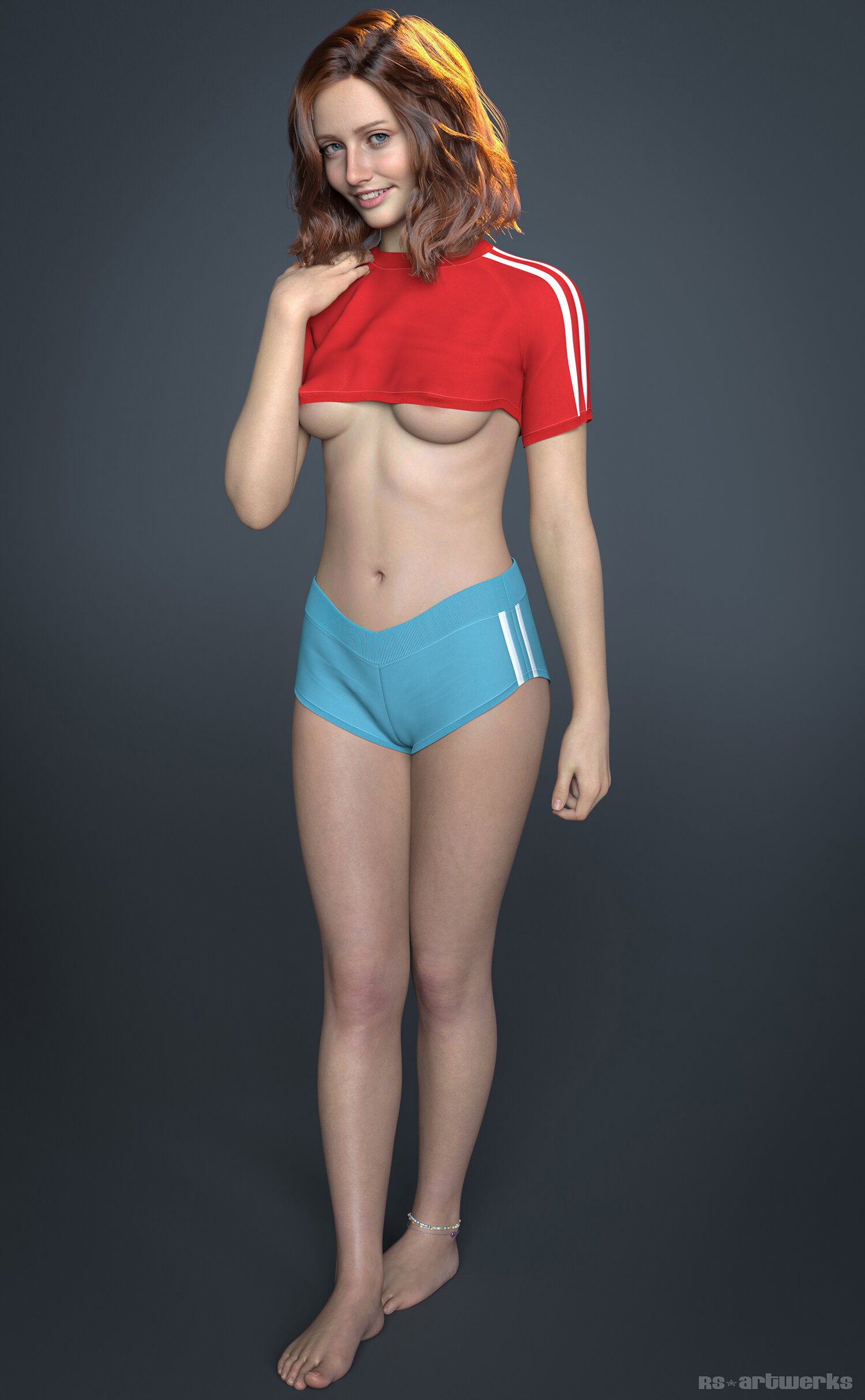
Amazingly realistic!
This is a gorgeous figure that has a wonderfully high level of realism, from the skin textures, to the head sculpt, to the overall body sculpt. Absol...More
This is a gorgeous figure that has a wonderfully high level of realism, from the skin textures, to the head sculpt, to the overall body sculpt. Absolutely fantastic work, and feels like someone you might actually meet in real life. Highly recommend this work and any other pieces by this artist.

Amazing wings!

Very cute and fun, thank you 🙂

Amazing Textures
Love this character, realistic and well thought out. Will gladly support this creator!
Love!
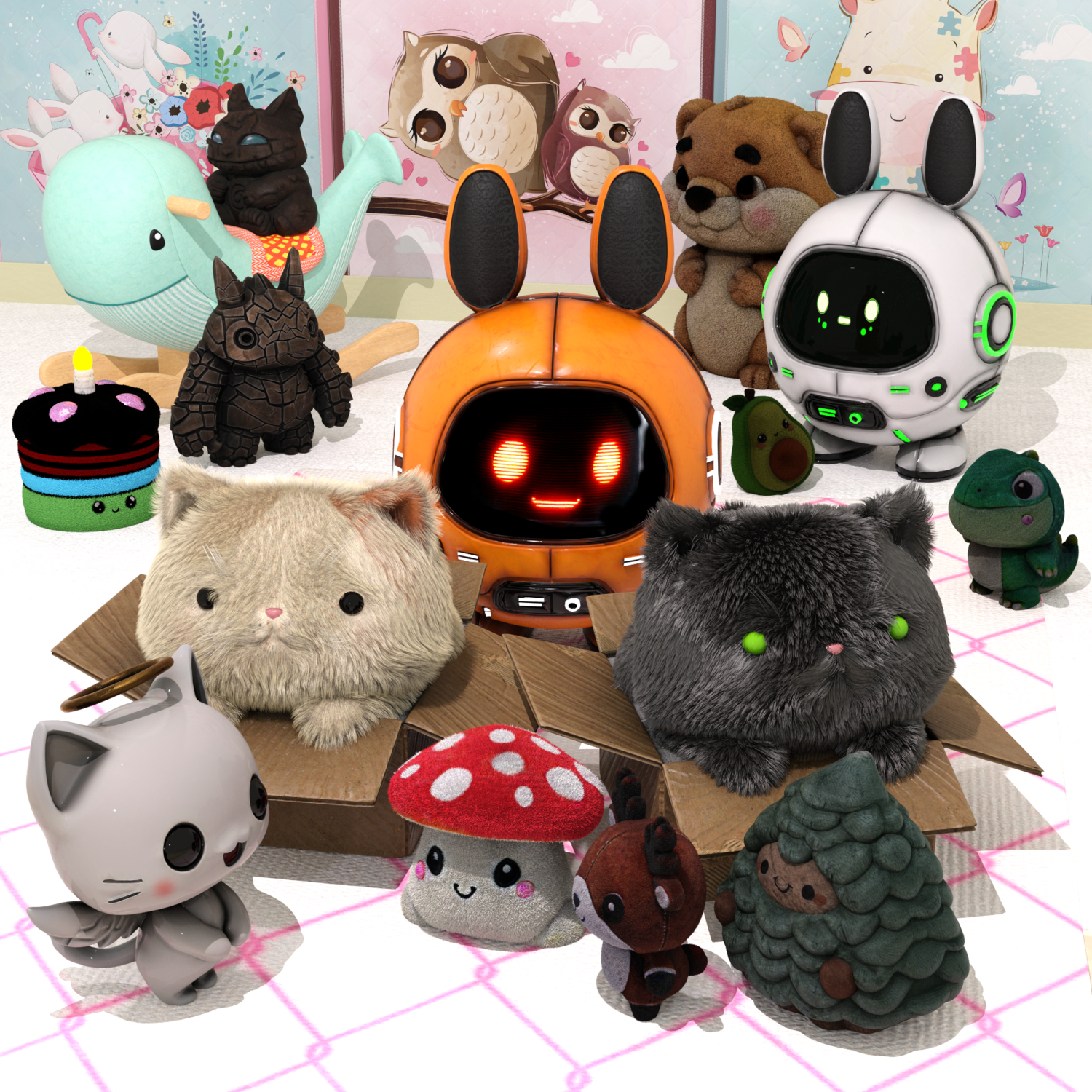
Absolutely love Bun Bot, he is an adorable robotic companion to add to any render. Love his detailed textures, very realistic details especially with ...More
Absolutely love Bun Bot, he is an adorable robotic companion to add to any render. Love his detailed textures, very realistic details especially with his electronic display showing his facial emotions. He fits in well with all the other cute beings that are in my runtime.

Love!
Absolutely love Bun Bot, he is an adorable robotic companion to add to any render. Love his detailed textures, very realistic details especially with ...More
Absolutely love Bun Bot, he is an adorable robotic companion to add to any render. Love his detailed textures, very realistic details especially with his electronic display showing his facial emotions. He fits in well with all the other cute beings that are in my runtime.
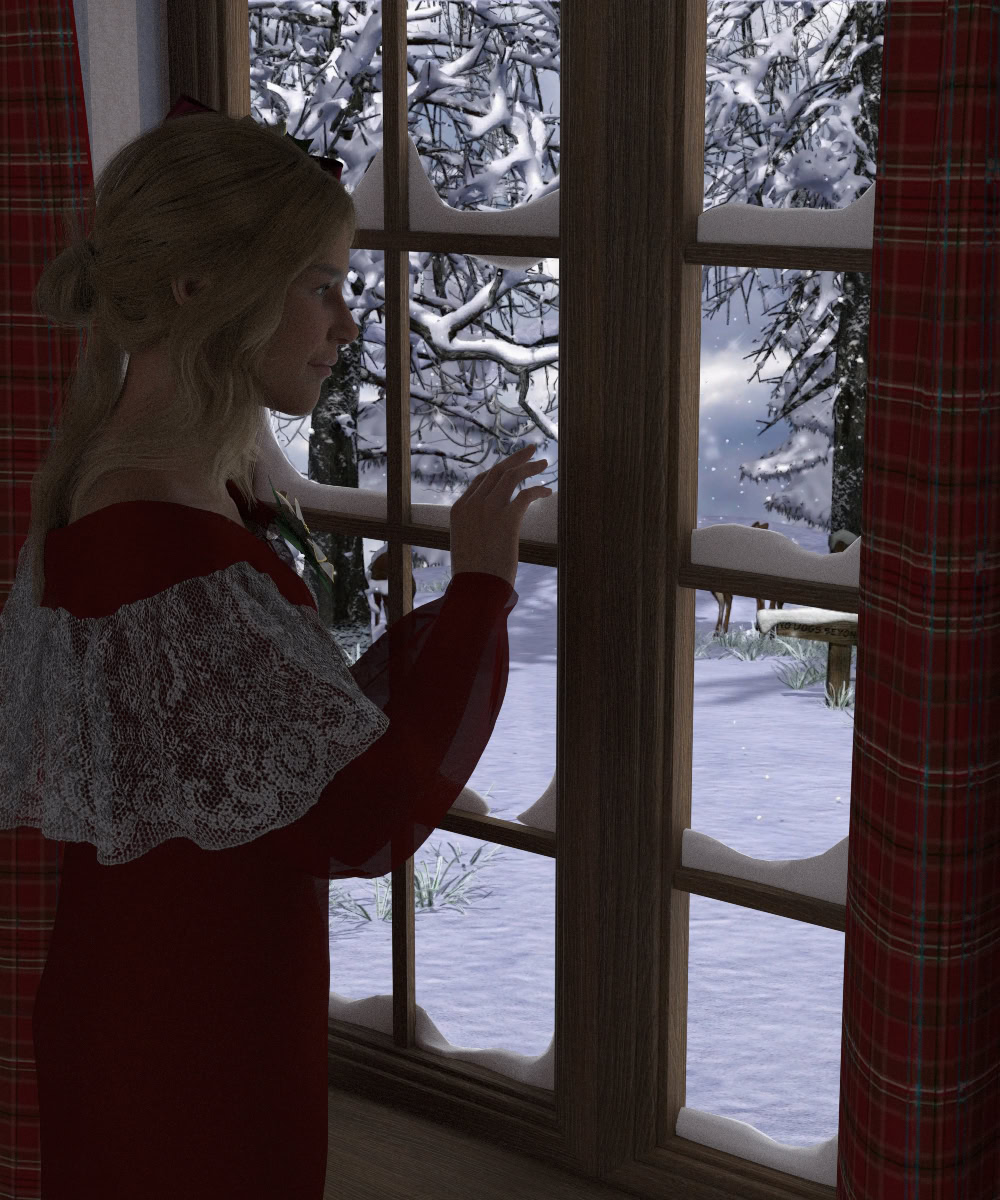
Absolutely perfect for a Christmas morning render, or for in fact, any winter day. 🙂

A Permanent Install Script
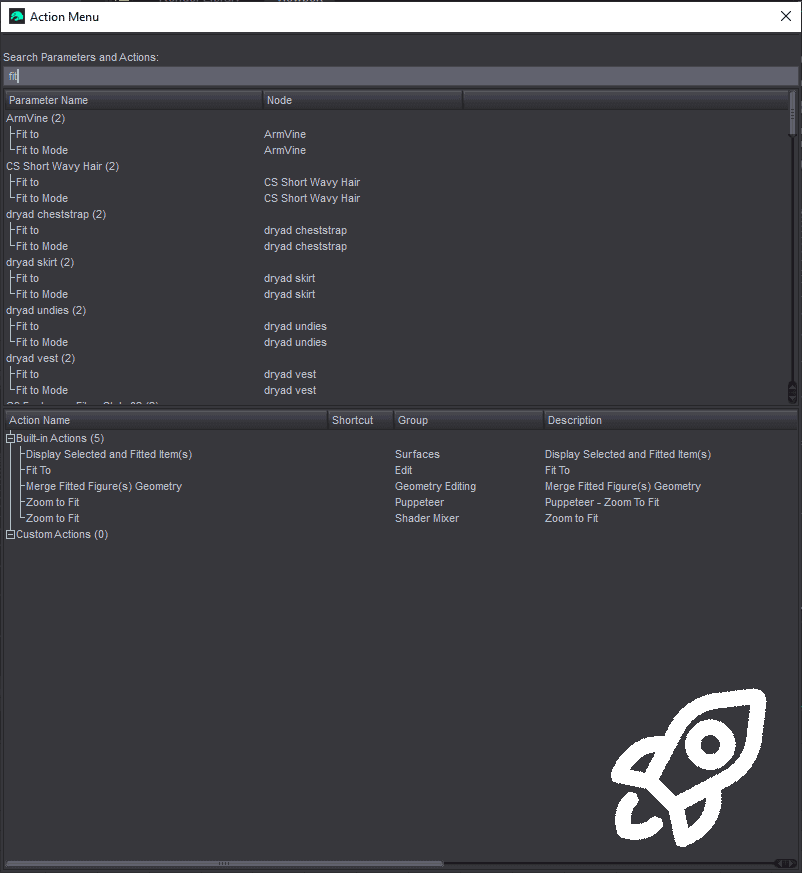
After using this script for about a month, it’s hard to imagine using Daz without it installed. First, the search functionality works exactly as adver...More
After using this script for about a month, it’s hard to imagine using Daz without it installed. First, the search functionality works exactly as advertised. It’s incredibly powerful to be able to search parameters across all nodes in your scene, rather than digging through the Parameters tab using a side-by-side layout (especially helpful for people with smaller monitors).
Where this script really shines, however, is that the search function also extends to built-in Daz functions. Many common tools for content creation or custom workflows are buried 2–3 submenus deep, and putting them all in toolbars would just clutter the workspace. The menu also reads the “Custom Actions” group defined in Daz as its own category so you don’t even have to search: they’re readily accessible. This option works well for niche repetitive functions that don't deserve their own hotkey but when it's time to use it.....I don't want to drill down "edit>figure>shape>clear generated morphs" 10 times back to back. Pairing this with editing hotkeys in the same menu gives you a lot of customization that is much less clunky than native Daz.
TLDR: A "simple" script that you don't fully understand the impact of until you forget to re-install it. Highly recommend!
Where this script really shines, however, is that the search function also extends to built-in Daz functions. Many common tools for content creation or custom workflows are buried 2–3 submenus deep, and putting them all in toolbars would just clutter the workspace. The menu also reads the “Custom Actions” group defined in Daz as its own category so you don’t even have to search: they’re readily accessible. This option works well for niche repetitive functions that don't deserve their own hotkey but when it's time to use it.....I don't want to drill down "edit>figure>shape>clear generated morphs" 10 times back to back. Pairing this with editing hotkeys in the same menu gives you a lot of customization that is much less clunky than native Daz.
TLDR: A "simple" script that you don't fully understand the impact of until you forget to re-install it. Highly recommend!
I don't have any ultrascatter or any other tools like that so I find building a figure out of these a bit tricky, but you still can make some nice thi...More
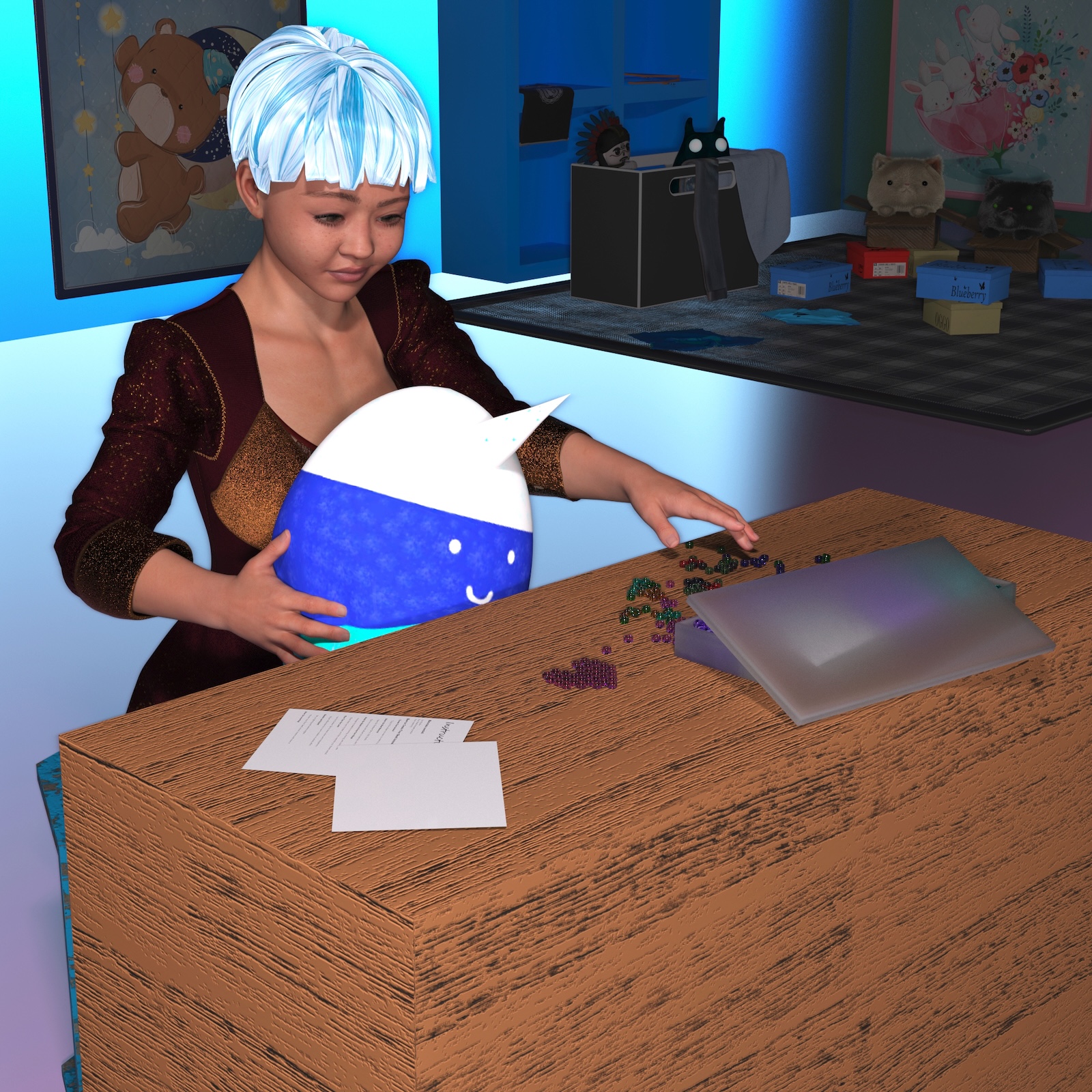
I don't have any ultrascatter or any other tools like that so I find building a figure out of these a bit tricky, but you still can make some nice things with it, such as a heart. It also makes a nice layout for a crafting desk, as a moment before item, where someone is about to make something nice with it. You can customize colours beyond the defaults but I would recommend adjusting just one bead and then render testing it to make sure you changed all the necessary colour functions else you might get a surprise and it is easier to adjust right from the beginning and copy it rather than adjust all the little beads after the fact. Overall, it is a nice detailed product and you can build lots of things out of it if you have lots of patience or as others mentioned, tools to let you build complicated figures quick.


I Want These In Real Life!
Did I mention that I want these in real life?
The detail in these are nice. I wouldn't be surprised if there are similar antique lamps actually out...More
Did I mention that I want these in real life?
The detail in these are nice. I wouldn't be surprised if there are similar antique lamps actually out in the wild.
Tip -> Want more light? Don't mess with the surface emissions settings. To keep from blowing out the light and detail inside the lamp, insert a point light or a sphere ghost light inside the lamp shade with the color set to the same as the emission color!
The detail in these are nice. I wouldn't be surprised if there are similar antique lamps actually out in the wild.
Tip -> Want more light? Don't mess with the surface emissions settings. To keep from blowing out the light and detail inside the lamp, insert a point light or a sphere ghost light inside the lamp shade with the color set to the same as the emission color!


A Different Hair
I like the disheveled look for this hair. Plus I like that there is a morphable version AND editable version of the hair--it allows for more options d...More
I like the disheveled look for this hair. Plus I like that there is a morphable version AND editable version of the hair--it allows for more options depending on one's needs.
Tip -> on the morphable version, don't be afraid to mix morphs
Tip 2 -> Unlocking the limits on the morphs and exceeding 100% can give some interesting results!
Tip -> on the morphable version, don't be afraid to mix morphs
Tip 2 -> Unlocking the limits on the morphs and exceeding 100% can give some interesting results!
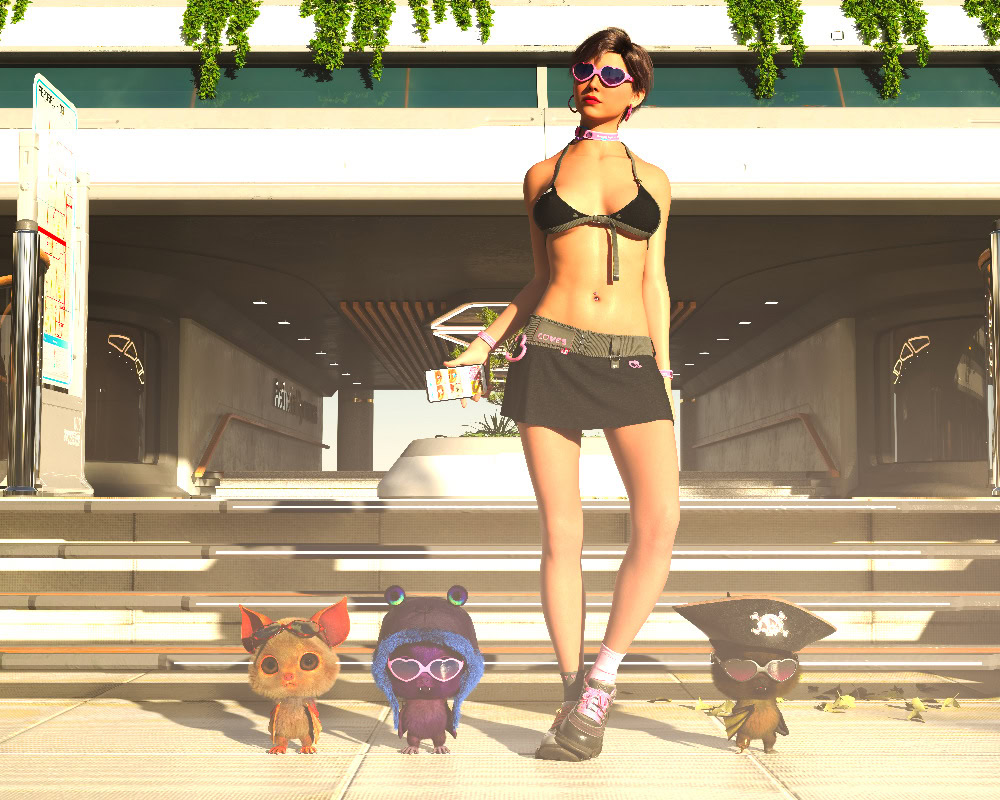
Only the cool wear this
Only the really cool beings of this Universe (and some of the other Universes) wear this ensemble. It can even make the Rati look cool which is someti...More
Only the really cool beings of this Universe (and some of the other Universes) wear this ensemble. It can even make the Rati look cool which is sometimes a chore.
The bundle is fantastic because of the different items in it. You can have a mobile phone, really nice looking glasses, and of course the to top and skirt are really well done. As far as I can tell, the skirt does not explode during simulation, so far.
I would heartily recommend this set so you can put those amazingly cute specs on those Rati.
The bundle is fantastic because of the different items in it. You can have a mobile phone, really nice looking glasses, and of course the to top and skirt are really well done. As far as I can tell, the skirt does not explode during simulation, so far.
I would heartily recommend this set so you can put those amazingly cute specs on those Rati.
Excellent
Excellent set of morphs thank you!
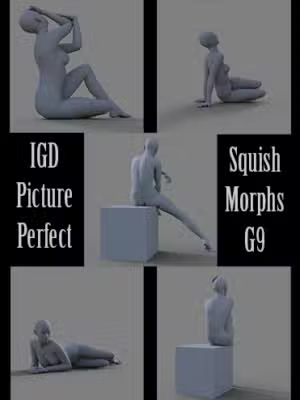
Very good
A very unique character! I absolutely love using her!

Best tool I have ever purchased
I recently lost my content library due to a drive failure and was dreading having to install thousands of zip files, and I spotted this plug in at the...More
I recently lost my content library due to a drive failure and was dreading having to install thousands of zip files, and I spotted this plug in at the perfect time.
So, I literally dragged about a hundred zip files at a time over to the install screen, hit the install button, and away it went, job done.
So far I only had two files that failed to install, but when I looked at them, I realised they were zipped video files, so not needed anyway.
It is so easy to now put things exactly where I want them, and do it quickly, which is a BIG plus for me, who wants to spend days or weeks installing content?
If you are thinking '' do I really need this?'' yes you do! I don`t write product reviews, but this is a fantastic addition to my DS toolbox and I can`t wait to see what the vendor comes up with next.
So, I literally dragged about a hundred zip files at a time over to the install screen, hit the install button, and away it went, job done.
So far I only had two files that failed to install, but when I looked at them, I realised they were zipped video files, so not needed anyway.
It is so easy to now put things exactly where I want them, and do it quickly, which is a BIG plus for me, who wants to spend days or weeks installing content?
If you are thinking '' do I really need this?'' yes you do! I don`t write product reviews, but this is a fantastic addition to my DS toolbox and I can`t wait to see what the vendor comes up with next.
Wonderful Character
I don't know why but this little guy brings back ancient memories of the 'Short Film Festivals' back in the 70s (many of your products do actually). T...More
I don't know why but this little guy brings back ancient memories of the 'Short Film Festivals' back in the 70s (many of your products do actually). The style, the detail, the texturing; All top notch!

So Cute!
Fantastic character with so many options, Bunny Hop will find her way into many future renders!
Sorry no images yet as I am still transitioning to DA...More
Fantastic character with so many options, Bunny Hop will find her way into many future renders!
Sorry no images yet as I am still transitioning to DAZ3D but quality products like this will sure help the transition go smoothly!
Sorry no images yet as I am still transitioning to DAZ3D but quality products like this will sure help the transition go smoothly!

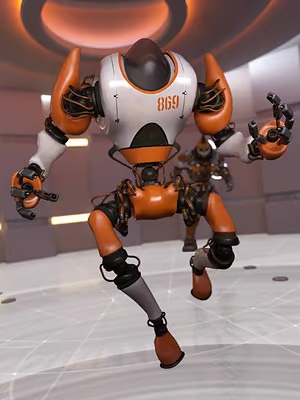
Great Robot
With so many skins to choose MAK 79 will be finding many missions!
Great character and wonderful detail!
Great character and wonderful detail!
Fantastic Character
The charm and detail put into Hailey is just out of this world.
I only hope my rendering skills will grow enough to show her off the way she deserves...More
The charm and detail put into Hailey is just out of this world.
I only hope my rendering skills will grow enough to show her off the way she deserves. So many options she is sure to become a favorite!
Sorry no images yet as I am still transitioning to DAZ3D but quality products like this will sure help the transition go smoothly!
I only hope my rendering skills will grow enough to show her off the way she deserves. So many options she is sure to become a favorite!
Sorry no images yet as I am still transitioning to DAZ3D but quality products like this will sure help the transition go smoothly!

Wonderful detail
What a fantastic and complete character. Great detail and fully loaded!
Sorry no images yet as I am still transitioning to DAZ3D but quality products...More
What a fantastic and complete character. Great detail and fully loaded!
Sorry no images yet as I am still transitioning to DAZ3D but quality products like this will sure help the transition go smoothly!
Sorry no images yet as I am still transitioning to DAZ3D but quality products like this will sure help the transition go smoothly!

Essential!
One of those little (or not so little) things you dont realise is essential until suddenly you need it & go madly searching for it. Luckily, Sickl...More
One of those little (or not so little) things you dont realise is essential until suddenly you need it & go madly searching for it. Luckily, SickleYield has thoughtfully filled that gap.

+1
Amy AiMei
AiMei, I have been following you since Aiko3 and I love the way you share your virtual self with your followers. I mainly use G8F and I see you like f...More
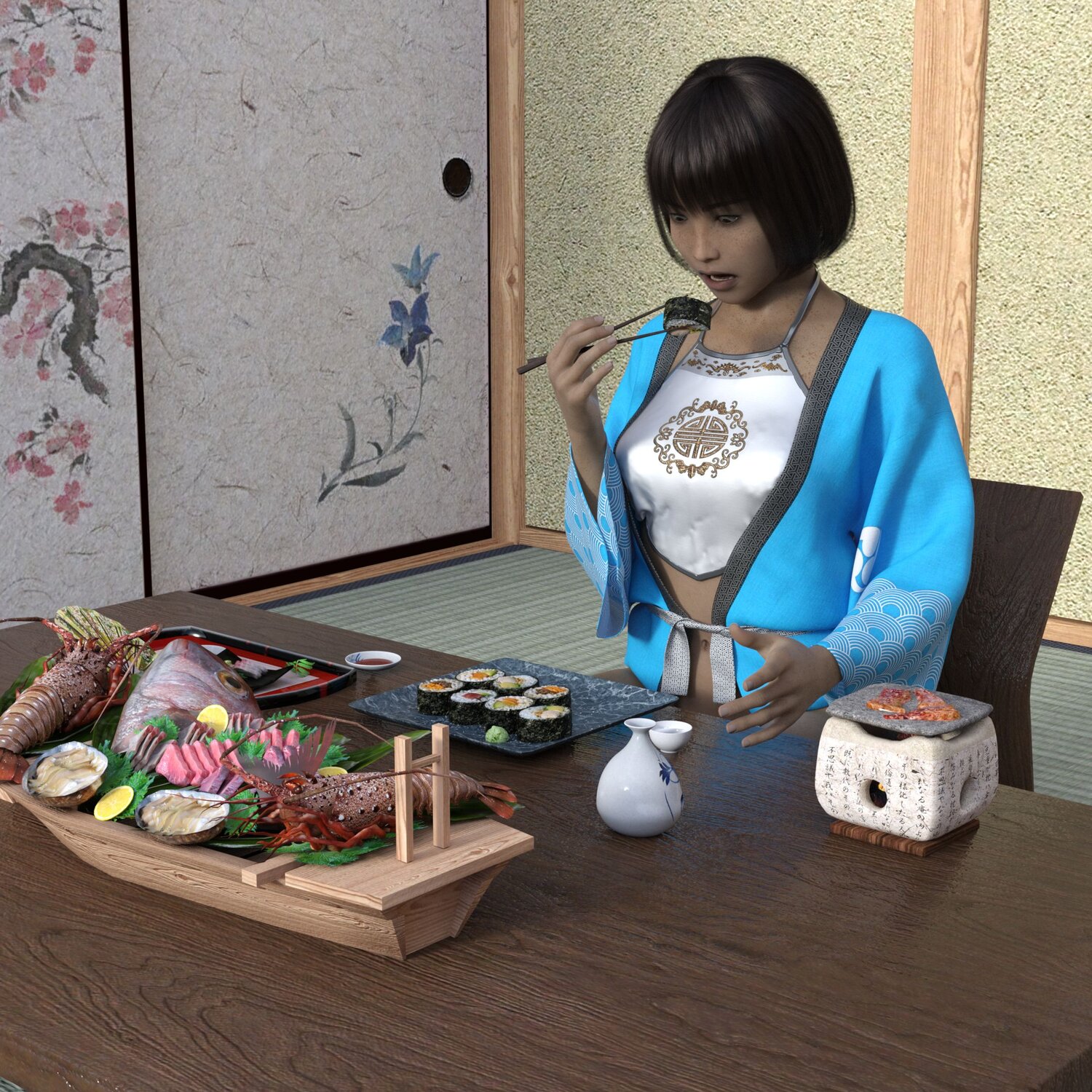
AiMei, I have been following you since Aiko3 and I love the way you share your virtual self with your followers. I mainly use G8F and I see you like fast cars and days at the beach, so I thought your virtual self needs some virtual food as well. Enjoy, there is enough to keep your virtual self going for a little while.

Thank you!

Not recommended
It is claimes that this installs content correctly into Smart Content, but that is not true. Instead of inserting the content into the right Smart Con...More
It is claimes that this installs content correctly into Smart Content, but that is not true. Instead of inserting the content into the right Smart Content categoeries only a new folder called "people" is generated and the content is then inserted below that the same way it is in the normal, non-smart, DAZ categories (My DAZ Library etc.). This leads to very convoluted installs that are not user friendly. There are other solutions that do this better by creating a new product under lost and found - where I then can categorize it myself. I thought I could avoid that with this tool as advertised, but that is not the case. It even is MORE work and effort to correctly categorize assets with this. In my opinion this is a waste of money.
A Nice Addition to Your Runtime!
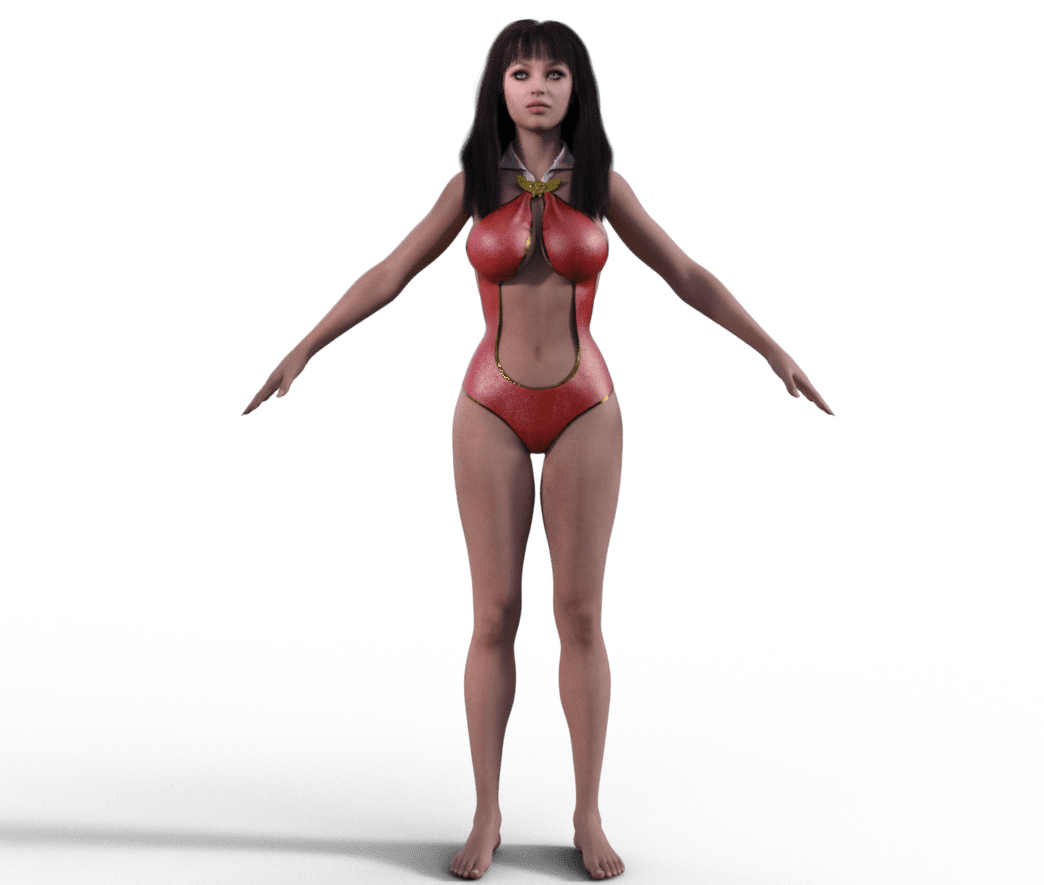
This is a very professional package! I was thrown off by the double install but it is well worth it! My image is crude, no pose, boots, or backgroun...More
This is a very professional package! I was thrown off by the double install but it is well worth it! My image is crude, no pose, boots, or background but take a look at HH Belle with the suit on.

LC
Wonderful Beautiful poses!!!! Thank you so very much for this gift!!!
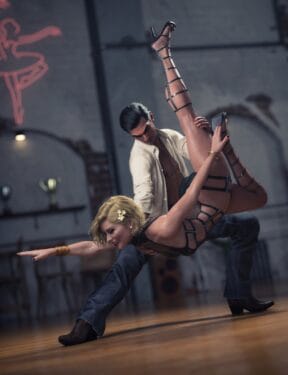
Such an sweet piece of jewellery perfect for Valentines 🙂 Thank you so much
Adorable jewellery! Thank you!
So cute! Thank you very much!
Very cool!
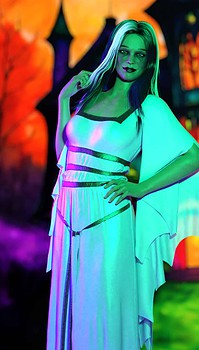
Beautiful!

Awesome!

Very cute!
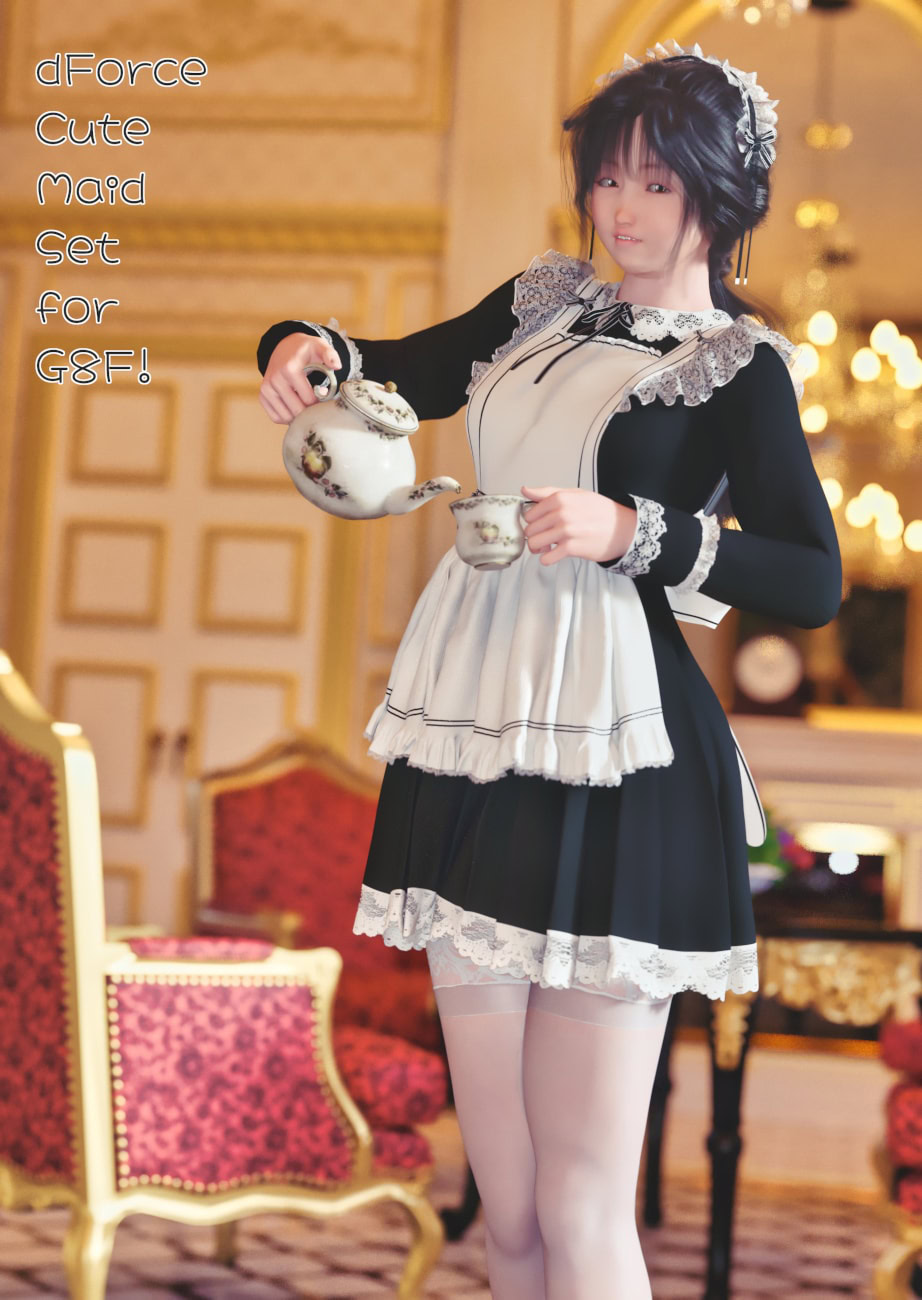
Beautiful!!

They're sooo cute!!

Very cute!

Love it!

Great poses!

Really amazing!
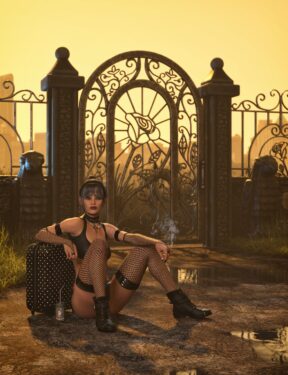

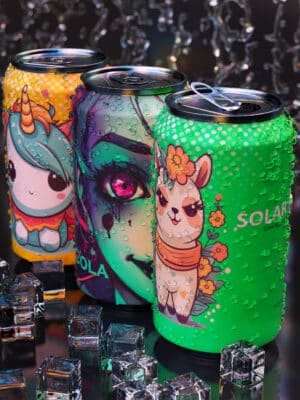
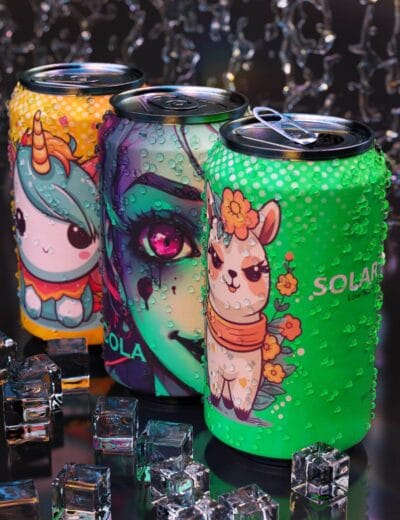 Soda Can for DAZ Studio