

Smart Content Finder For Daz3D
15.00 $
- DIM Support
- Quality Checked
- Clear Licensing
- Secure Payments
- Instant Download
Description
SMART CONTENT FINDER FOR DAZ STUDIO V1.5
Works with Daz Studio 4 and 6
SMART CONTENT FINDER is at the moment Windows-only (Windows 10/11, DAZ Studio 4.5–4.x, and DAZ Studio 6)
STOP SEARCHING. START CREATING.
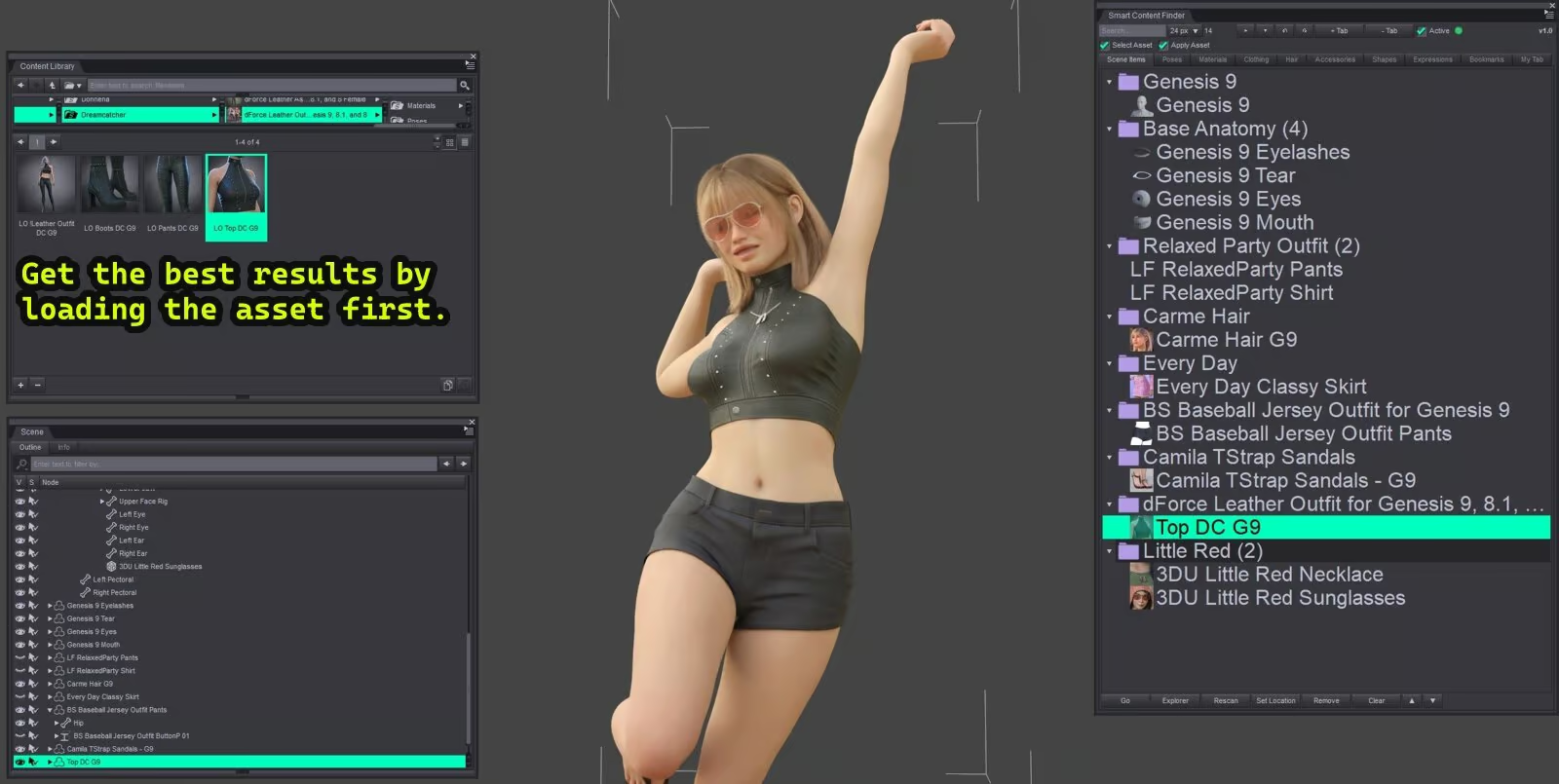
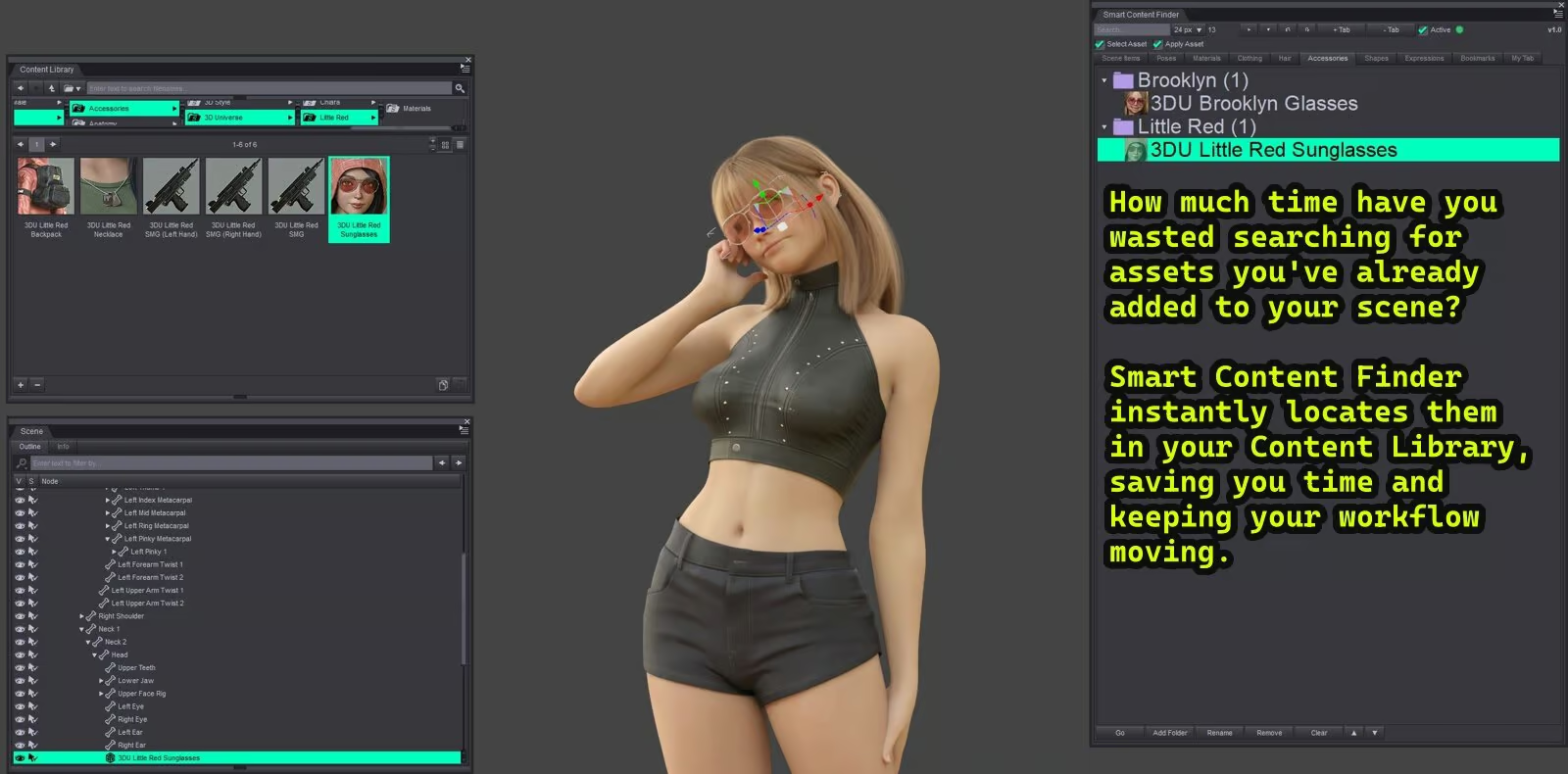
Ever loaded a character, outfit, pose, material, hair, or accessory and later wondered — “where did that file come from?”
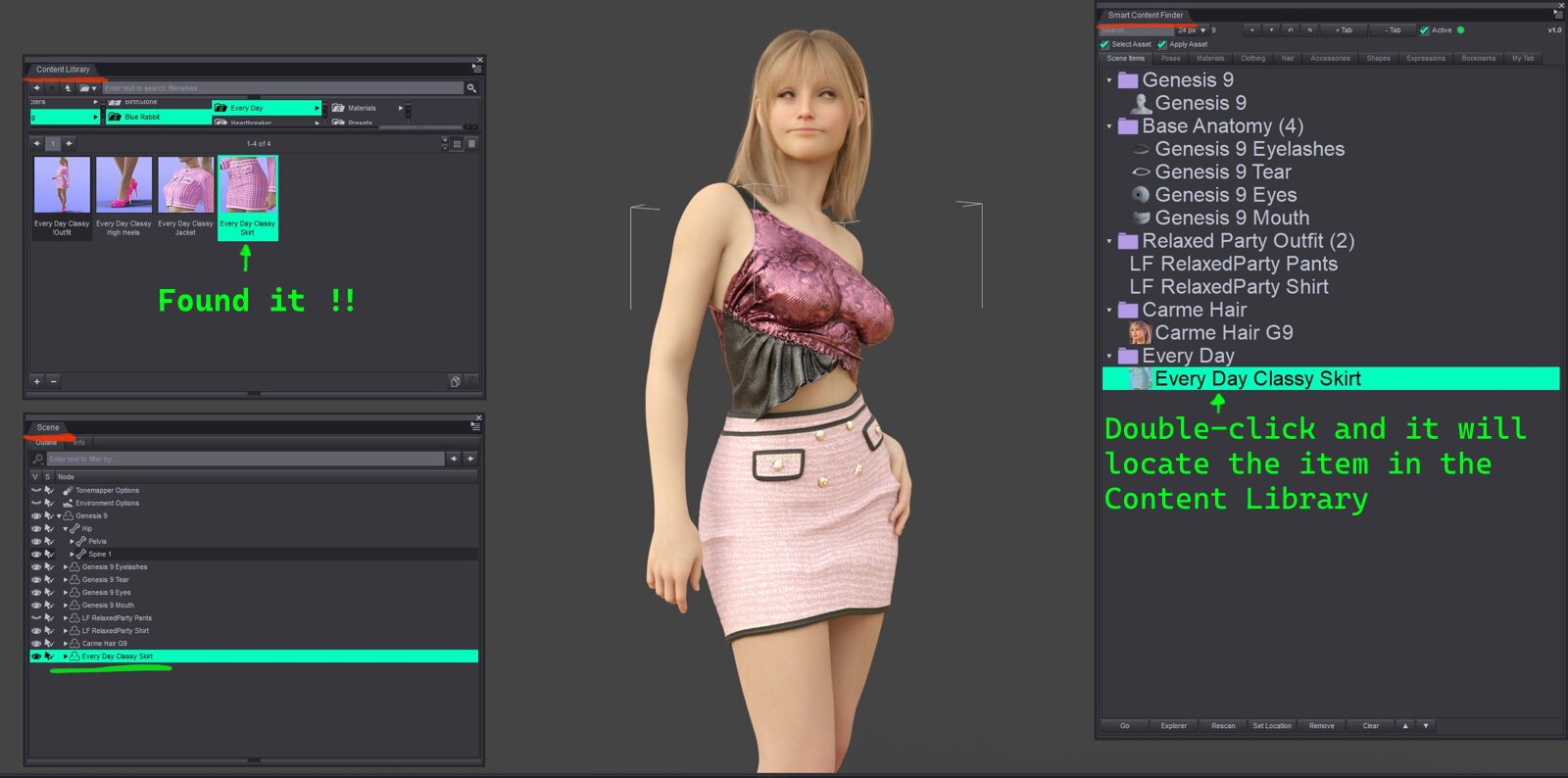
Smart
Content Finder instantly locates content already in your scene and
jumps you back to the right Content Library folder, with about 99%
accuracy. No more digging through endless folders for assets you’ve
already used.
WHAT IT DOES
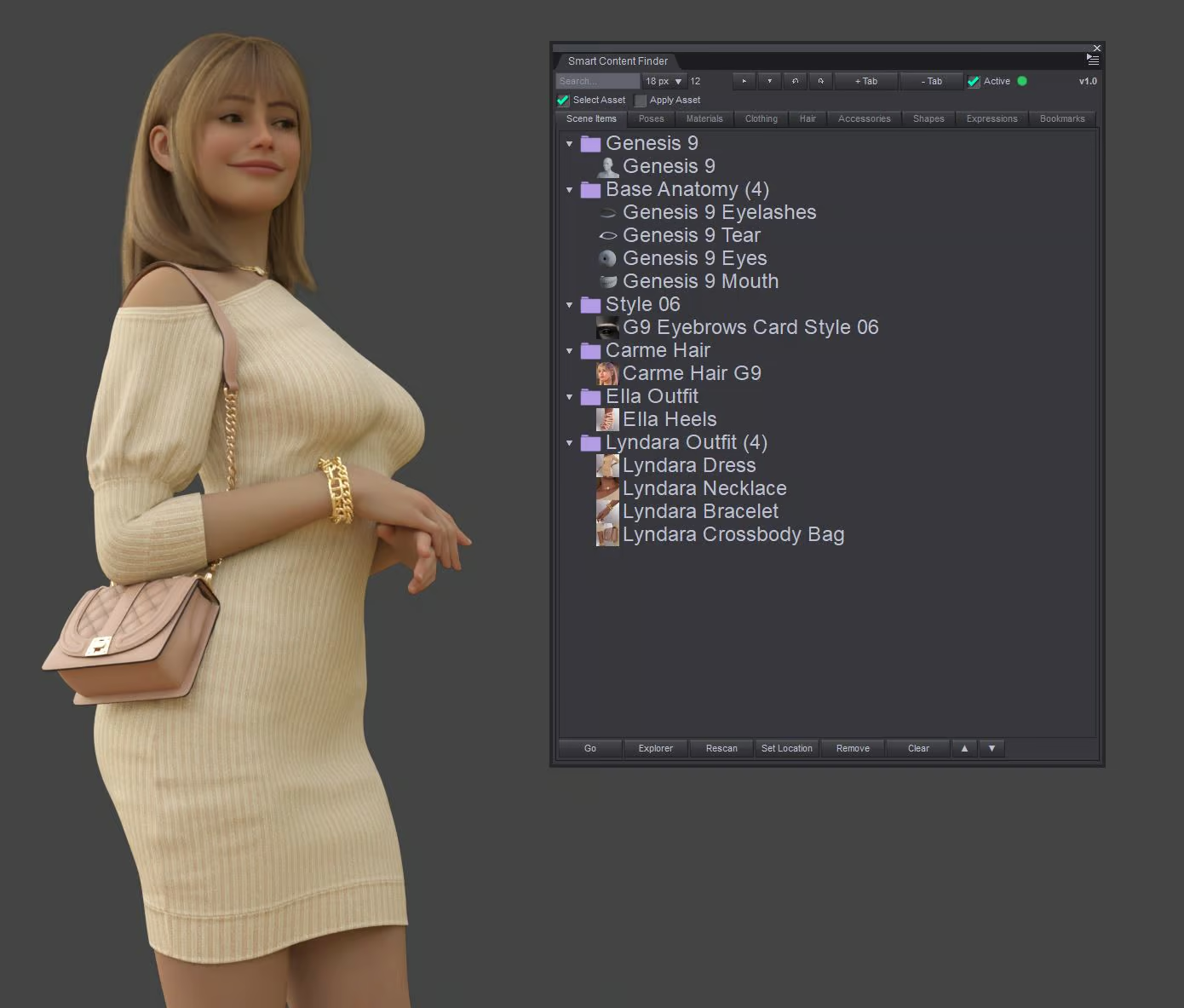
• Tracks the content in your scene, live
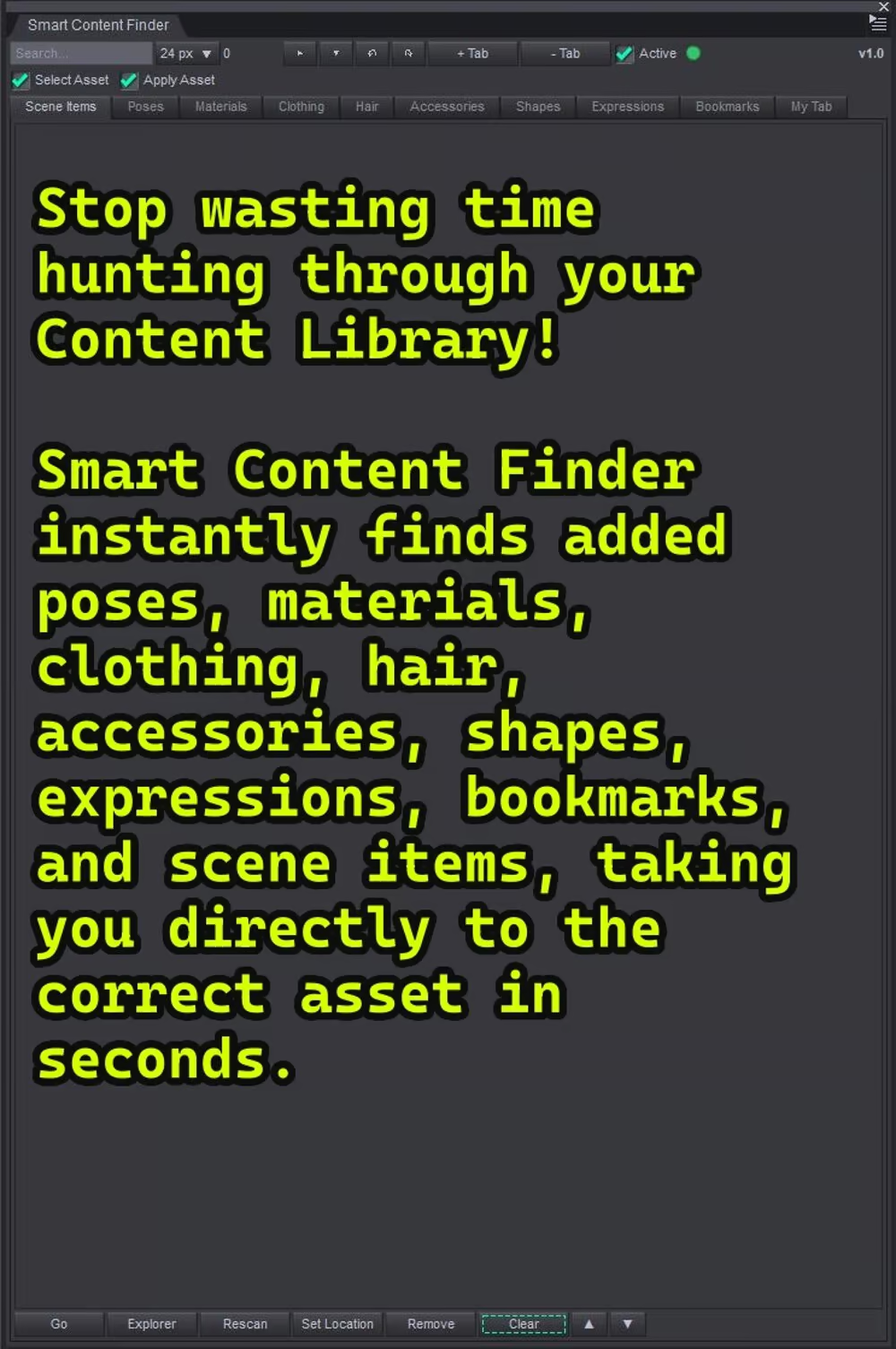
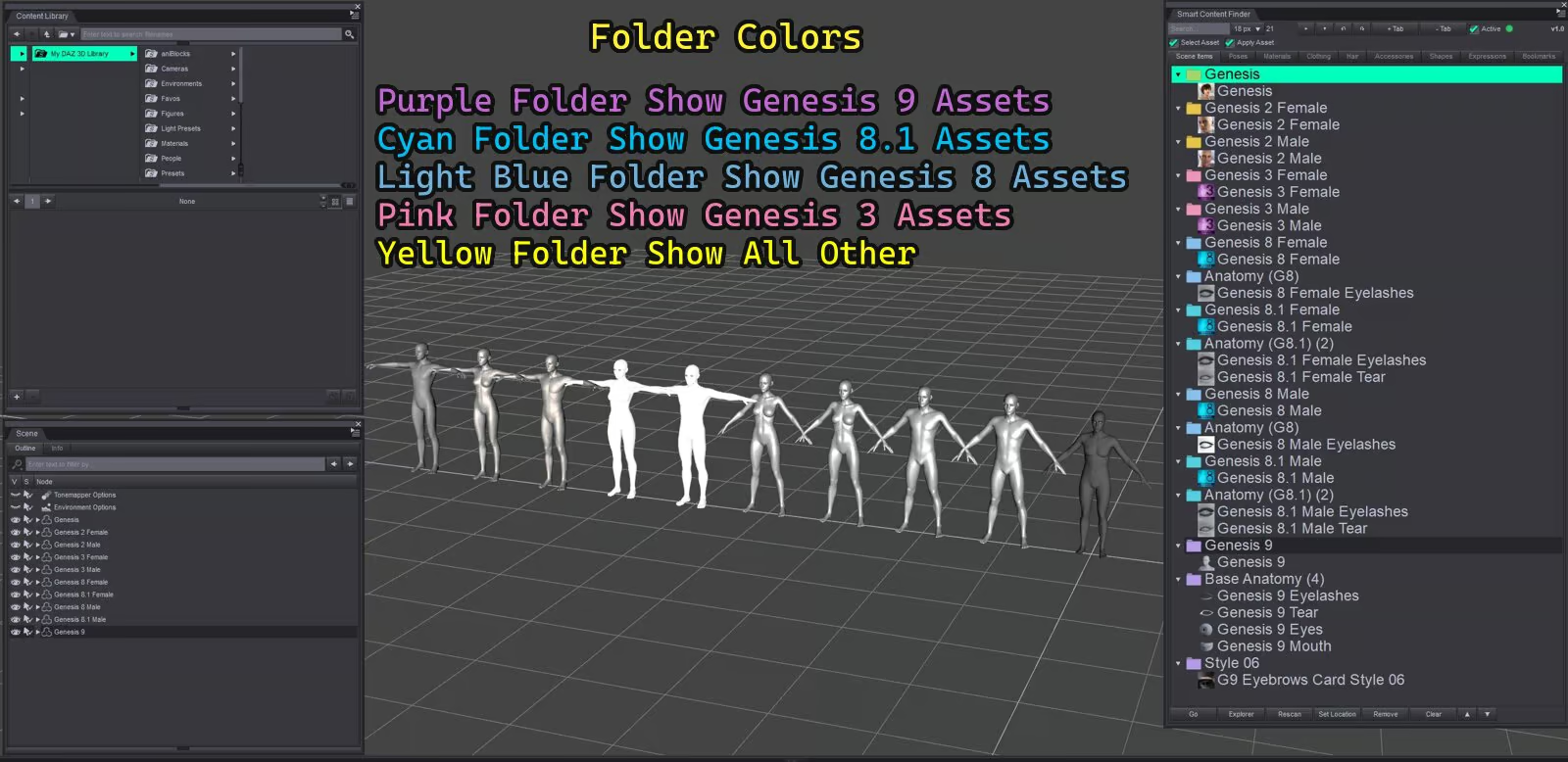
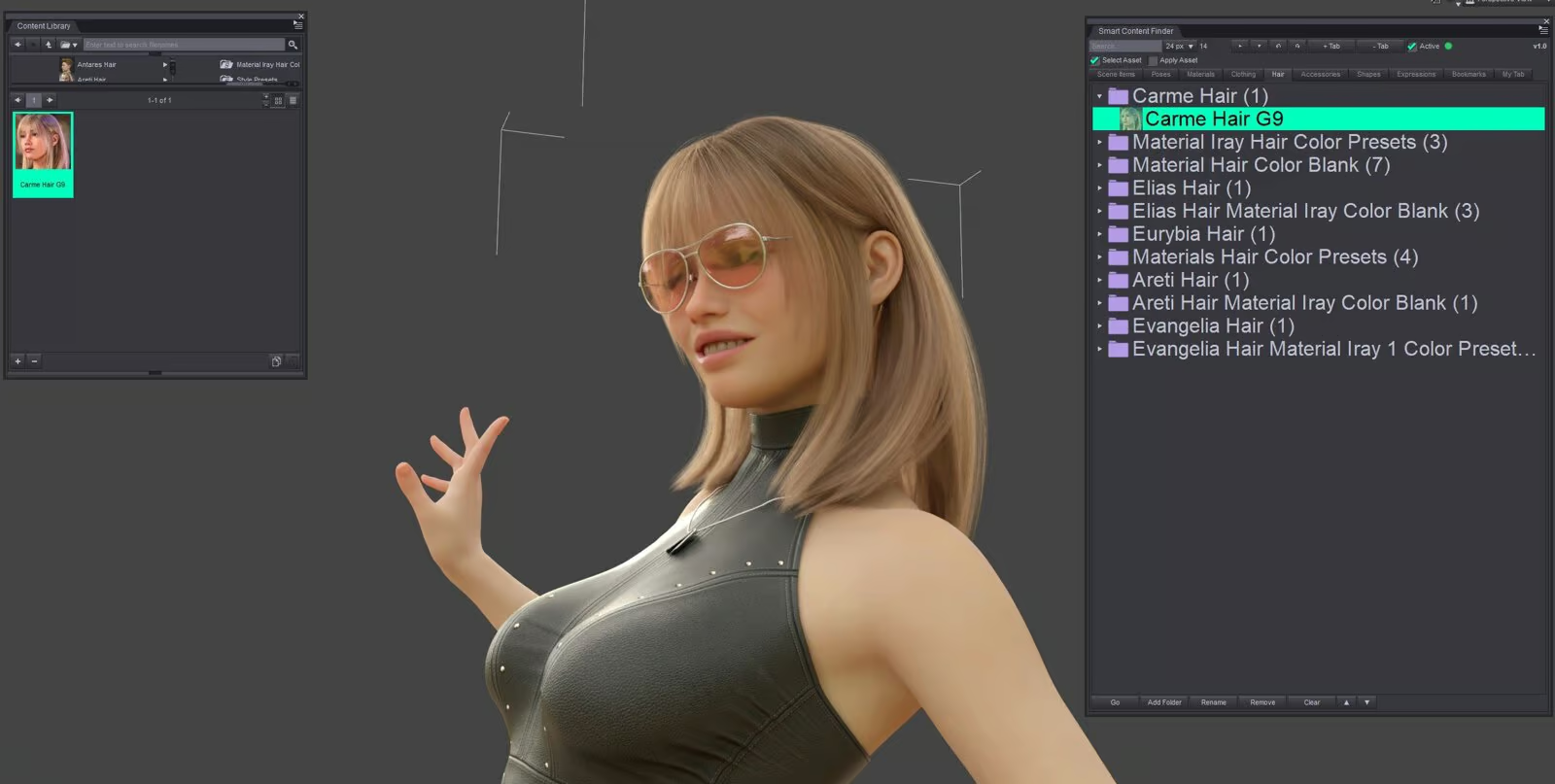
• Organizes it into easy‑to‑browse tabs
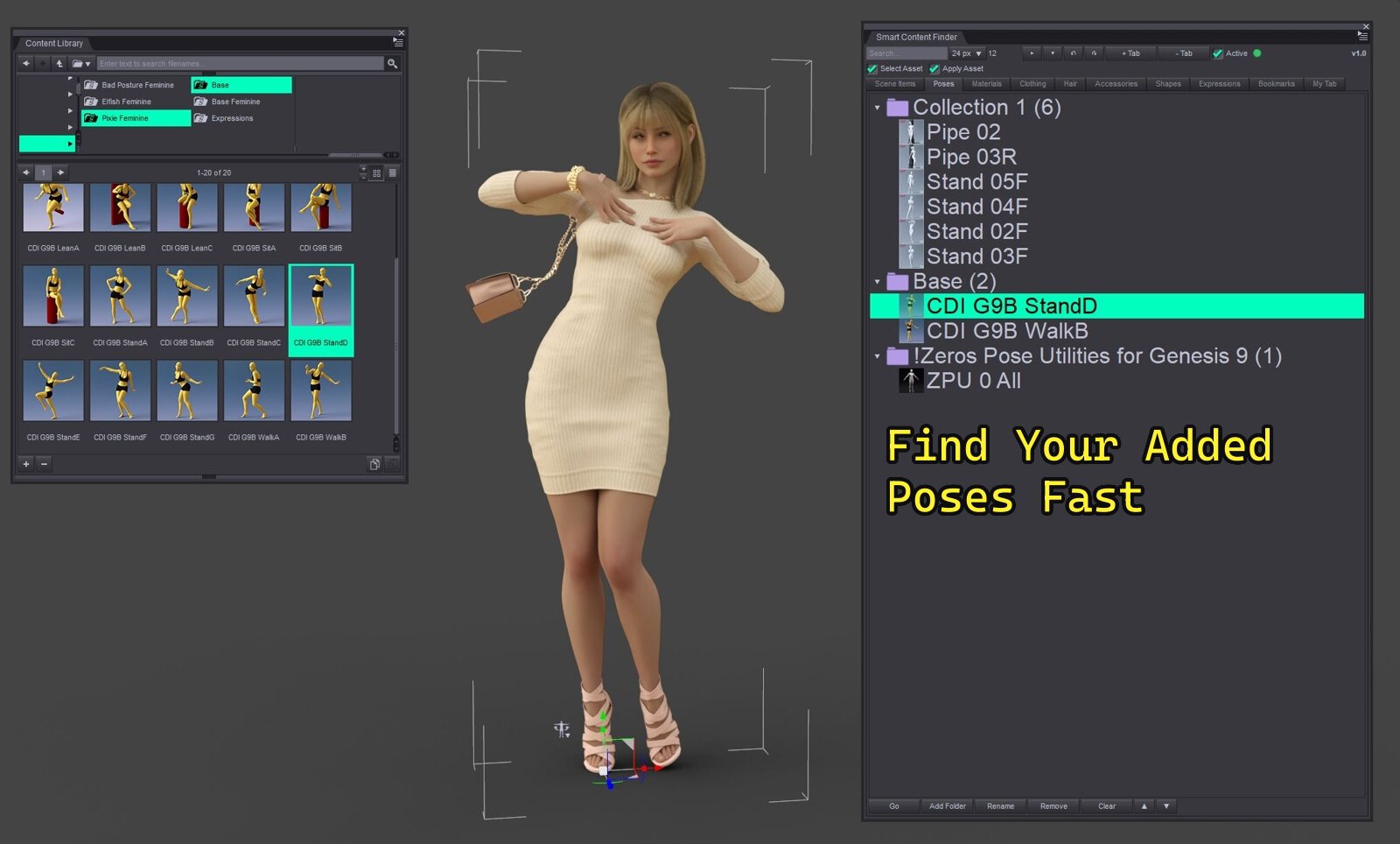
• Finds original locations — including custom & mapped libraries
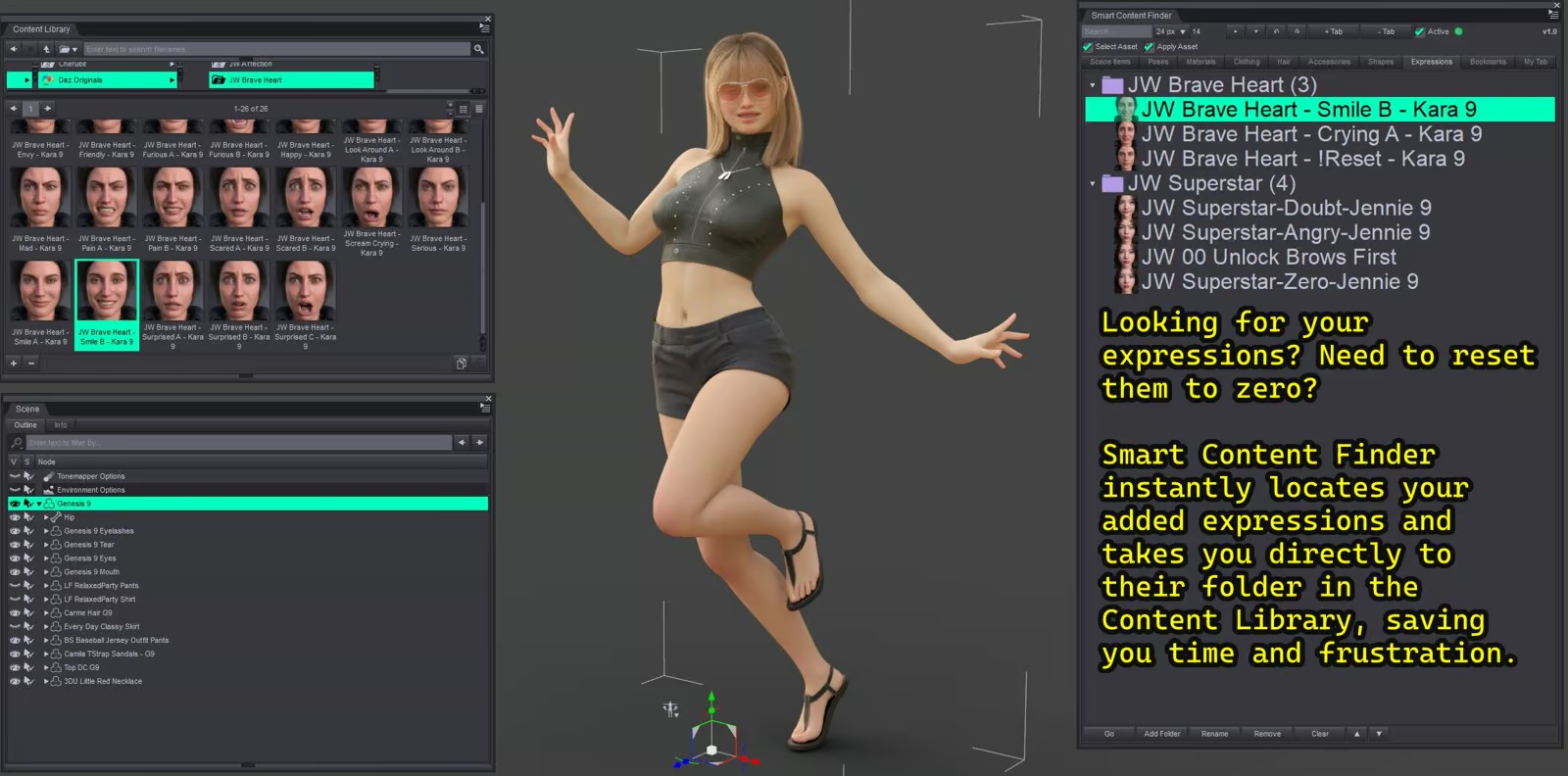
• Jumps you straight to the Content Library folder
•Search & filter instantly
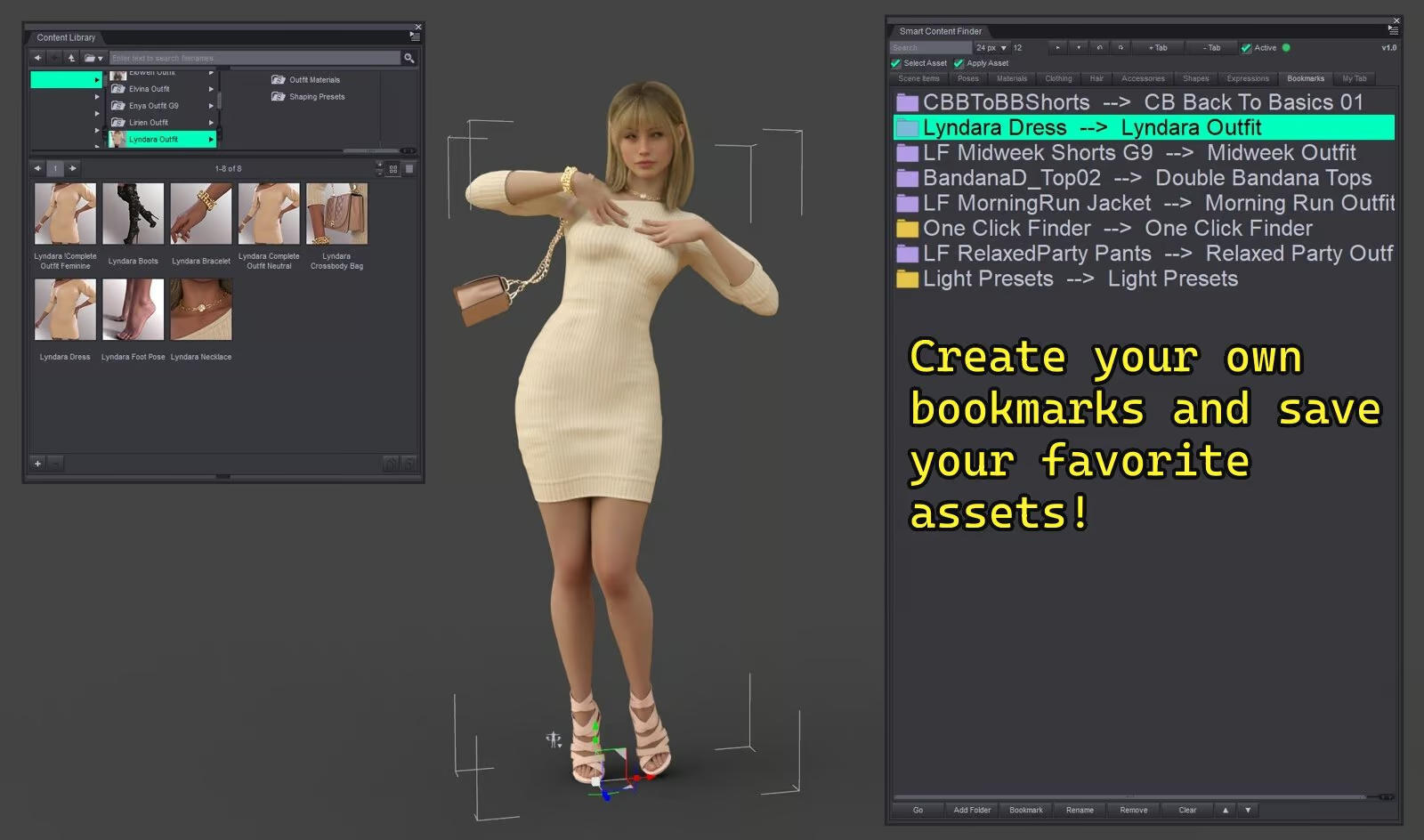
• Bookmarks and custom tabs
• Remembers locations for faster future searches
SUPPORTED CONTENT
Figures • Clothing • Hair • Materials • Poses • Expressions • Shapes • Accessories • Bookmarks
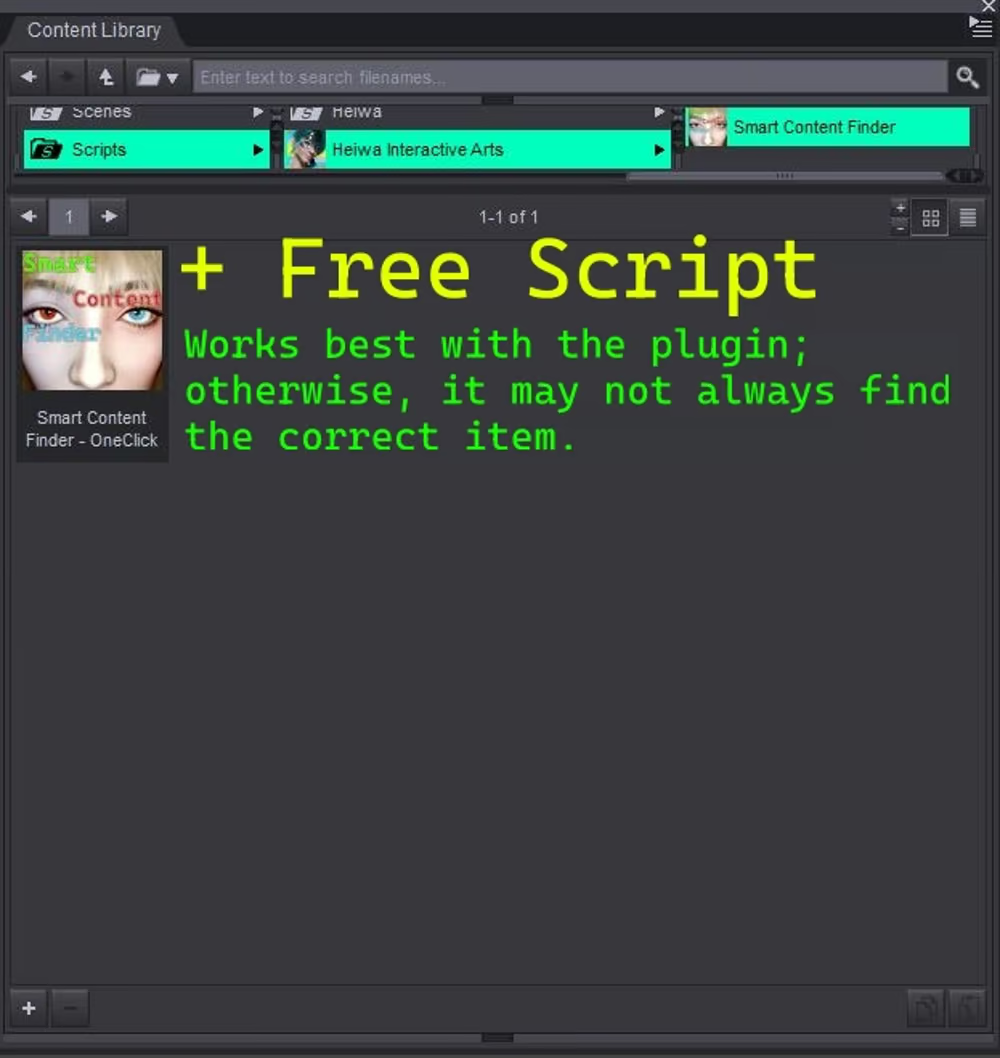
PLUGIN + SCRIPT INCLUDED
• Full DLL plugin (recommended) — a dockable pane that updates live as you work
• Script version
V1.5 UPDATE
• Performance Fixes
• Panel auto‑recovers — if it lands off‑screen after a resolution or monitor change, it re‑centers when opened
• Tidier tabs — automatic entries stay capped to a sensible limit, while folders you add by hand are pinned and never removed
EARLIER UPDATES
• V1.4 — Better locating for Genesis 1 & 2, clothing & full outfit sets
• V1.3 — Custom & mapped libraries, resizable panel, more reliable DS6 tracking
• V1.2 — Daz Studio 6 support V1.1 — Hide/unhide, quick delete, performance
IMPORTANT NOTES
• Never moves, modifies, or deletes your content files
• Manual location tools included for unusual folder layouts
• ~99% accurate, not perfect — a few unusually‑packaged items may need a quick manual pick
•Cache is located here:
ComputerHKEY_CURRENT_USERSOFTWAREDAZStudio4LocateItemPanel
•You can also clear it from the plugin:
1. Go to the Scene tab.
2. Click Clear.
3. Then click -Warning Clear Cache+Items.
Spend less time searching. Spend more time creating.
Only logged in customers who have purchased this product may leave a review.


Reviews
There are no reviews yet.