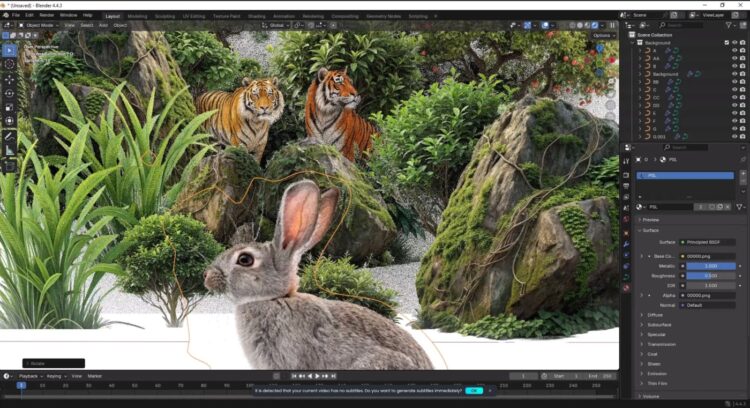
- Demo1
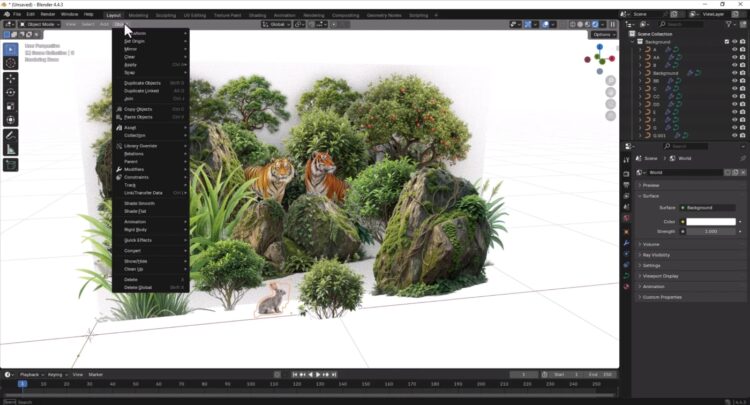
- Demo2
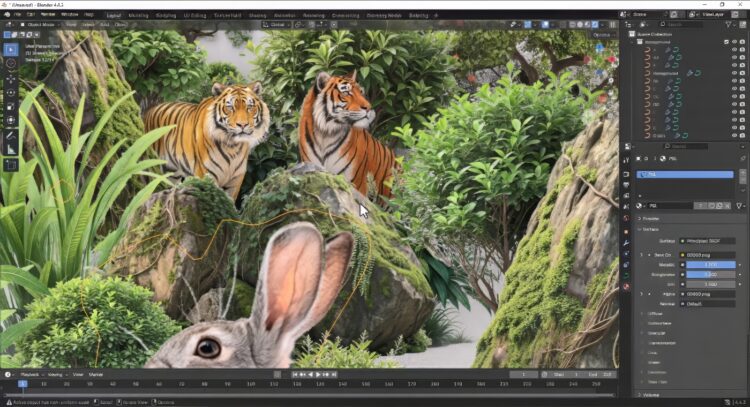
- Demo3
This isn’t just a convenience—it’s a workflow revolution engineered by Matronius that will immediately elevate your asset creation, concept design, and texture layering process.
The Powerhouse Duo: How It Works
Our tool is a seamless two-part system designed for maximum efficiency:
1. The PSL Exporter (Photoshop Script)
-
Simply copy the script into your Photoshop Presets/Scripts folder.
-
Access it instantly via File > Scripts > PSL Exporter.
-
This command intelligently bundles all your Photoshop layers into a single, compact .psl (Photoshop Layer) zipped file. Think of it as a complete, transferable snapshot of your work, ready to move across drives or even different machines!
2. The Blender Importer (Blender Add-on)
-
Install the add-on like any standard Blender extension.
-
Find the new option under File > Import > Photoshop Layer (.psl).
-
One click imports your .psl file, instantly transforming your 2D design into a fully structured 3D scene within Blender.
Key Features: Why This Will Transform Your Workflow
Our Commitment to You
We at Matronius don’t just sell software; we pour our passion into creating tools we love to use. We treat this product as a labor of love and are highly receptive to feedback. Expect frequent, impactful updates that ensure your plugin is always running at peak performance!
Stop struggling with manual export. Start creating instantly. Get the Photoshop to Blender Plugin today and take back your creative flow!
Best wishes,
The Matronius Team
General enquiries or support: support@matronius.co.site





Reviews
There are no reviews yet.