

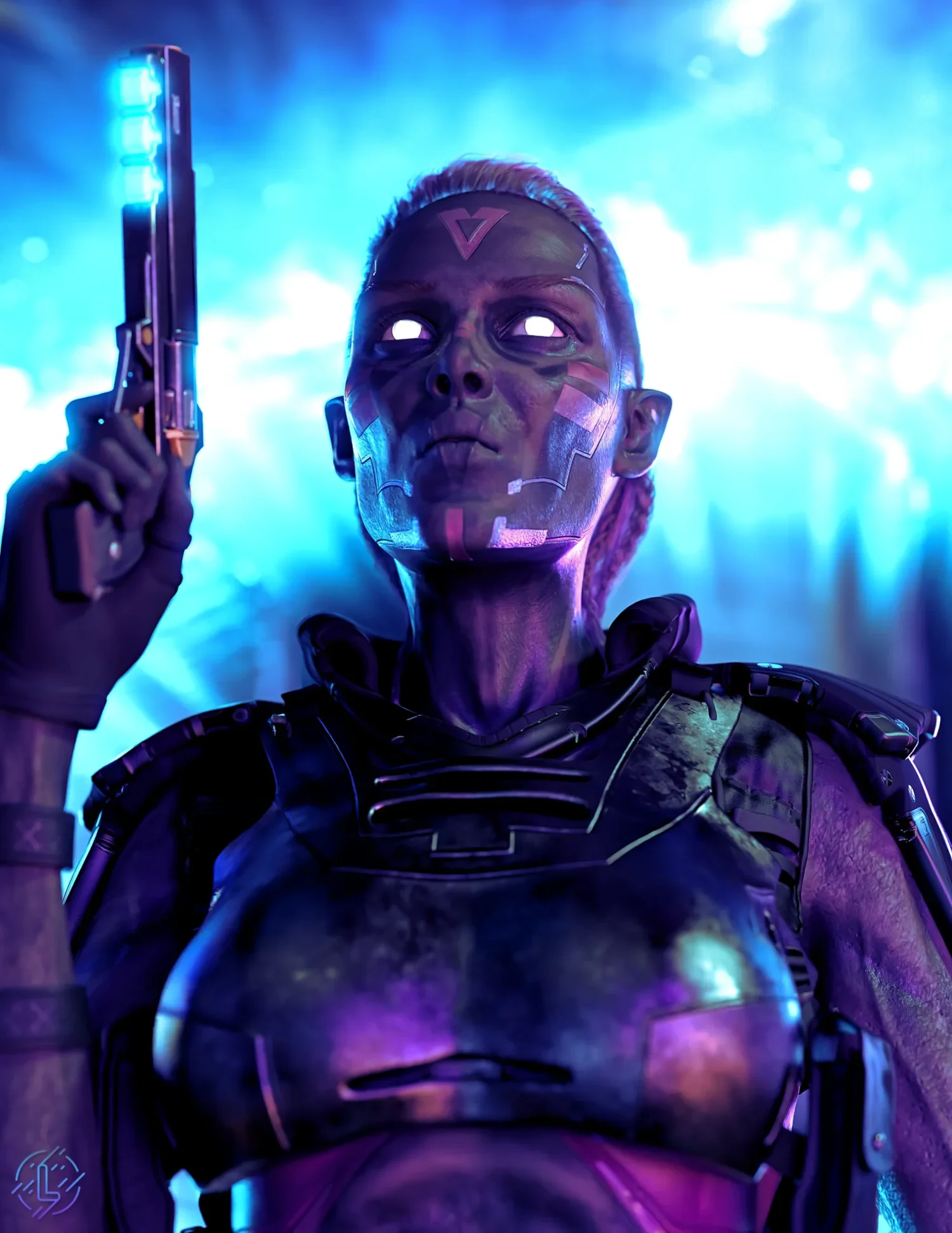
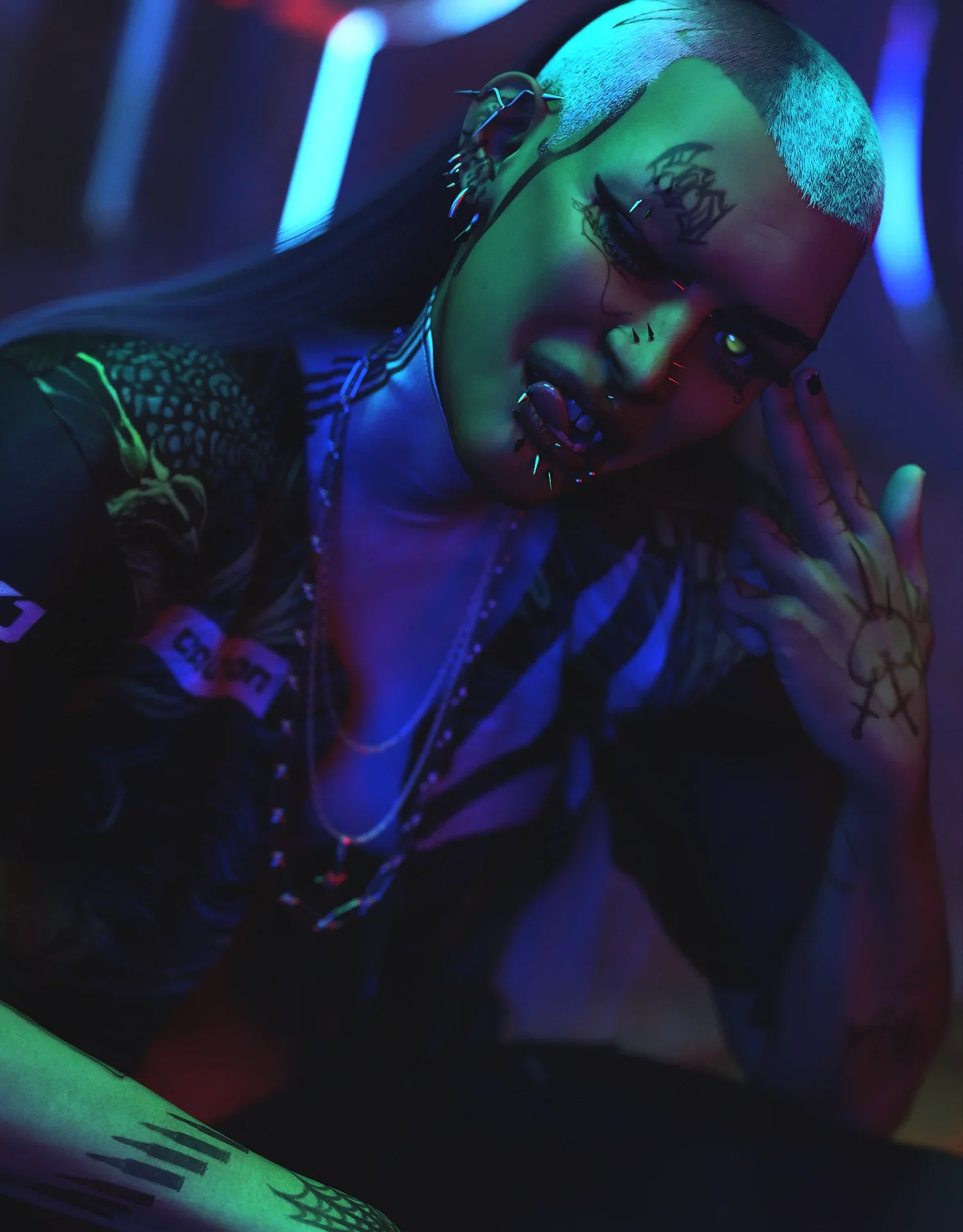
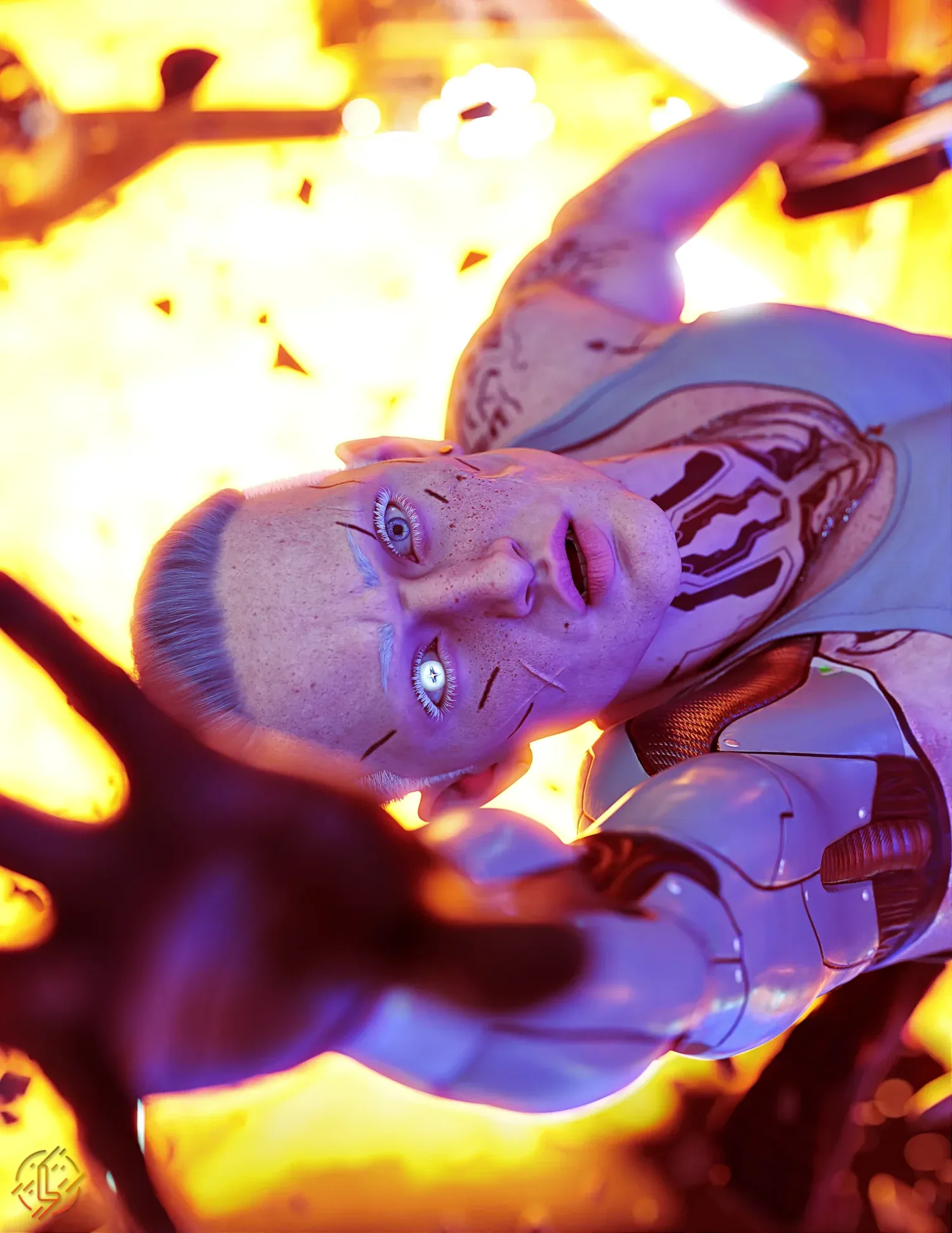
G9 Dead Doll Contact Lens
7.99 $
- DIM Support
- Great Support
- Fair Prices
- Secure Payments
- Instant Download
Description
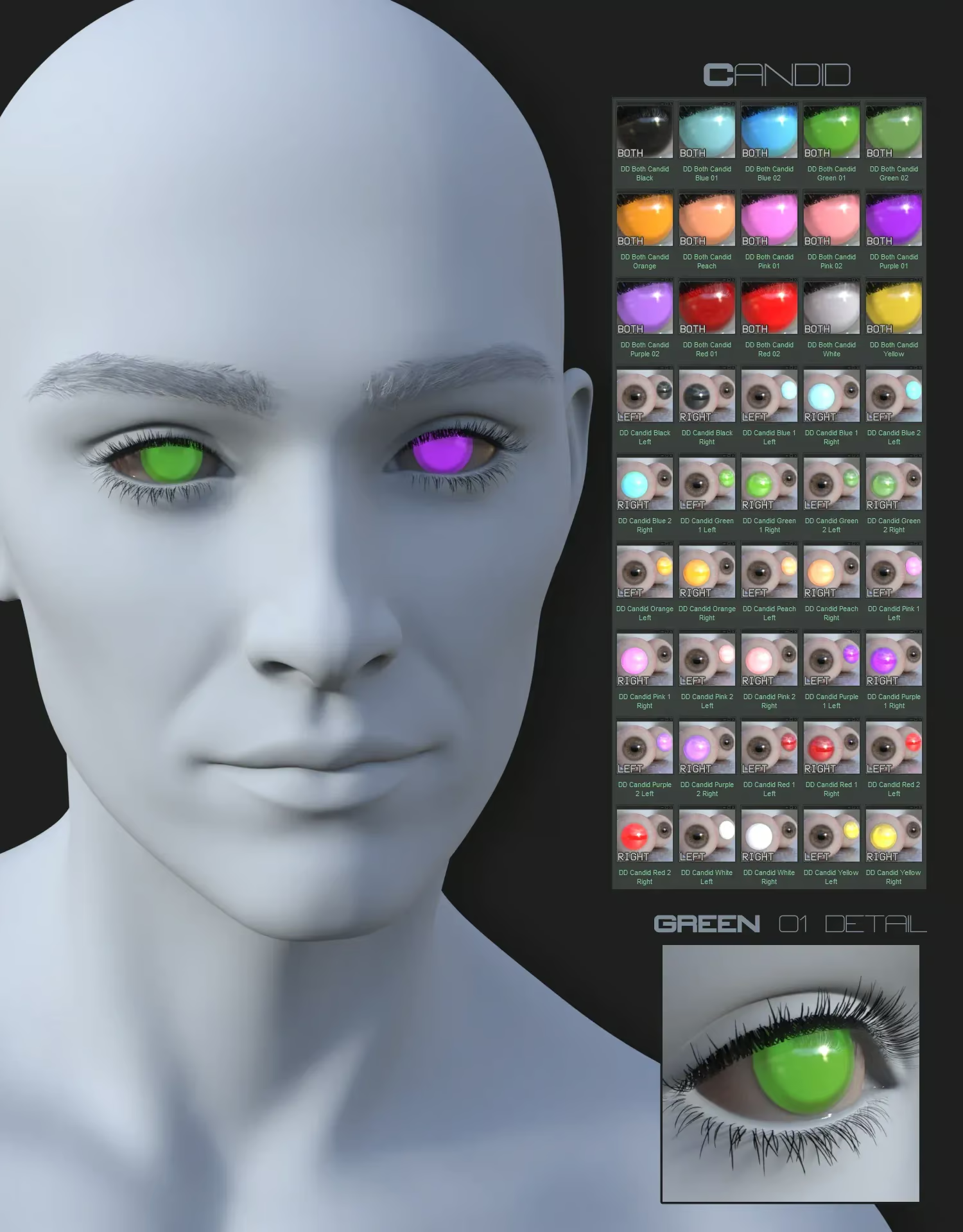
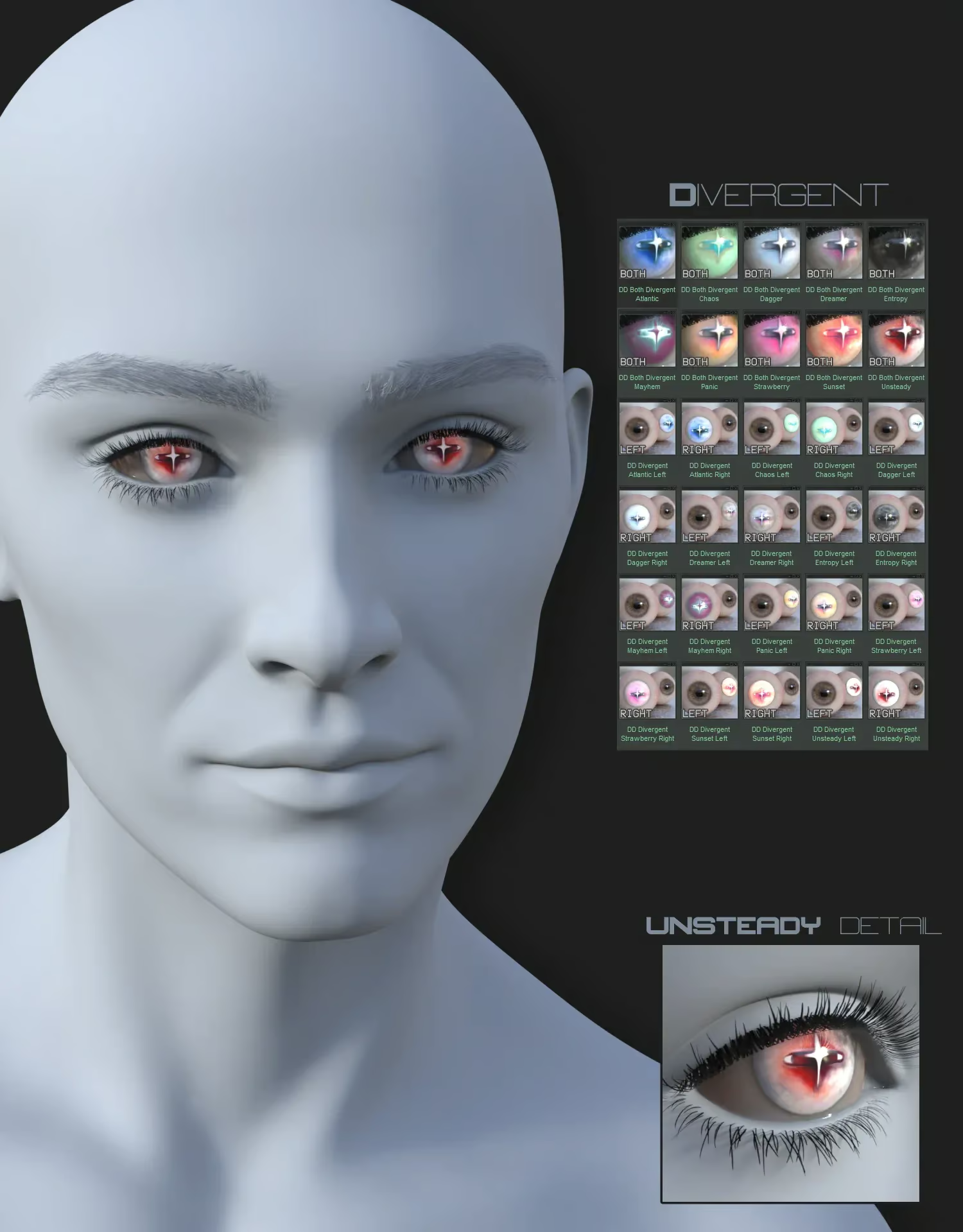
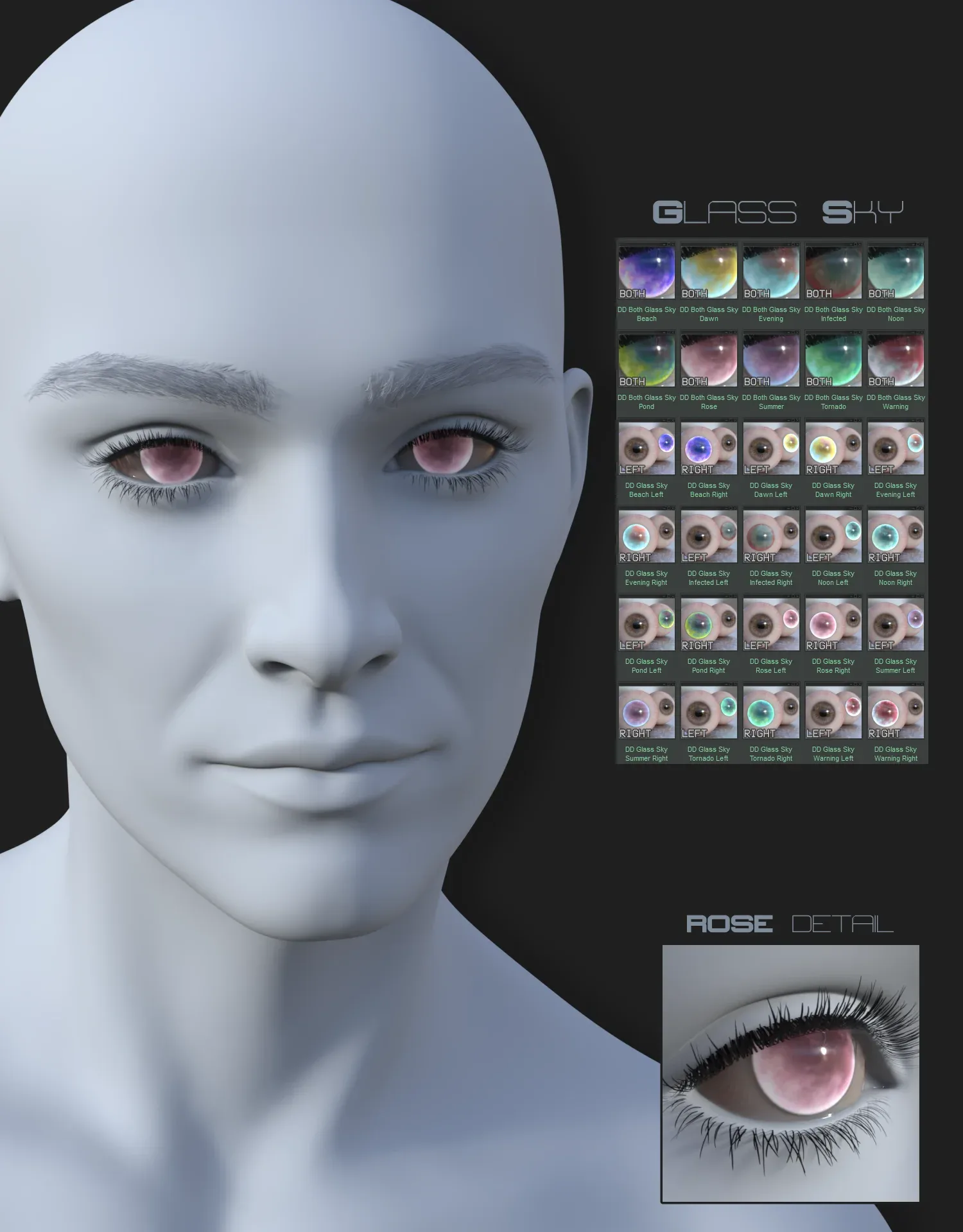
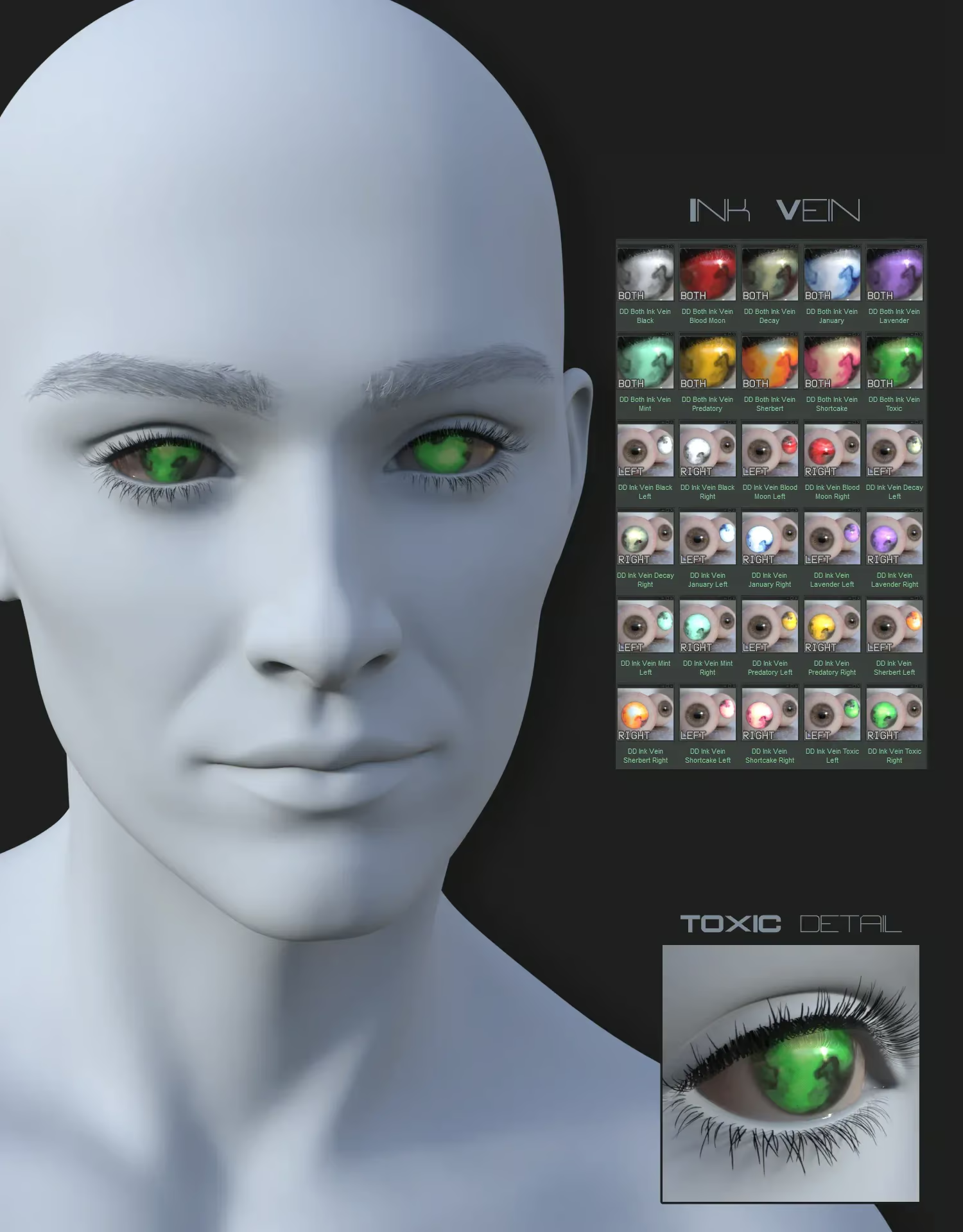
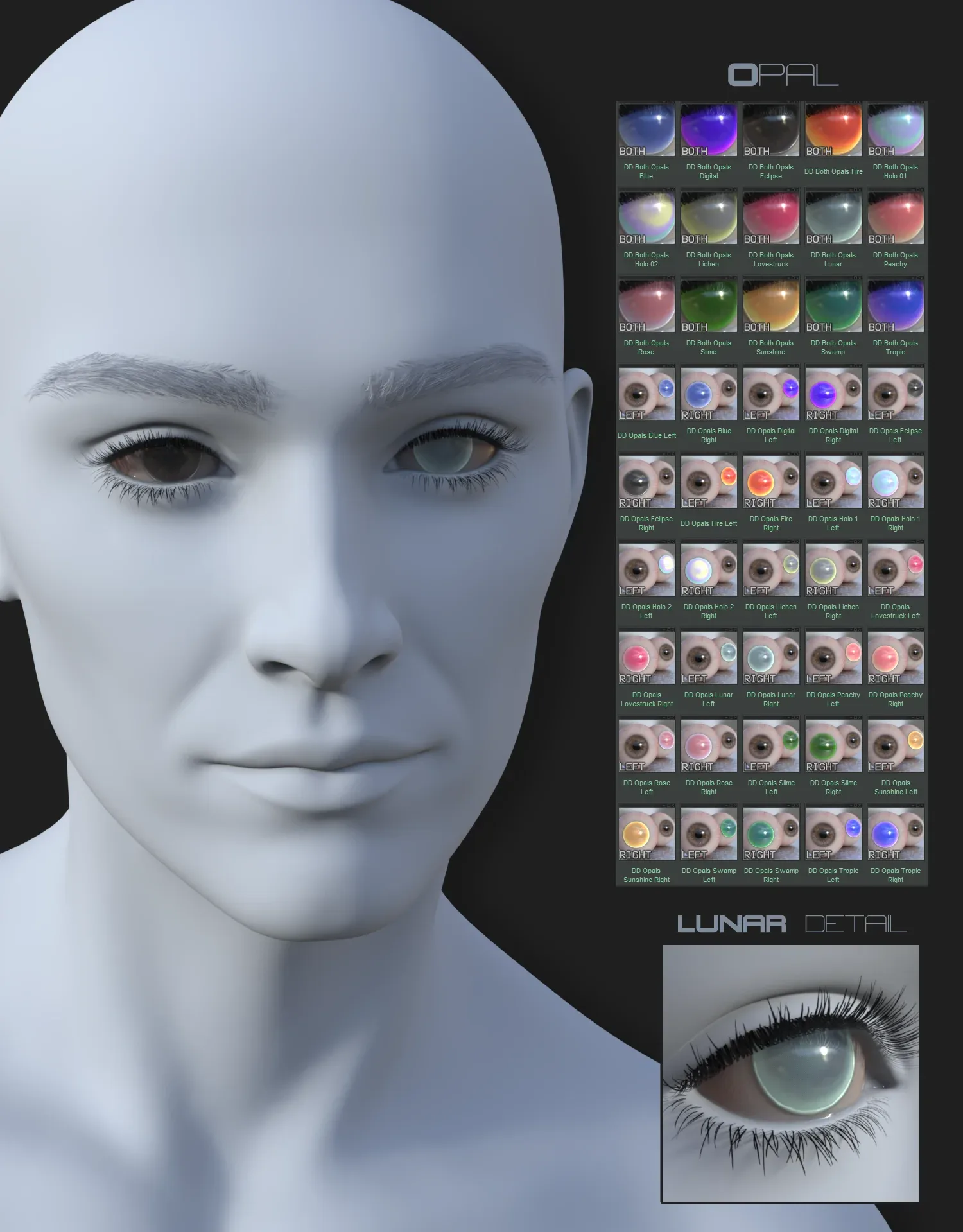
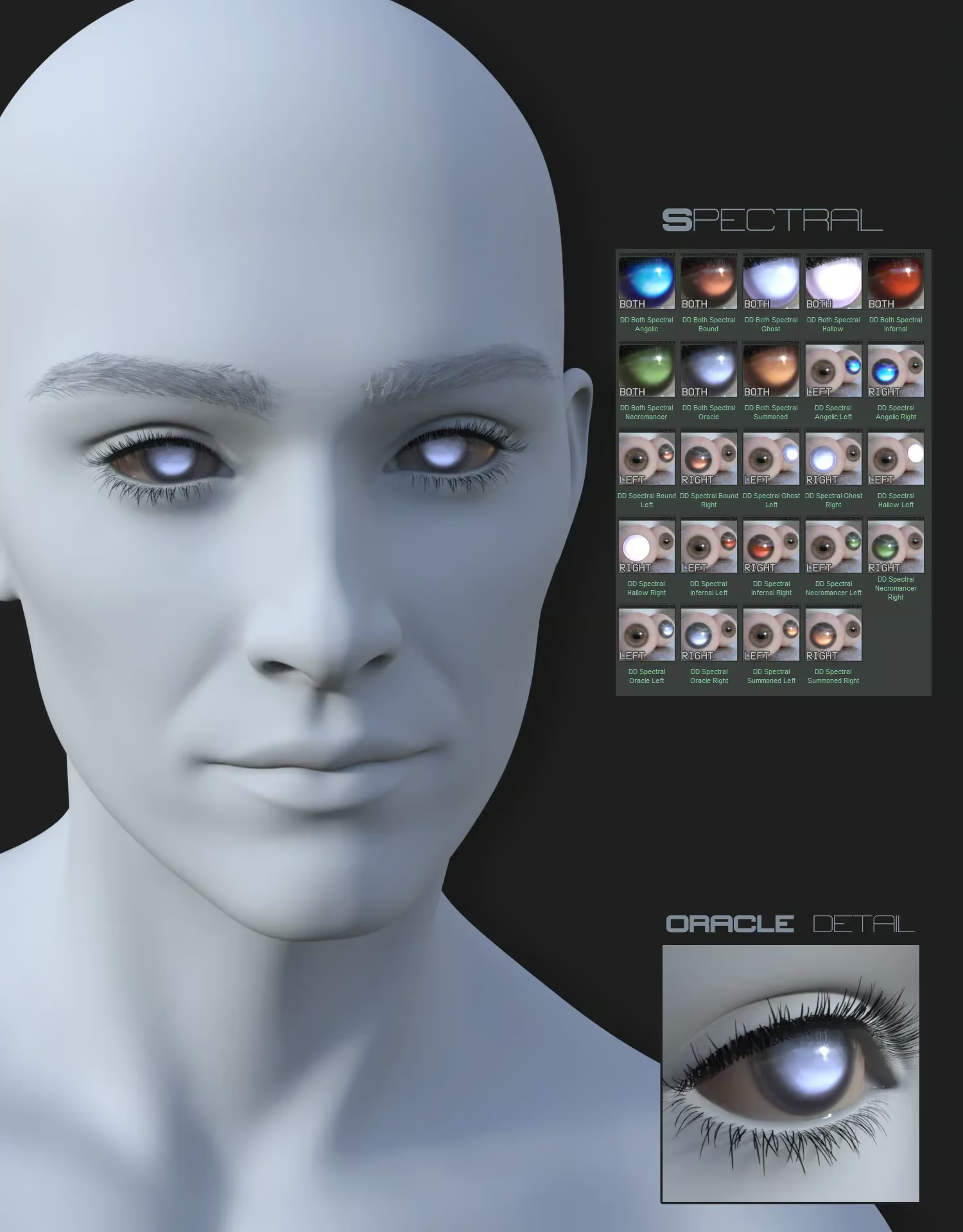
6 sets of hand painted, geoshell based contact lens for your G9 figures.
- To apply the contacts, first select Genesis 9 Eyes in the scene tab before loading the DD Contacts shell preset.
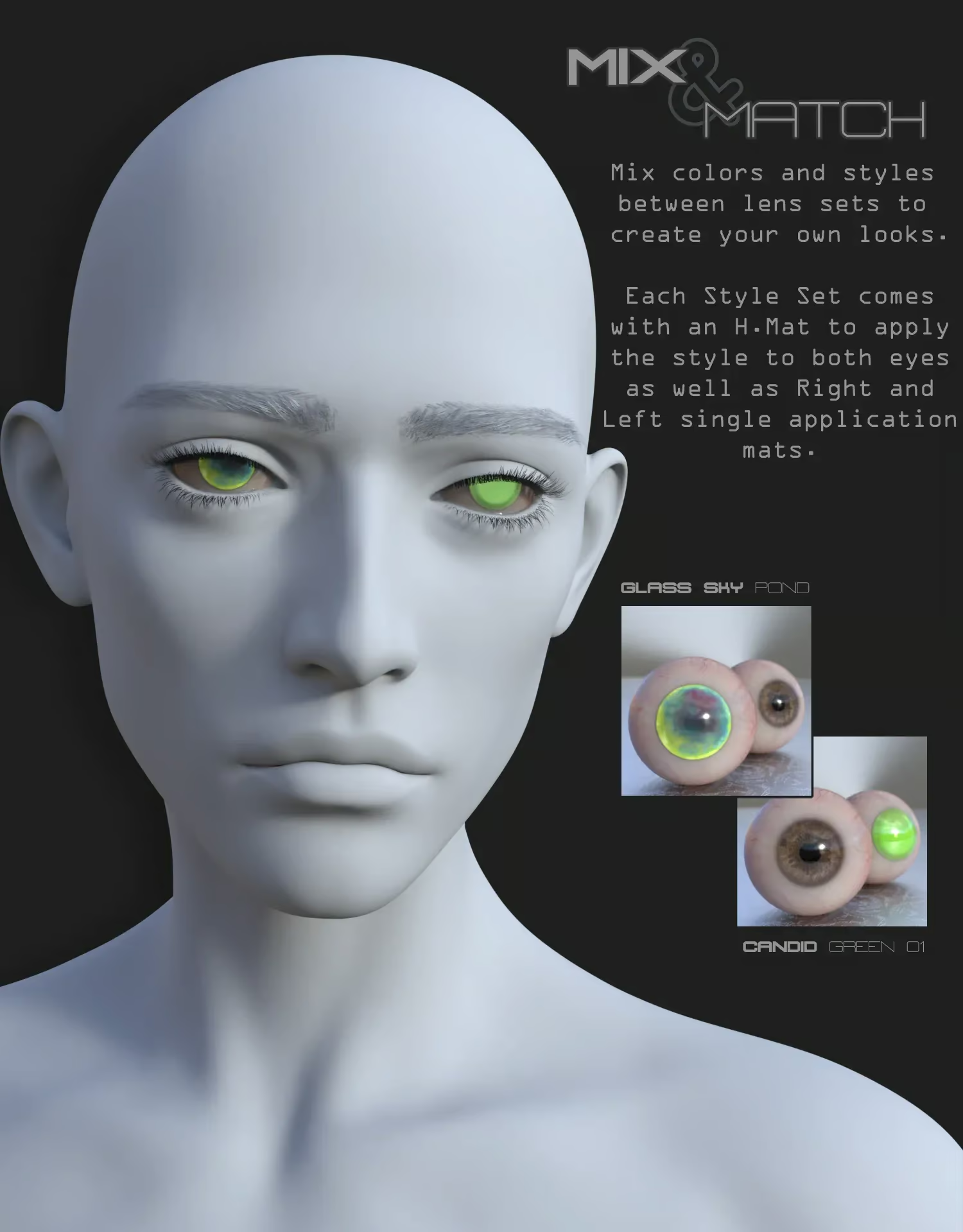
- H.Mats will apply the selected style and color to both eyes with any part of the G9 figure selected.
- To apply individual eye mats and use Utility Mats/Presets, you will need to select the DD Contact Lenses Shell.
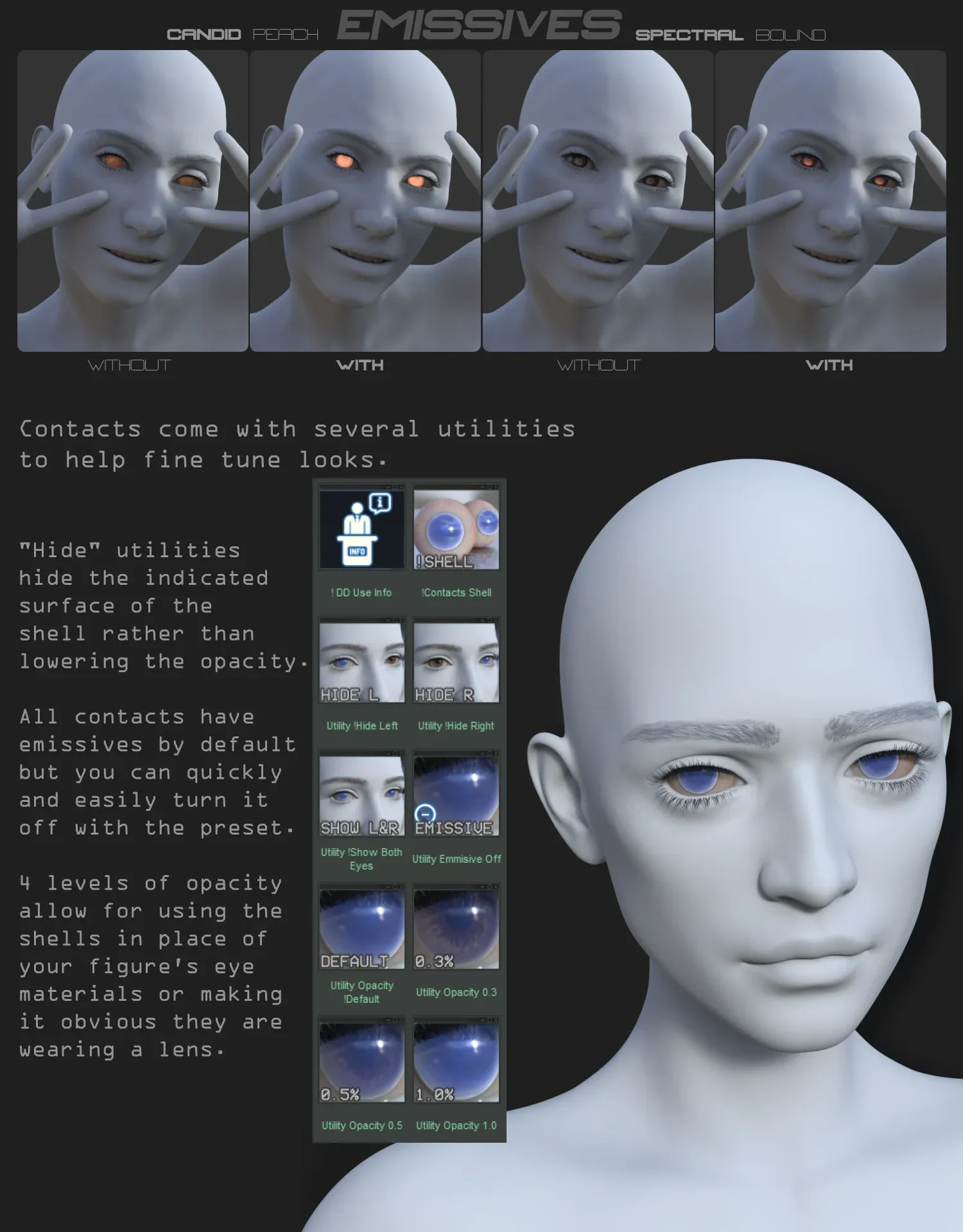
- Removing emissions can drastically alter the look of some contact styles/colors, so always double-check in iray preview that you’re getting the look you want before final render.
Includes:
1 Contact Geoshell preset
15 ‘Candid’ Style
15 ‘Opal’ Style
10 ‘Ink Vein’ Style
10 ‘Divergent’ Style
10 ‘Glass Sky’ Style
8 ‘Spectral’ Style
All styles include a Left and Right Eye single mat application preset for each color variation.
1 Emission Off Switch preset
1 Show Both Eyes preset
1 Hide Left Eye preset
1 Hide Right Eye preset
4 Opacity Control presets (Default, 1.0%, 0.5%, 0.3%)
1 Use Info tip popup
Contacts can be found under Genesis 9 > Material > LB in the folder tree.
Additional information
| Character Requirement: | |
|---|---|
| Genre | |
| License |
Only logged in customers who have purchased this product may leave a review.
You may also like…

Related products
-

-

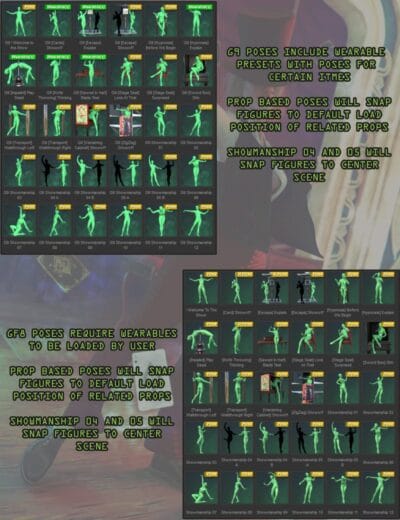
Illusionist Poses
Price range: 7.99 $ through 13.99 $Select options This product has multiple variants. The options may be chosen on the product page -

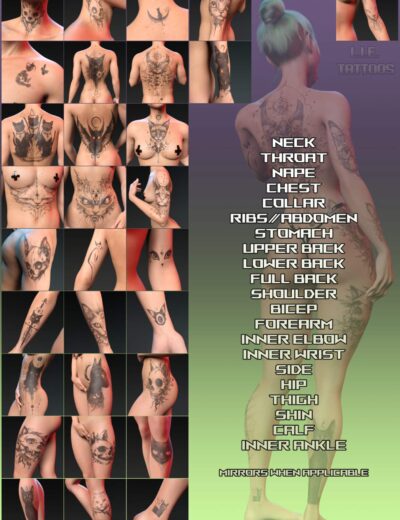
-


💡 Daz Studio Tip
Use 'Refraction Index' of 1.33 for water and 1.5 for glass for maximum realism.

Reviews
There are no reviews yet.