



CES 3D’s Tube Maker for Daz Studio
6.99 $
- DIM Support
- Great Support
- Fair Prices
- Secure Payments
- Instant Download
Description
About This Tool
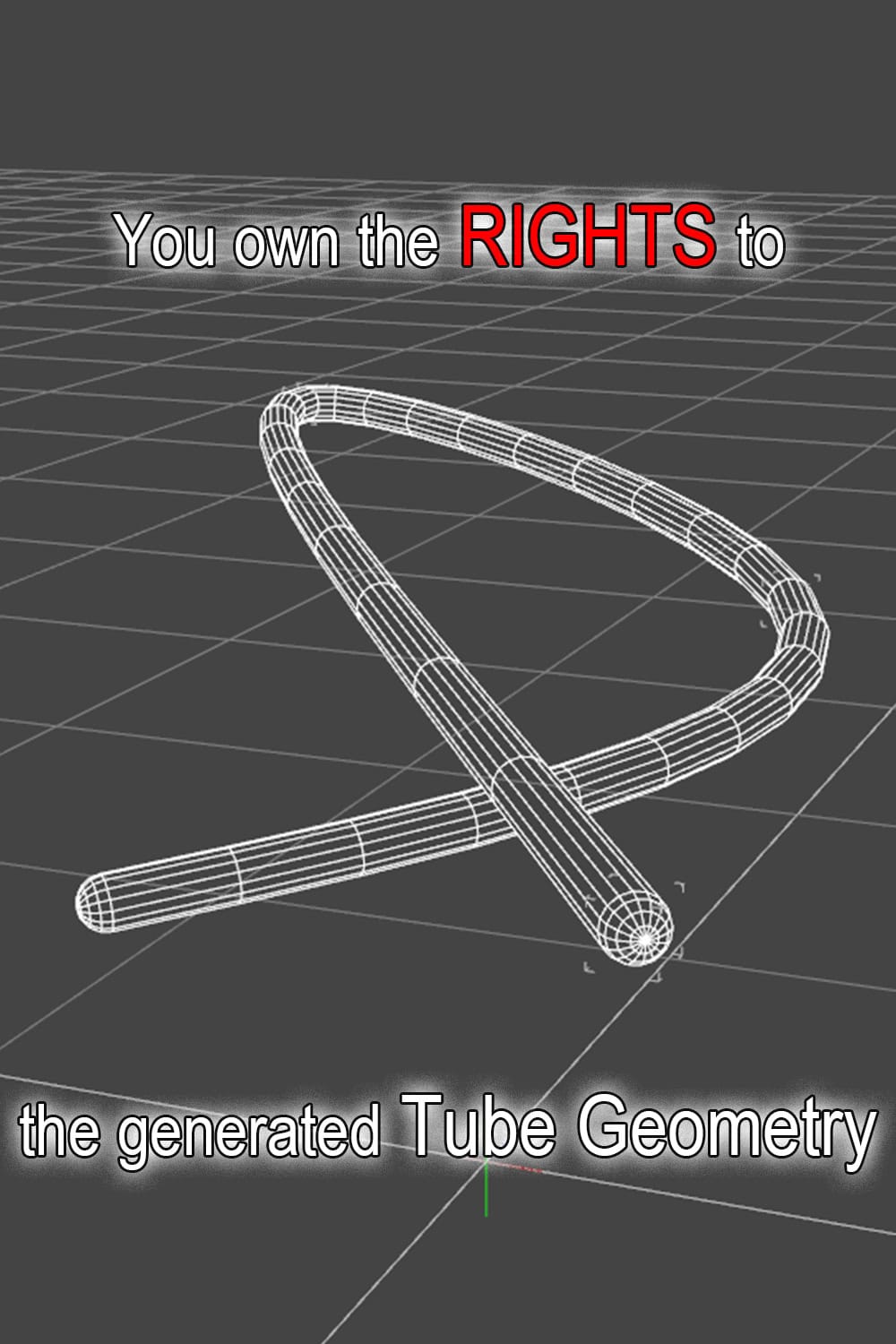
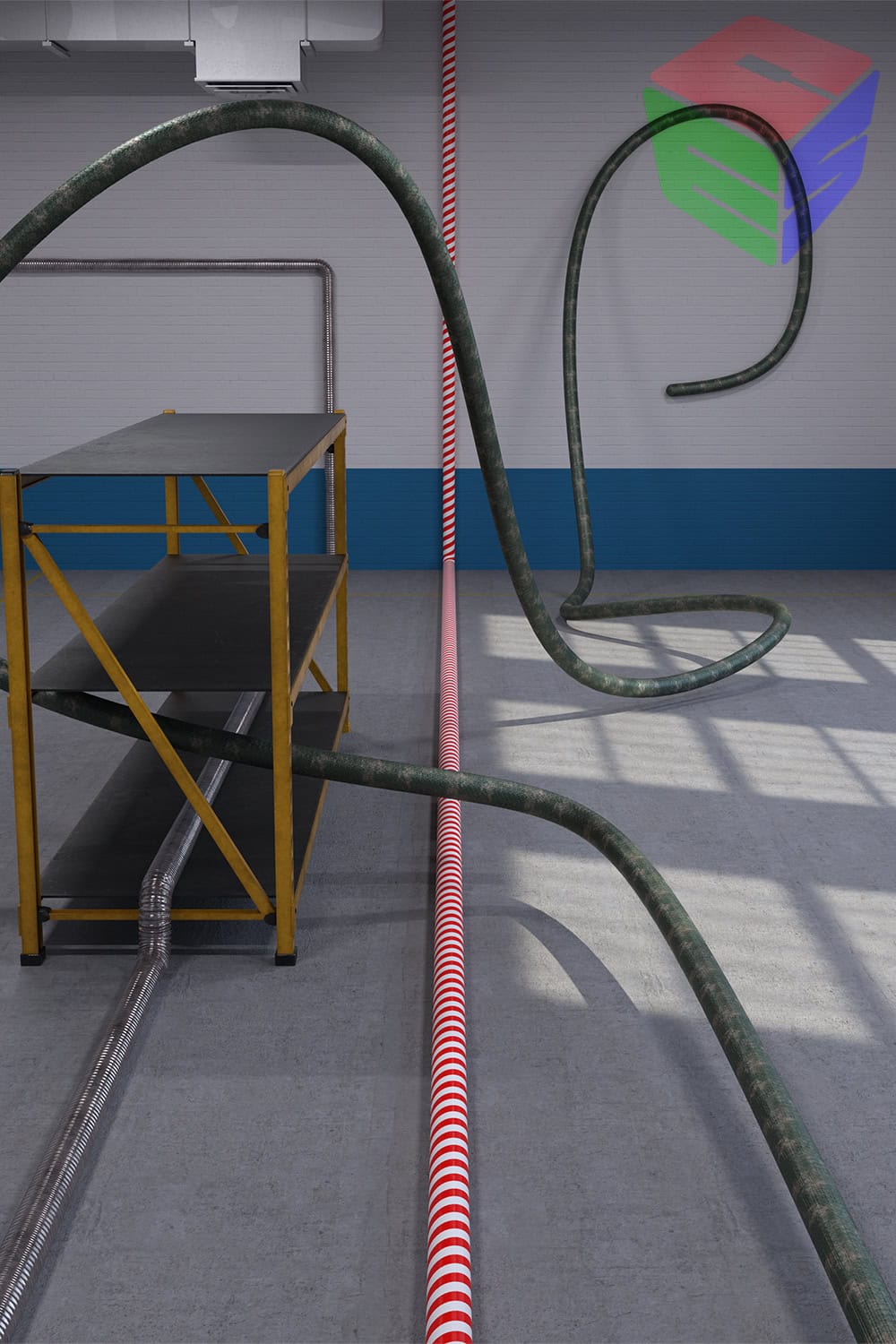
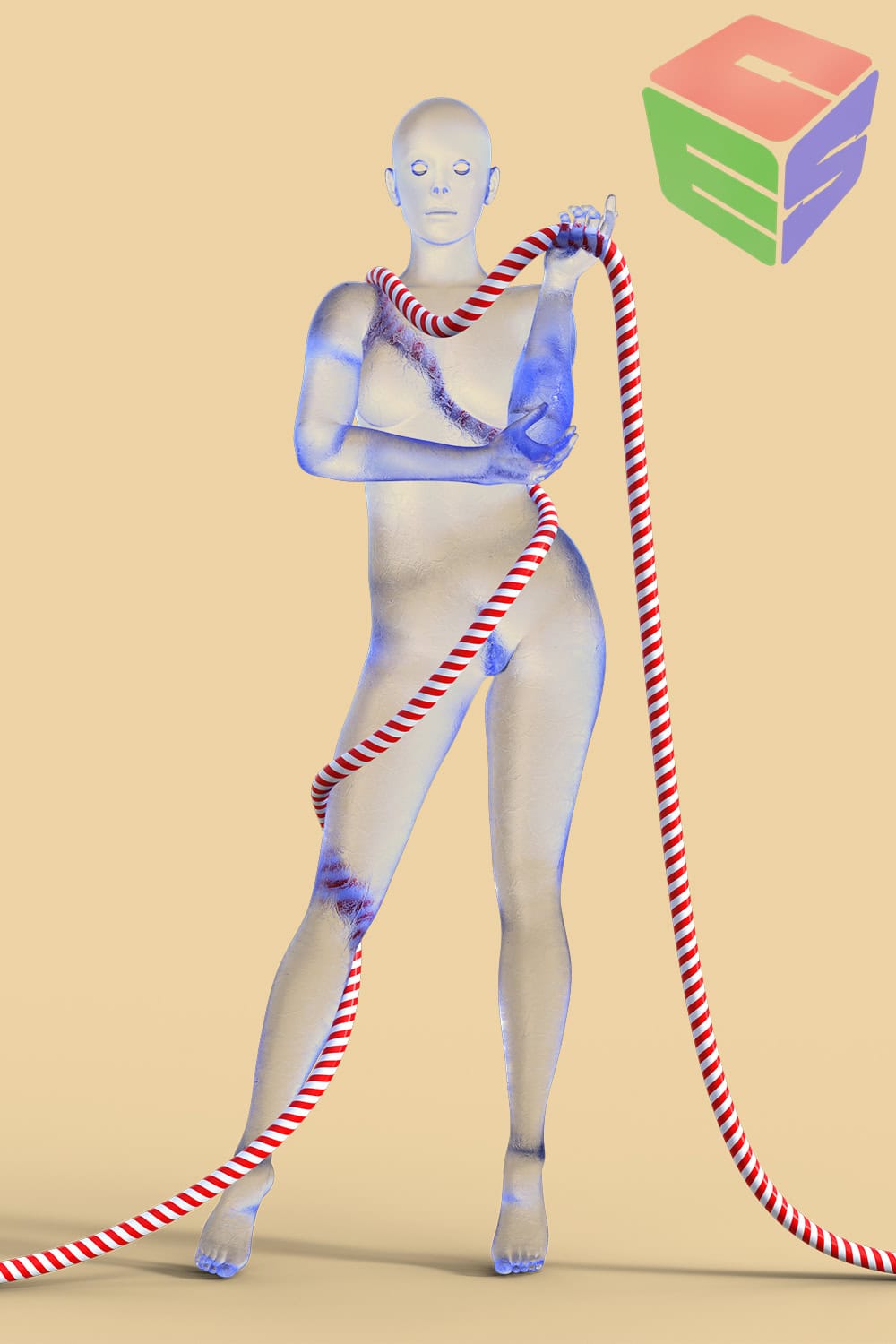
Generate a Tube connecting multiple nodes.
- Select multiple nodes.
- Run this tool.
- A beautiful Tube connecting the nodes is generated!
You own the RIGHTS to the generated Tube Geometry!
Tool Settings
- Two types of tubes can be generated: one that follows a cubic spline curve passing through the selected nodes, and one that follows a straight line connecting the selected nodes.
- The number of mesh divisions for curved sections can be set.
- The number of mesh divisions on the side of the tube can be set.
- Tube thickness can be set.
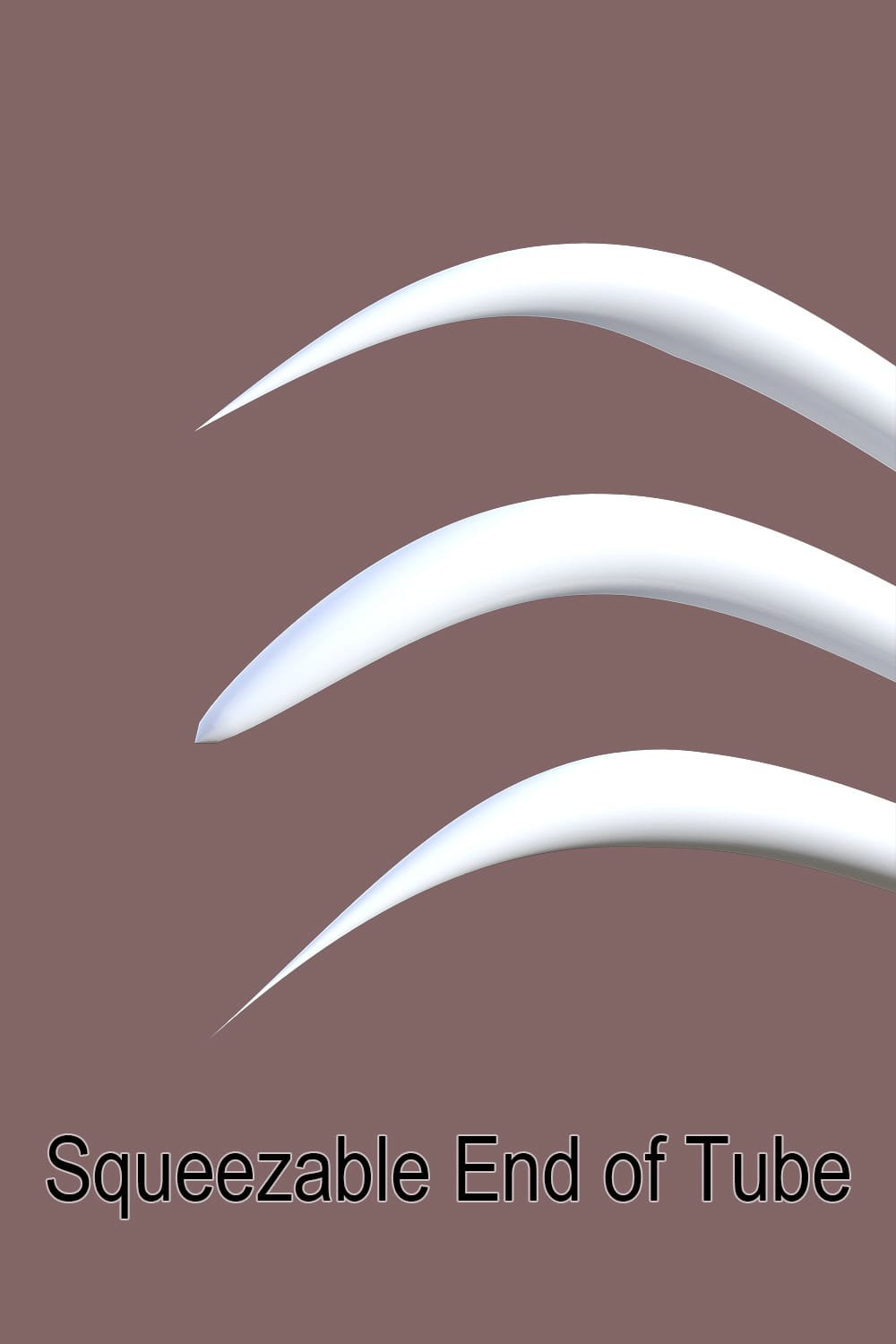
- Three types of tube squeeze can be set: linear, convex, concave
- Squeeze ratio can be set.
- Squeeze range can be set.
- The above squeeze settings can be set separately for each end of the tube
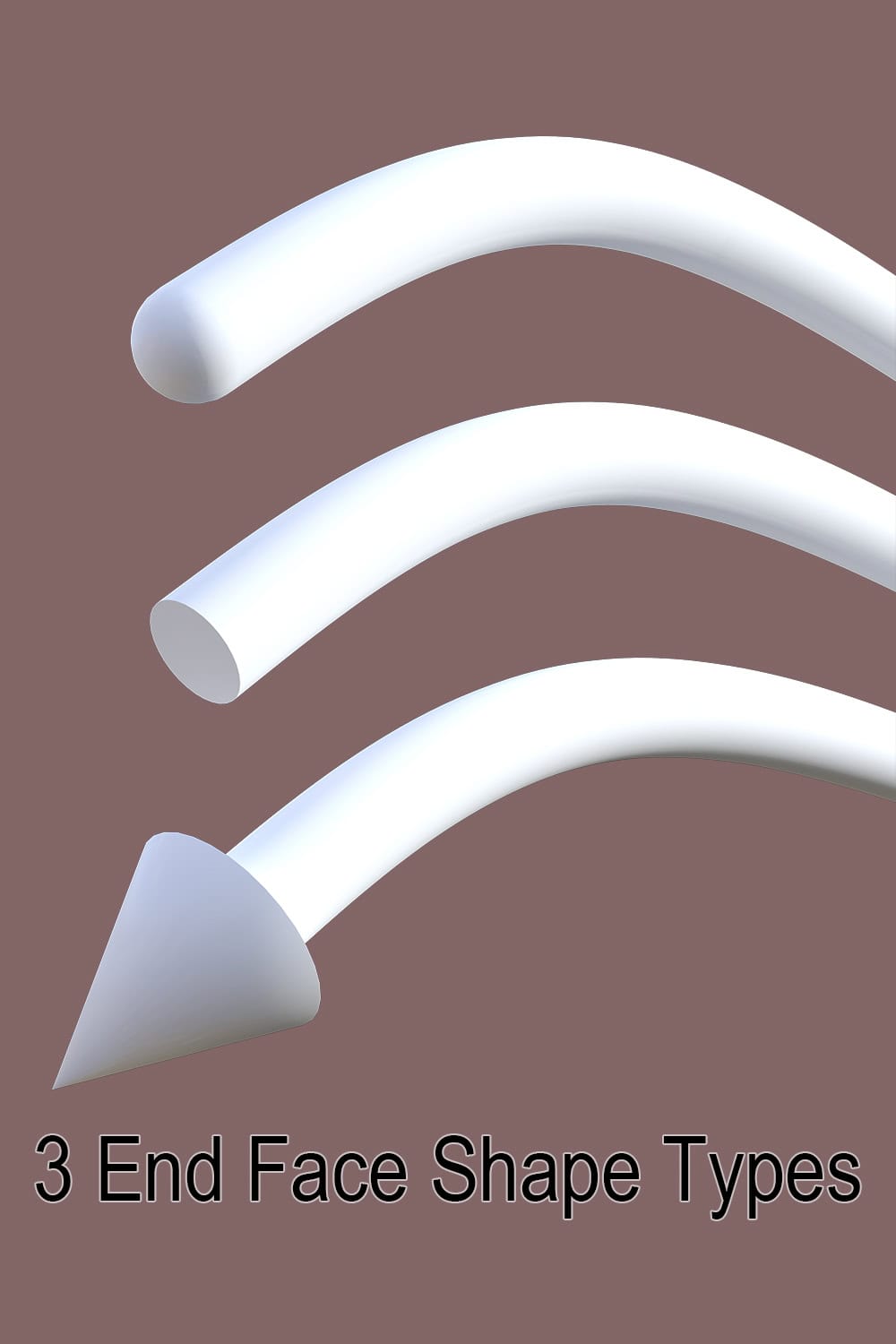
- The tube end shape can be selected from three types: hemispherical, flat, and arrow-shaped
- The size, the spread, and the return depth of the arrowhead can be set
- The shape of the arrowhead’s side can be set to a circular, a regular polygon or a notched polygon
- The above arrowhead settings can be set separately for each end of the tube
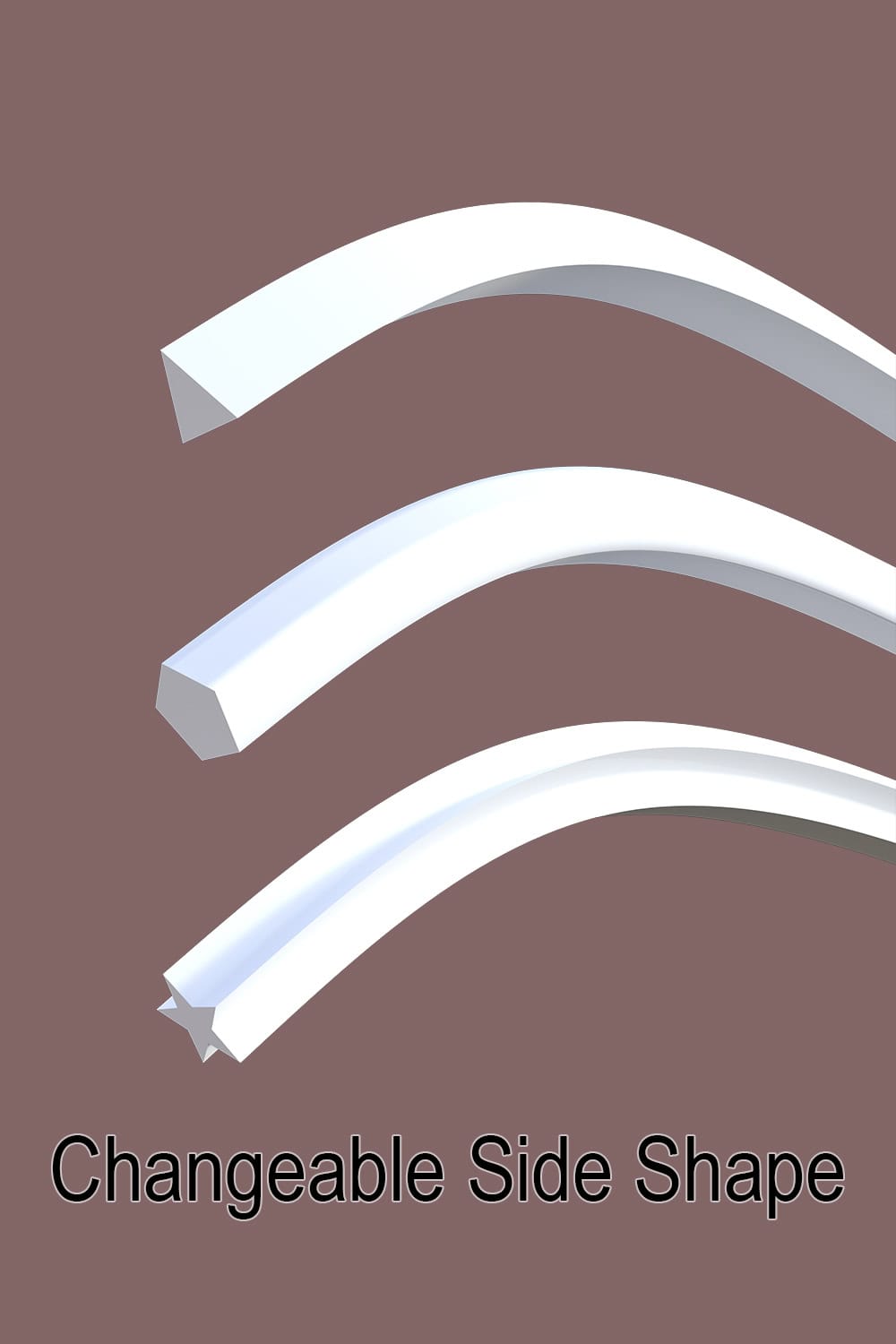
- The shape of the tube side can be set to a circular, a regular polygon or a notched polygon
- The above tube side profile settings can be different at both ends of the tube. If the settings are different on each end of the tube, the shape of the tube side will change gradually.
- UV on the side of the tube can be rotated 90 degrees
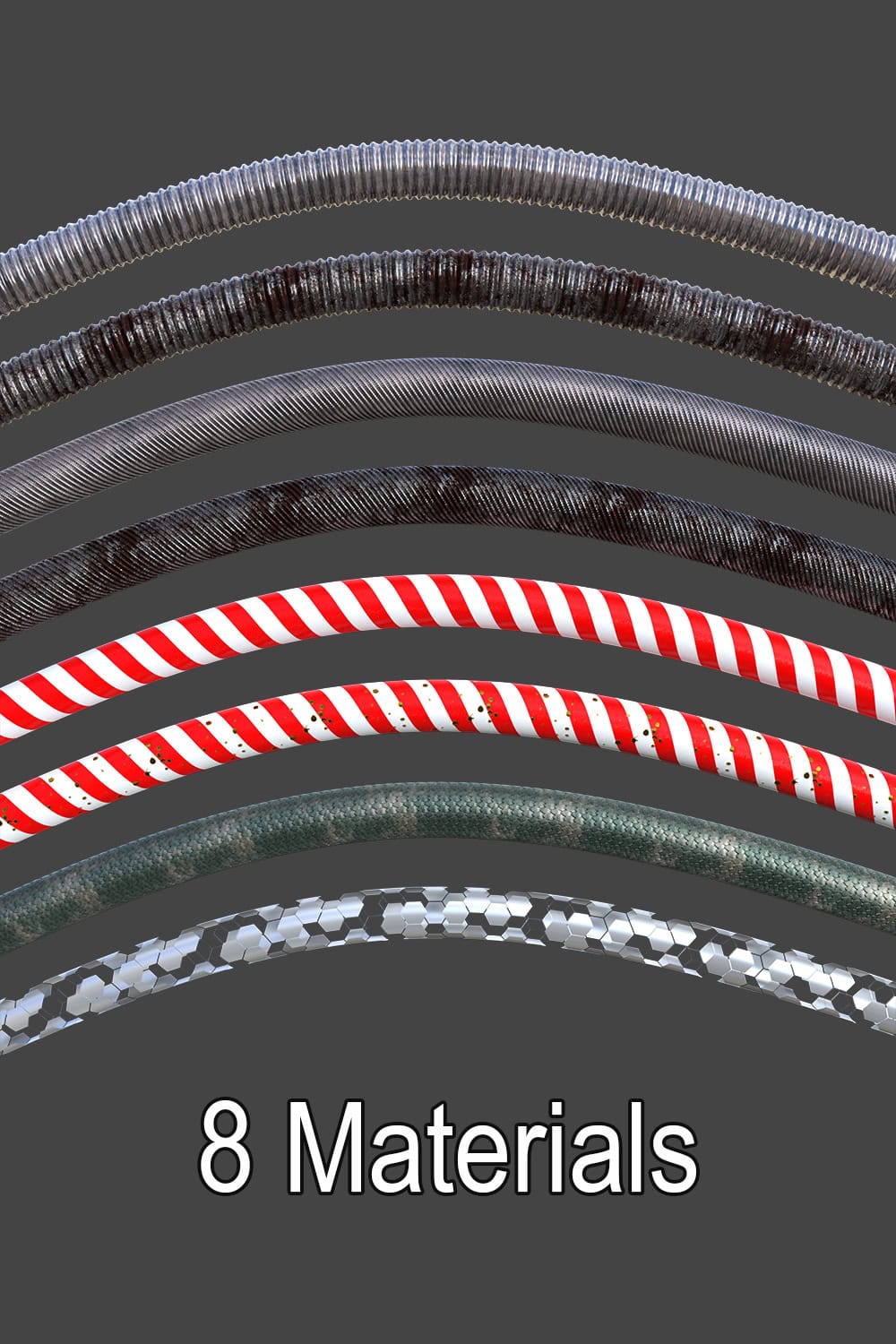
Materials
- Metal Pipe 01
- Metal Pipe 02
- Rusty Metal Pipe 01
- Rusty Metal Pipe 02
- Stripes
- Gold Drop Stripes
- Scales
- Cyber Hex
Textures
- 65 textures (2048 x 2048)
Documents
- English PDF User Guide (TubeMaker_en.pdf)
- Japanese PDF User Guide (TubeMaker_jp.pdf)
Rights of generated Tubes
We do not impose any new usage restrictions on the outputs generated by this script.
Within the scope of the rights that you have for all the resources used to generate the outputs, you are free to use the outputs for commercial or non-commercial purposes.
As long as the user does not infringe on the rights of others when generating the outputs, all rights to the outputs belong to the user.
Rights of Materials
User can freely distribute works created using the materials, textures, etc. included in this package for commercial or non-commercial purposes.
However, distribution in a form that allows these materials, textures, etc. (including modified versions) to be extracted directly (e.g., attaching them as textures to 3D object data such as props) is prohibited.
Required
DAZ Studio 4.21 or higher
Regarding Support for DAZ Studio 6
We have confirmed that the layout of the settings dialog of Tube Maker 1.2.1 does not display correctly in DAZ Studio 6.25.2026.14722. However, we have verified that Tube Maker is still functional and can be executed, despite this visual imperfection.
We have already begun investigating the cause of this display issue and are actively working on a fix.
Additional information
| DIM Support | |
|---|---|
| License |
Only logged in customers who have purchased this product may leave a review.
Specification
Generate a Tube connecting multiple nodes.
Select multiple nodes.
Run this tool.
A beautiful Tube connecting the nodes is generated!!
You own the RIGHTS to the generated Tube Geometry!
You may also like…
-
 Free for Supporters
-
-


-
Sale!


Tea Time Poses & Props for G9
Original price was: 9.99 $.4.99 $Current price is: 4.99 $.
Related products


💡 Daz Studio Tip
To get realistic brushed metal, use a high 'Roughness' value combined with a 'Metallic' map.

6 reviews for CES 3D’s Tube Maker for Daz Studio
There are no reviews yet.