
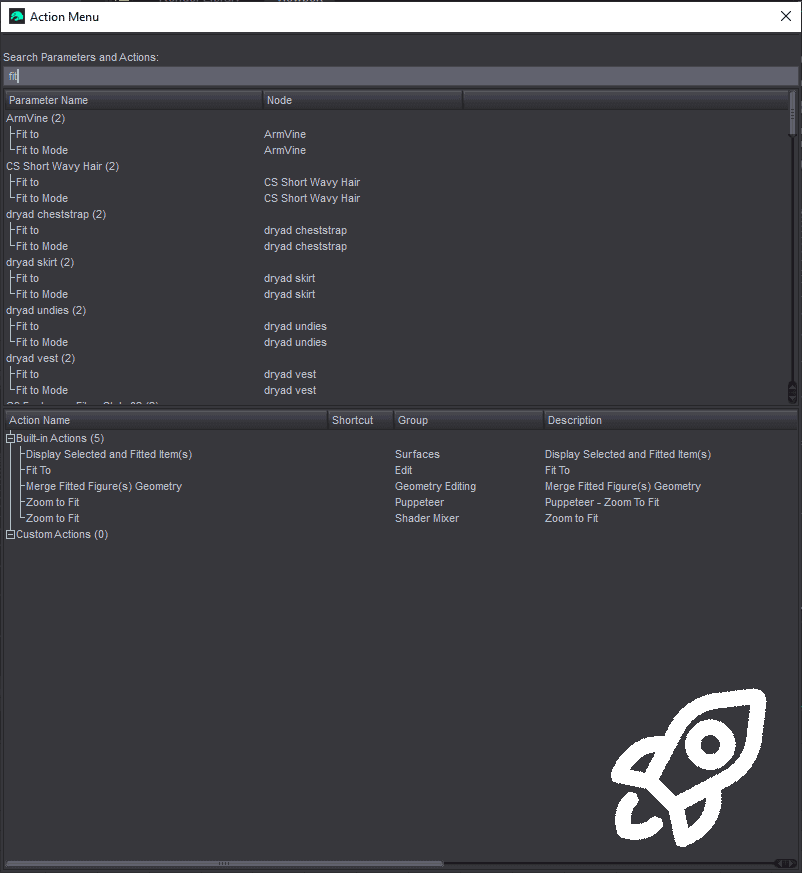
Action Menu is a streamlined utility designed to cut through Daz Studio’s clutter
and put power at your fingertips. Assign it to any hotkey (Alt+Return by default) and instantly
access, trigger, or search for any property or action in your scene—no
more menu diving, no more clicking through tabs.
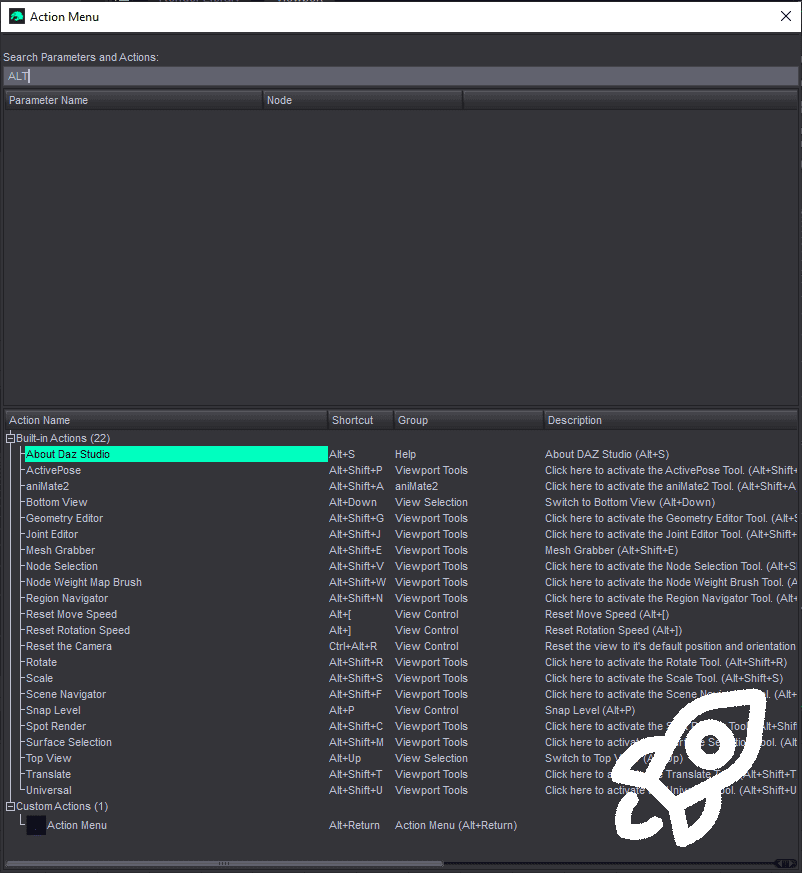
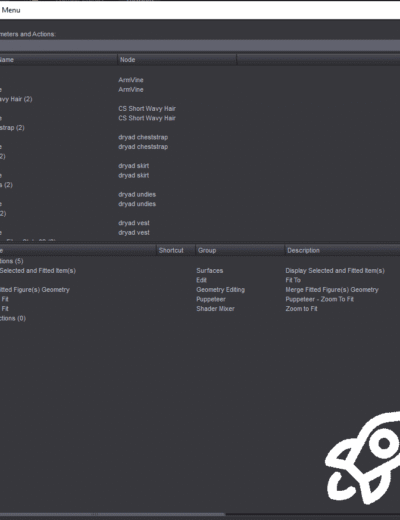
Jump to any parameter. Fire off any built-in or custom action:
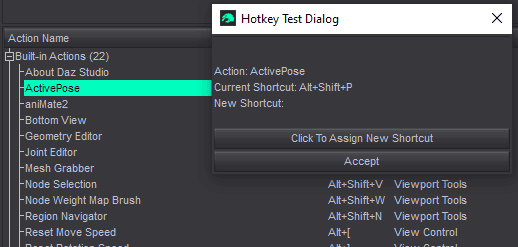
Manage and assign shortcuts on the fly:
All from one clean, responsive interface.
Whether you’re dialing morphs or launching your favorite script, Action Menu was built to keep you creating—and stop you from hunting.
Usage:
There are three scripts provided:
ActionMenu.dse
AddCustomAction.dse
removeCustomAction.dse
You only need to run AddCustomAction.dse once and ActionMenu will be
assigned to the shortcut “Alt+Return” and can be accessed from anywhere.
You can then change the shortcut for ActionMenu using ActionMenu itself or
by going to F3 Customize and looking under custom actions.
If you would like to remove the ActionMenu and its shortcut, then you can run RemoveCustomAction.dse
Changelog:
– Initial release
– Minor update to make scripts backwards compatible with older daz studio versions.
– 1.1:
- Fixed Parameters not correctly being jumped to when requested.
- Restricted right click context menu from executing for root menu items.
- Refactored/optimised action retrieval before execution.
- Reduced minimum GUI size to avoid issues resizing/positioning on smaller screens.
- Reduced icons scale to match daz’s style
- Added additional checks before creating icons/pixmaps to reduce debug/warning outputs to log.
– 1.2 :
- Added icon retrieval for built in daz actions.
| DIM Support | |
|---|---|
| License |
1 review for Action Menu
Only logged in customers who have purchased this product may leave a review.




Where this script really shines, however, is that the search function also extends to built-in Daz functions. Many common tools for content creation or custom workflows are buried 2–3 submenus deep, and putting them all in toolbars would just clutter the workspace. The menu also reads the “Custom Actions” group defined in Daz as its own category so you don’t even have to search: they’re readily accessible. This option works well for niche repetitive functions that don't deserve their own hotkey but when it's time to use it.....I don't want to drill down "edit>figure>shape>clear generated morphs" 10 times back to back. Pairing this with editing hotkeys in the same menu gives you a lot of customization that is much less clunky than native Daz.
TLDR: A "simple" script that you don't fully understand the impact of until you forget to re-install it. Highly recommend!